PG 12
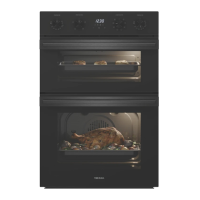
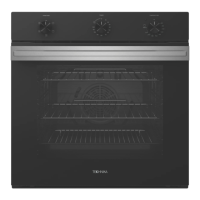
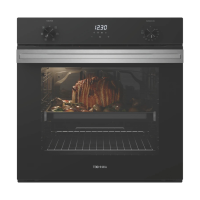
This multi-function oven combines the advantages of traditional conventional ovens with those
of the more modern fan assisted models in a single appliance.
It is an extremely versatile appliance that allows you to choose easily and safely between
dierent cooking modes.
Before You Begin:
Setting the clock
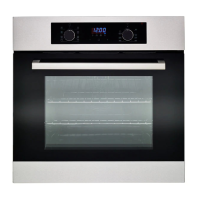
When power is first supplied to the oven, the display will show “12:00” and the icon will flash.
Press the Time / Temp / Function Adjust Buttons or to set the time.
Press the Time button to save the settings
Initial cleaning
Clean the oven thoroughly before using for the first time. Do not use sharp or abrasive cleaning
materials. These could damage the oven.
To clean the oven
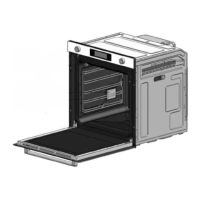
1. Open the door.
2. Clean all oven trays, accessories and side runners with warm water or washing up liquid
and polish dry with a soft clean cloth.
3. Clean the oven interior with a soft clean cloth.
4. Wipe the front of the appliance with a damp cloth.
Check that the clock is set correctly. Remove accessories and operate the oven on the fan
forced setting at 200 °C for 1 hour before using. There will be a distinctive odor; this is normal,
but ensure your kitchen is well ventilated during this conditioning period.
USE AND CARE



 To Next Page