USER MANUAL
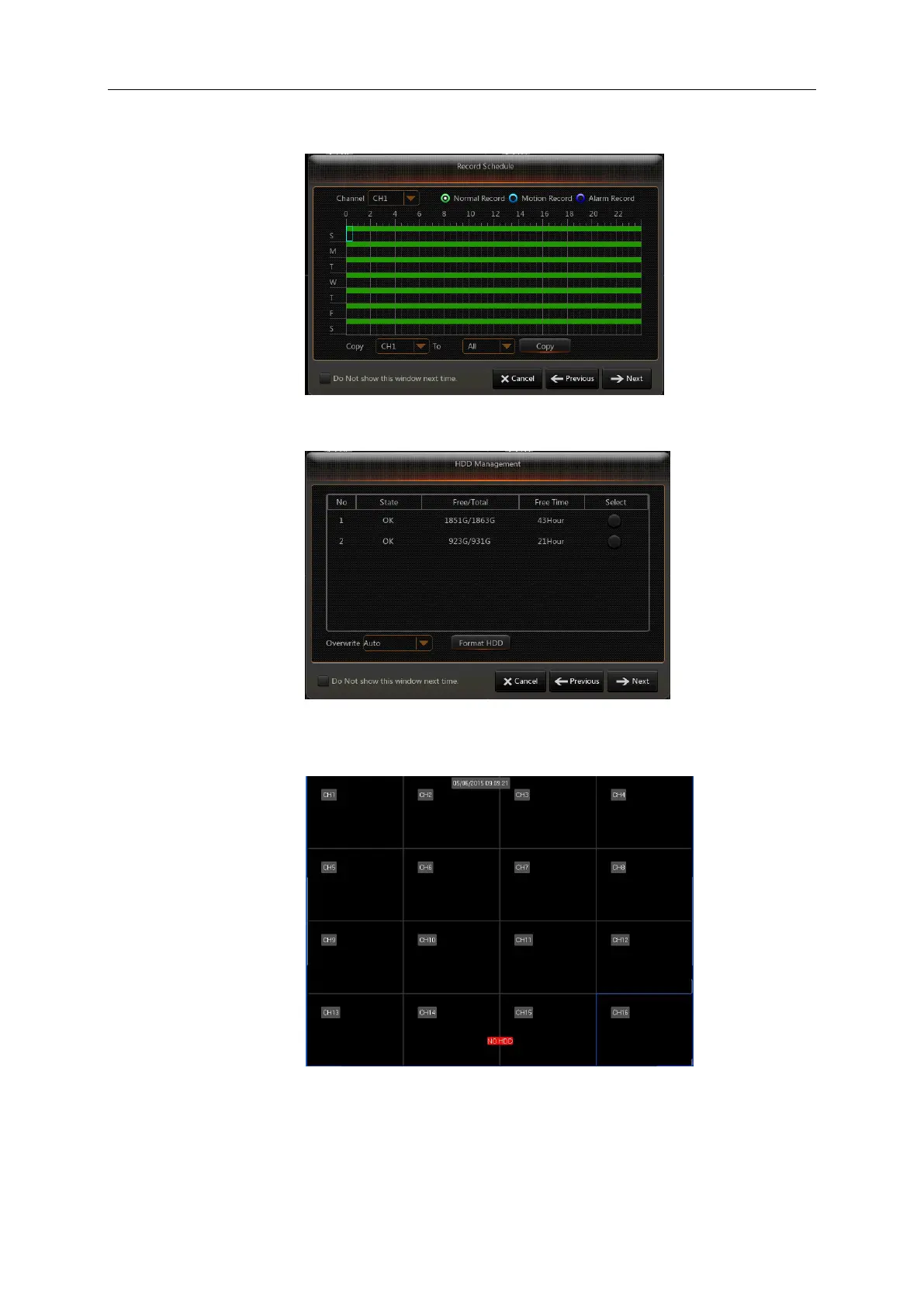
2. Record Schedule (Picture 4-4). It can set recording time and scheduled recording of DVR.
Picture 4-4
3. HDD Management (Picture 4-5). It supports HDD format and overwrite type.
Picture 4-5
4.3 Main Interface
Picture 4-6
Note: When internal HDD is not connected to DVR, the character “H” will appear on the lower part
of the main interface and accompany buzzer alarm. If you want to disable the buzzer alarm, please
enter into [EventAlarm] to disable HDD loss alarm, HDD space insufficiency alarm and set alarm
output to “off”.



 To Next Page