USER MANUAL
6.3.8 Advanced
Click Advance to unfold its sub-options: Firmware Update, Load default, Events and Maintain.
1. Firmware Update
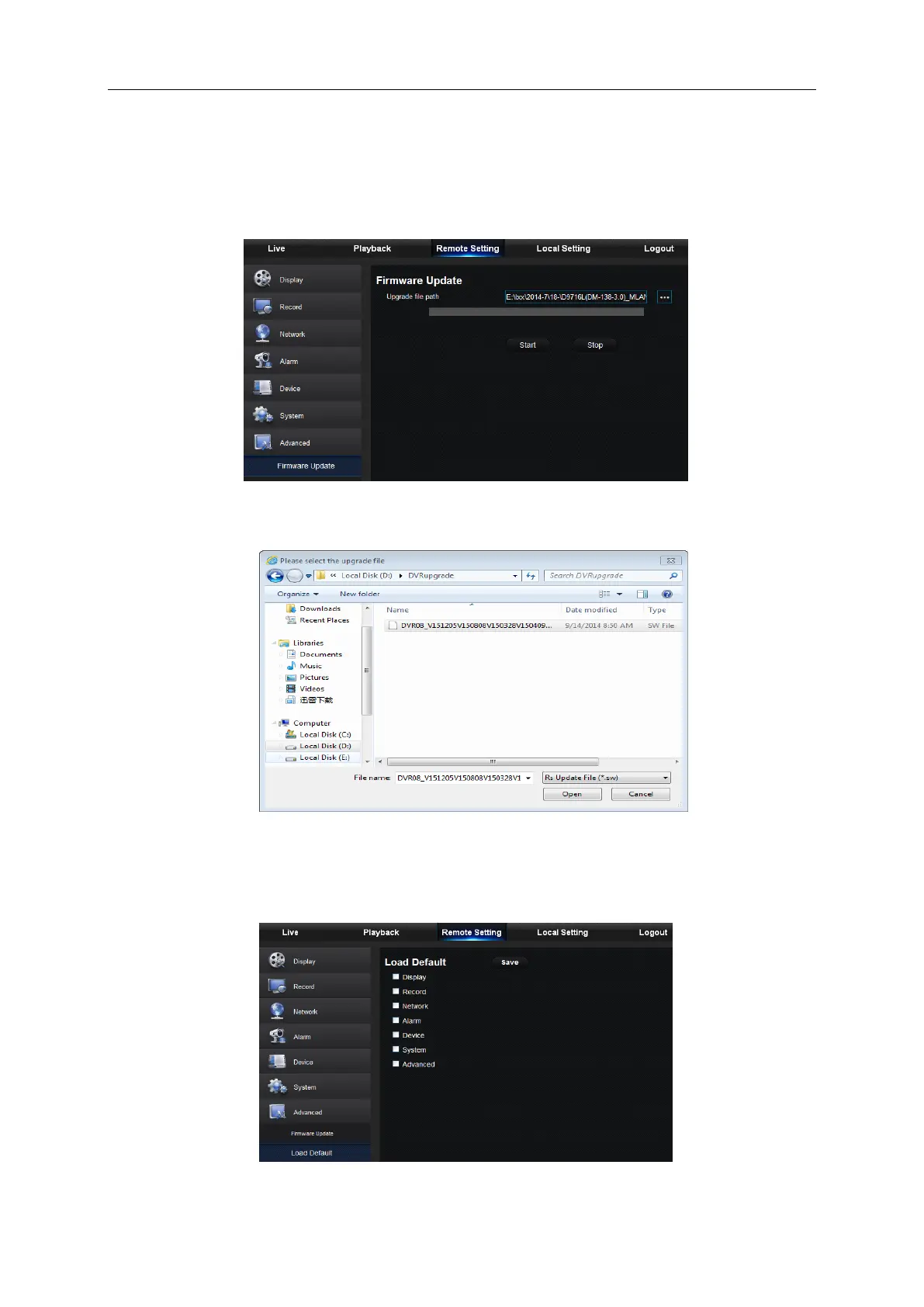
User may remotely update DVR system, as shown in Picture 6-32.
Picture 6-32
Updating procedure:
Firstly, select the update file path. The file format is .sw. Please refer to Picture 6-33.
Picture 6-33
Secondly, click “Start” to start updating. The updating progress can be seen on the screen,
2. Load Default
User may remotely restore default parameters of DVR, with same setting method as that of DVR,
shown as Picture 6-34.



 To Next Page