USER MANUAL
: Display previous group of channels
: Display next group of channels
: Click to maximize the current window to full screen. Right click to pop up menu option
and select Exit Full Screen.
2. Video Control
Picture 6-5
: Adjust the chromaticity of video
: Adjust the brightness of video
: Adjust the contrast of video
: Adjust the saturation of video
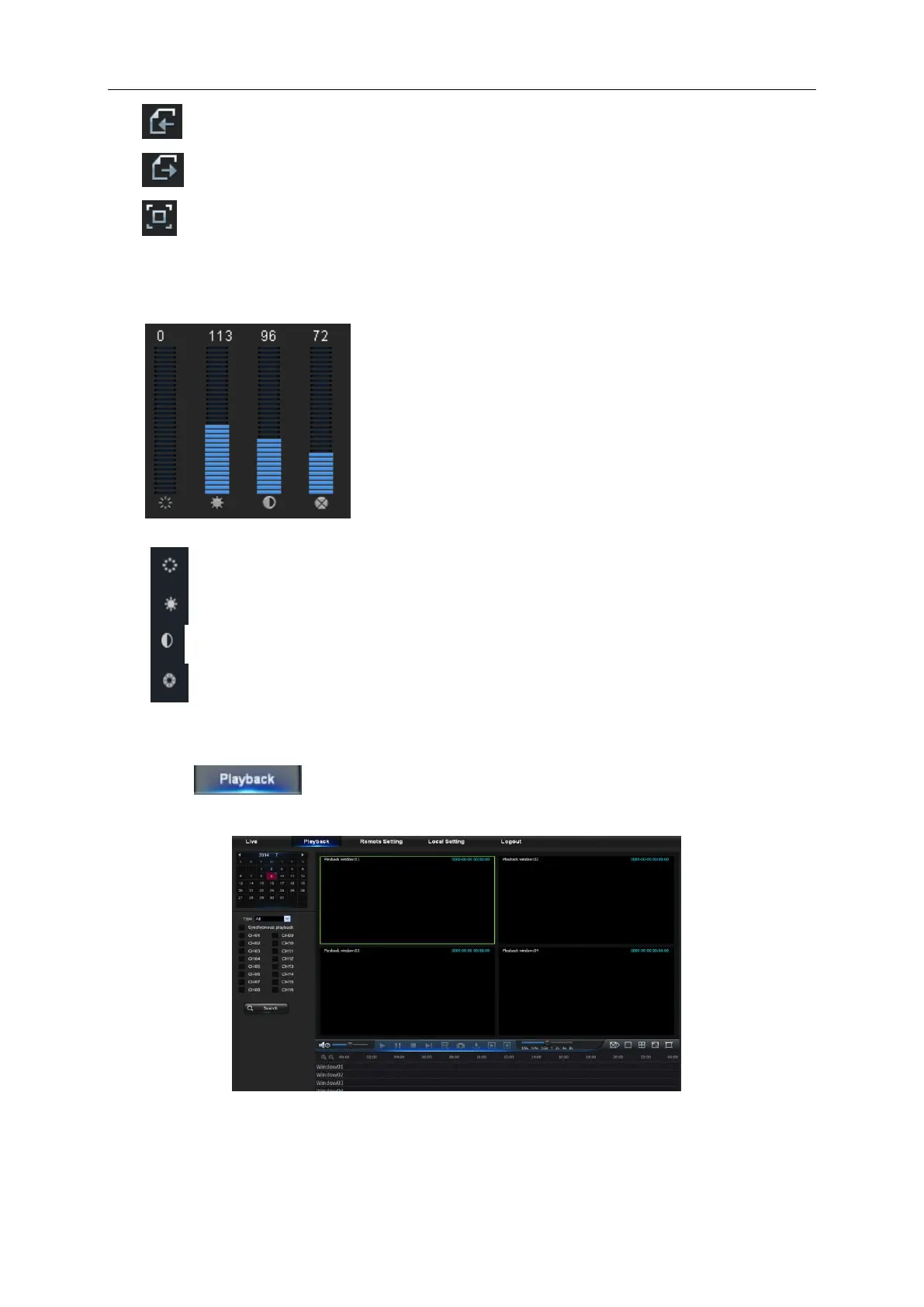
6.3.2 Playback
Click to enter into Playback interface to remotely view the records in DVR
HDD, as shown in Picture 6-6.
Picture 6-6
It supports 1 to 4 channel record playback.



 To Next Page