USER MANUAL
Chapter 5 DVR Menu
Popup Menu
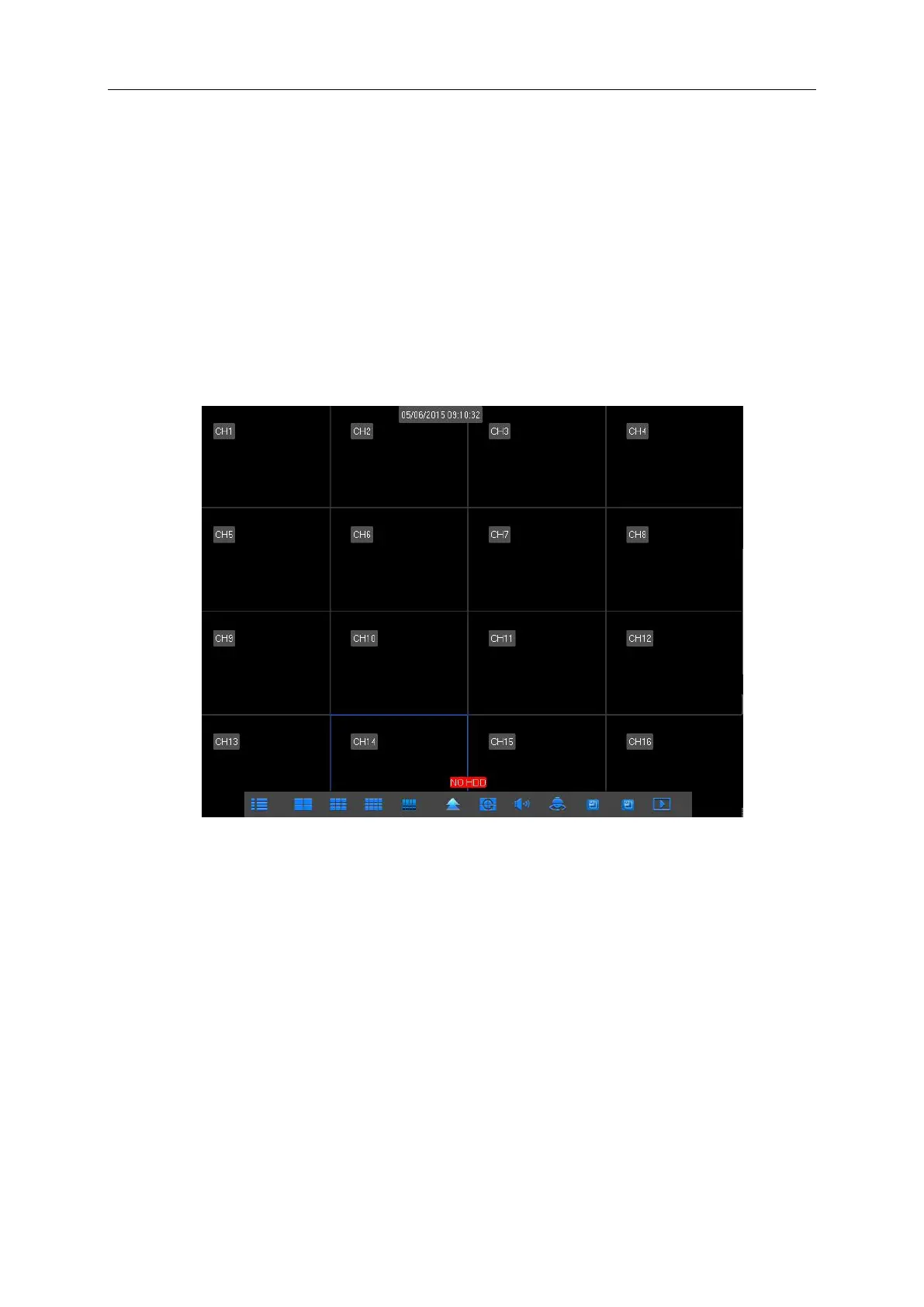
After finishing system initialization, click right key of mouse on preview interface or slide the
mouse to the bottom of screen to enter into Pop-up Menu. Now you could perform parameter
setting and operate on Main Menu, Multi-screen, Auto Cruise, Record Search, Sequence, Volume
setting and Brightness setting, shown as Picture 5-1.
The options in the pop-up menu may be varied slightly according to different parameter
settings and application environment. The options in the menu will be explained in detail in the
following chapters.
Picture 5-1



 To Next Page