USER MANUAL
2. Substream
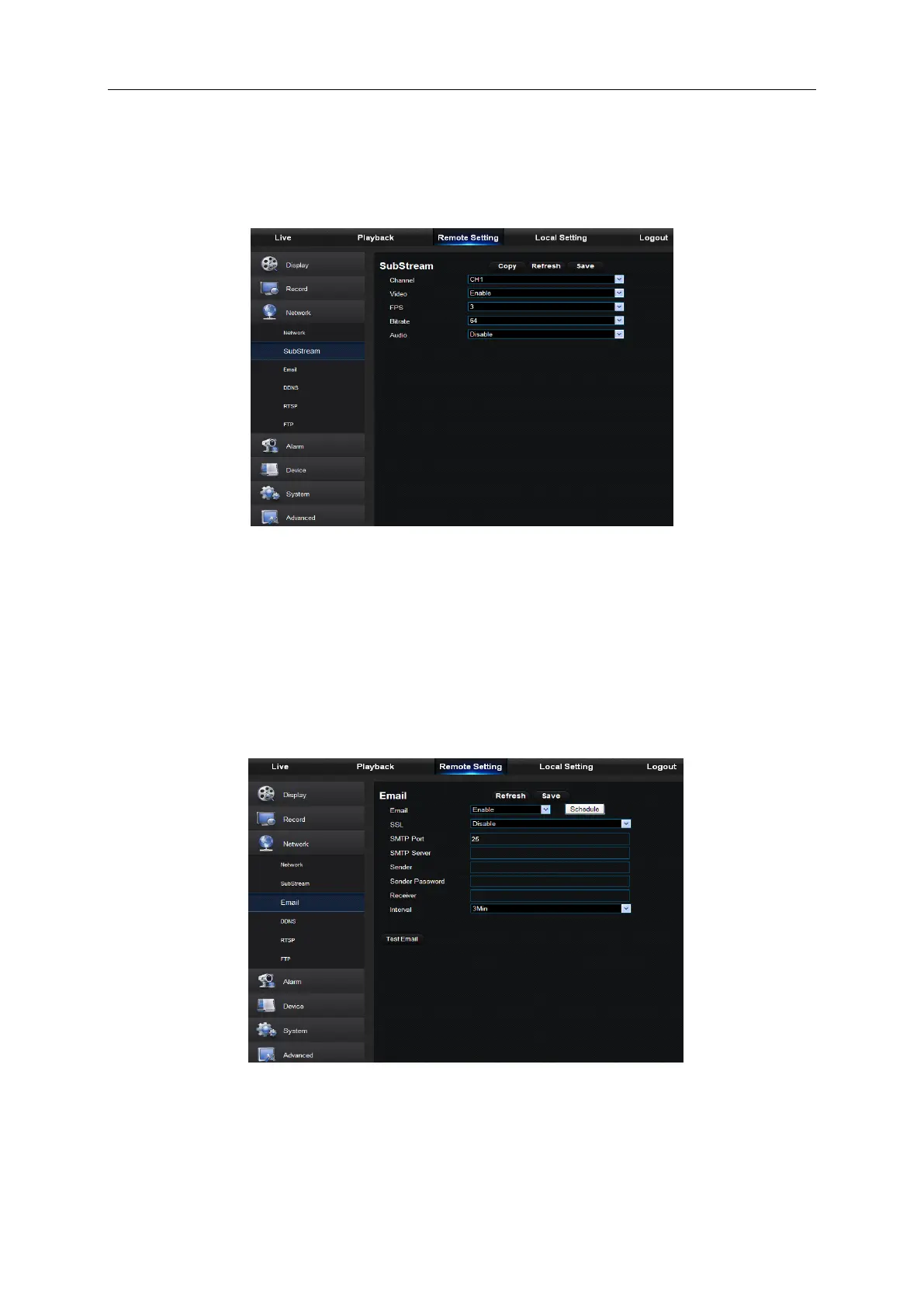
User may set Mainstream, as shown in Picture 6-19. The relevant parameters should be
consistent with DVR local setting.
Picture 6-19
3. Email
Email: Set DVR alarm Email configuration parameters, including Email address, SSL, Email
Enable, Interval and Email Schedule, etc. Detailed parameters should be consistent with DVR
local setting. Refer to Picture 6-20.
Picture 6-20



 To Next Page