EasyManua.ls Logo

Tecnoware ERA PLUS 1.100 - User Manual

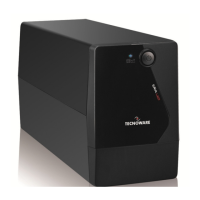
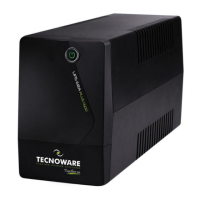
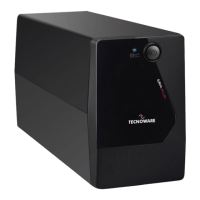
Tecnoware ERA PLUS 1.100
19 pages
Print Icon
To Next Page IconTo Next Page
Loading...
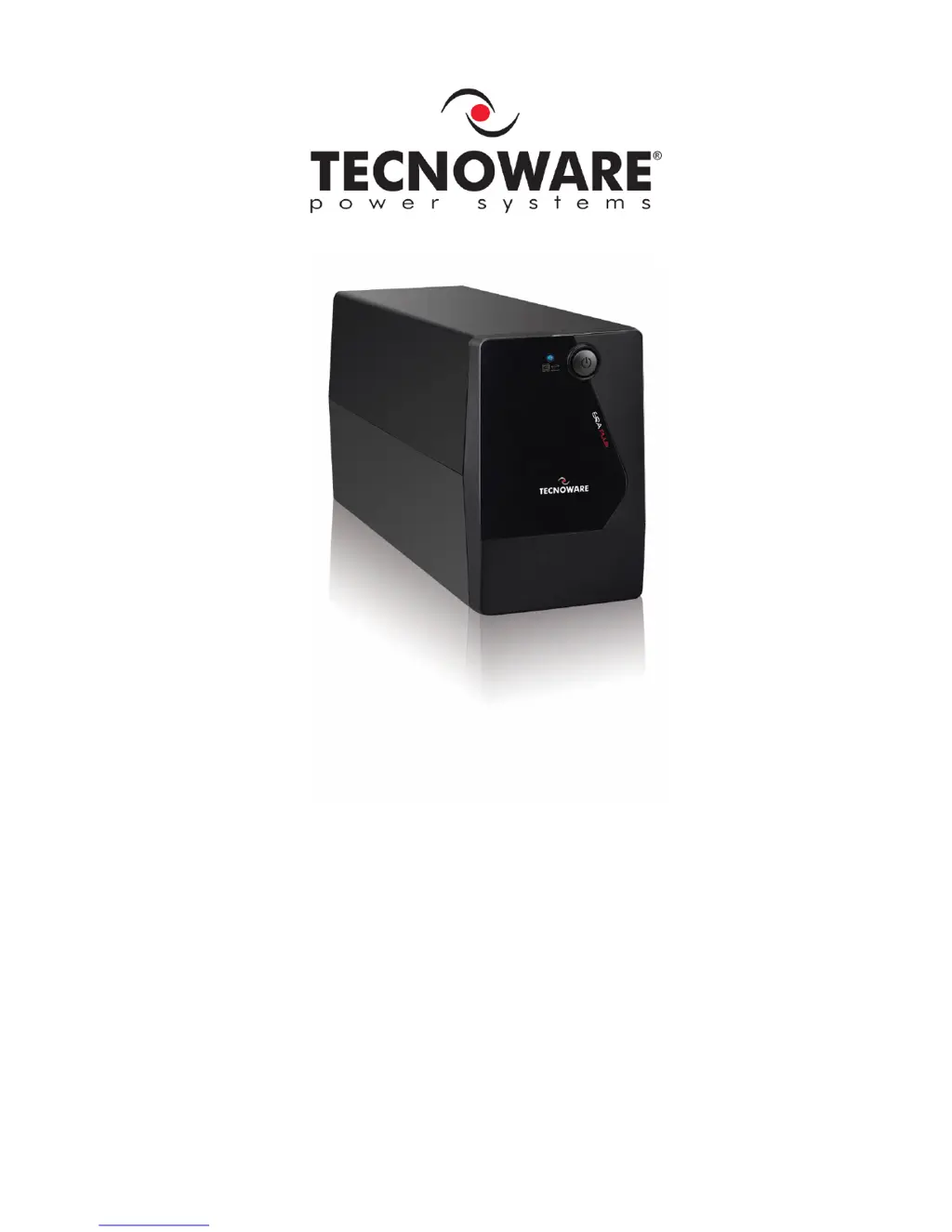
Uninterruptible Power Supply
ERA PLUS 900
ERA PLUS 1.100
User’s manual

Questions and Answers

  • R
    Robert HoganAug 7, 2025
    How to fix a Tecnoware UPS that does not turn on?
    • R
      Rodney AtkinsAug 7, 2025
      If your Tecnoware UPS doesn't turn on, first, ensure the ON/OFF button is fully pressed. If it still fails to power up, the batteries might be flat. Recharge them for at least 4 hours. If neither of these steps works, the electronic board may have failed.
  • A
    Ashley MckayAug 13, 2025
    Why is my Tecnoware ERA PLUS 1.100 always on battery mode?
    • K
      Kayla BowenAug 13, 2025
      If your Tecnoware UPS is always functioning on battery mode, check that the input mains power cable is correctly connected and that there is electrical power. Also, inspect the input mains fuse; if it's burnt, replace it with one of the same type. The UPS may be running on battery due to black-out conditions, surge, over-voltage, or low-voltage; in this case, wait until the AC input line returns to normal. If none of these are the cause, the electronic board may have failed.
  • G
    Gregory FrankAug 25, 2025
    How to clear the OVERLOAD alarm on a Tecnoware ERA PLUS 1.100?
    • D
      Denise SotoAug 25, 2025
      If your Tecnoware UPS is showing an “OVERLOAD” alarm, it means the UPS is overloaded. Disconnect some of the connected devices to reduce the load and clear the alarm.
  • R
    Ryan JonesAug 30, 2025
    Why my Tecnoware ERA PLUS 1.100 UPS does not communicate with the computer?
    • K
      Kathleen FrazierAug 31, 2025
      If your Tecnoware UPS is not communicating with the computer, first, check that the USB (or RS232) cable is correctly connected between the UPS and the computer. If the connections are fine, ensure that the UPS management software is correctly installed for your computer’s operating system.
  • D
    Deanna GardnerSep 10, 2025
    What to do if Tecnoware ERA PLUS 1.100 battery life is too short?
    • M
      Margaret BaileySep 12, 2025
      If the battery autonomy of your Tecnoware UPS is too short, the battery may not be fully charged. Recharge it for at least 6 hours. If the problem persists, the electronic board may have failed.

Summary

Safety Warnings

Introduction

General Characteristics

Receipt and Site Selection

External Description

Front Panel

Overview of the UPS front panel controls and indicators.

Rear Side

Details of the UPS rear panel connections and ports.

Electrical Installation and First Start Up

Functioning

Normal Mode

Describes the UPS operation when AC power is stable and within specifications.

Battery Mode

Explains UPS operation during AC power anomalies using battery backup.

Low Battery and Automatic Restart

Covers UPS behavior during low battery conditions and automatic restart.

Load Control

Handles UPS response to output load conditions, including overload.

Fault Condition

Describes UPS behavior and response during internal fault conditions.

Communication Interface

Technical Characteristics

Maintenance

UPS Cleaning

Instructions for safely cleaning the UPS unit.

Battery

Guidelines for battery care, charging, and lifespan factors.

Battery Replacement

Step-by-step procedure for replacing the UPS battery.

Operator Safety

Troubleshooting

Conformity to European Directives

Product Disposal

Lead Batteries

Tecnoware ERA PLUS 1.100 Specifications

General IconGeneral
TypeLine Interactive
Capacity1100 VA / 660 W
Input Voltage220/230/240 VAC
Output Voltage220/230/240 VAC
Output WaveformSimulated Sine Wave
Outlets4 x IEC 320 C13
CommunicationUSB
Operating Temperature0°C to 40°C
Input Frequency50/60 Hz
Output Frequency50/60 Hz
ProtectionOverload, Short Circuit, Surge Protection
Transfer Time2-6 ms
Battery TypeSealed Lead Acid
Battery Recharge Time4-6 hours
Storage Temperature-15°C to 45°C
Humidity0-90% non-condensing

Related product manuals