EasyManua.ls Logo

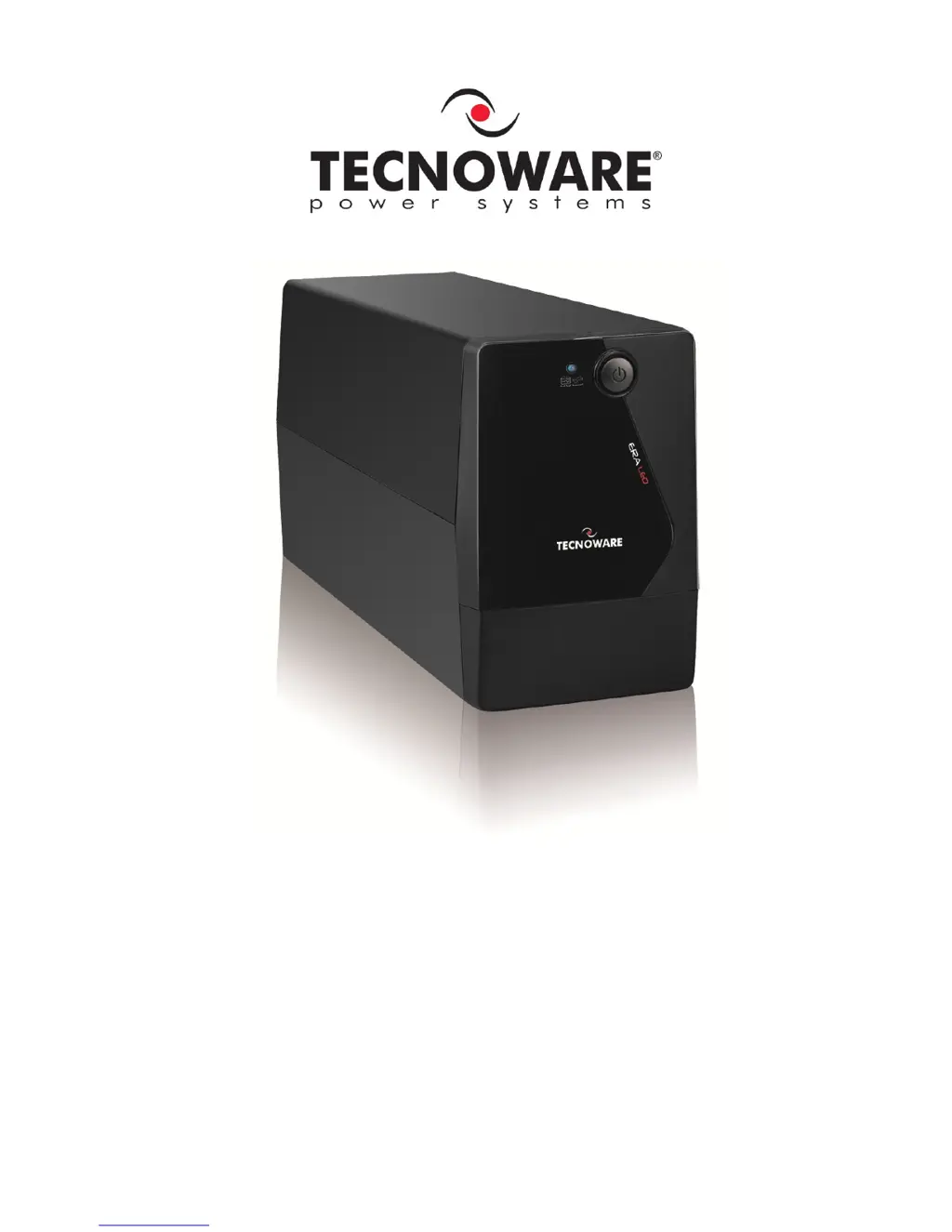
Tecnoware ERA LED 0.65 - User Manual

Tecnoware ERA LED 0.65
19 pages
Print Icon
To Next Page IconTo Next Page
Loading...
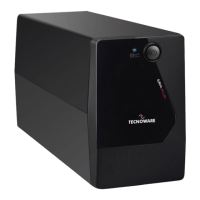
Uninterruptible Power Supply
ERA LED 0.65
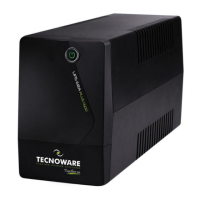
ERA LED 0.85
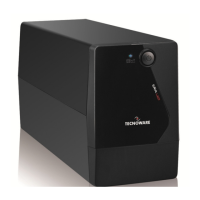
ERA LED 1.1
User’s manual

Questions and Answers

  • B
    Brian Thomas DDSAug 10, 2025
    How to fix a Tecnoware ERA LED 0.65 that does not turn on?
    • T
      thompsonkevinAug 11, 2025
      If your Tecnoware UPS doesn't turn on, first, ensure the ON/OFF button is fully pressed. If it still fails to power up, the batteries might be flat. Recharge them for at least 4 hours. If neither of these steps works, the electronic board may have failed.
  • F
    fitzgeraldjamesAug 17, 2025
    Why is my Tecnoware ERA LED 0.65 UPS always on battery mode?
    • C
      Crystal LewisAug 17, 2025
      If your Tecnoware UPS is always functioning on battery mode, check that the input mains power cable is correctly connected and that there is electrical power. Also, inspect the input mains fuse; if it's burnt, replace it with one of the same type. The UPS may be running on battery due to black-out conditions, surge, over-voltage, or low-voltage; in this case, wait until the AC input line returns to normal. If none of these are the cause, the electronic board may have failed.
  • A
    adrienne81Aug 22, 2025
    What to do if Tecnoware ERA LED 0.65 battery life is too short?
    • S
      Susan EvansAug 23, 2025
      If the battery autonomy of your Tecnoware UPS is too short, the battery may not be fully charged. Recharge it for at least 6 hours. If the problem persists, the electronic board may have failed.
  • A
    Angela HamptonAug 29, 2025
    How to clear the OVERLOAD alarm on a Tecnoware ERA LED 0.65 UPS?
    • A
      Ann ParkerAug 29, 2025
      If your Tecnoware UPS is showing an “OVERLOAD” alarm, it means the UPS is overloaded. Disconnect some of the connected devices to reduce the load and clear the alarm.
  • W
    William FischerSep 4, 2025
    Why my Tecnoware ERA LED 0.65 UPS does not communicate with the computer?
    • M
      Matthew FigueroaSep 4, 2025
      If your Tecnoware UPS is not communicating with the computer, first, check that the USB (or RS232) cable is correctly connected between the UPS and the computer. If the connections are fine, ensure that the UPS management software is correctly installed for your computer’s operating system.

Tecnoware ERA LED 0.65 Specifications

General IconGeneral
Output Power390 W
Battery Voltage12 V
Form FactorTower
Waveform TypeSimulated Sine Wave
Number of Output IEC Jumpers4
Communication InterfaceUSB
Operating Temperature0-40°C
Power Rating650 VA
Input Voltage220-240 VAC
Output Voltage220-240 VAC
Battery TypeLead Acid
Battery Backup Time5-15 min (depending on load)
TopologyLine Interactive
Input Frequency50/60 Hz
Output Frequency50/60 Hz
Transfer Time2-6 ms
Battery Recharge Time4-6 hours to 90% capacity

Related product manuals