EasyManua.ls Logo

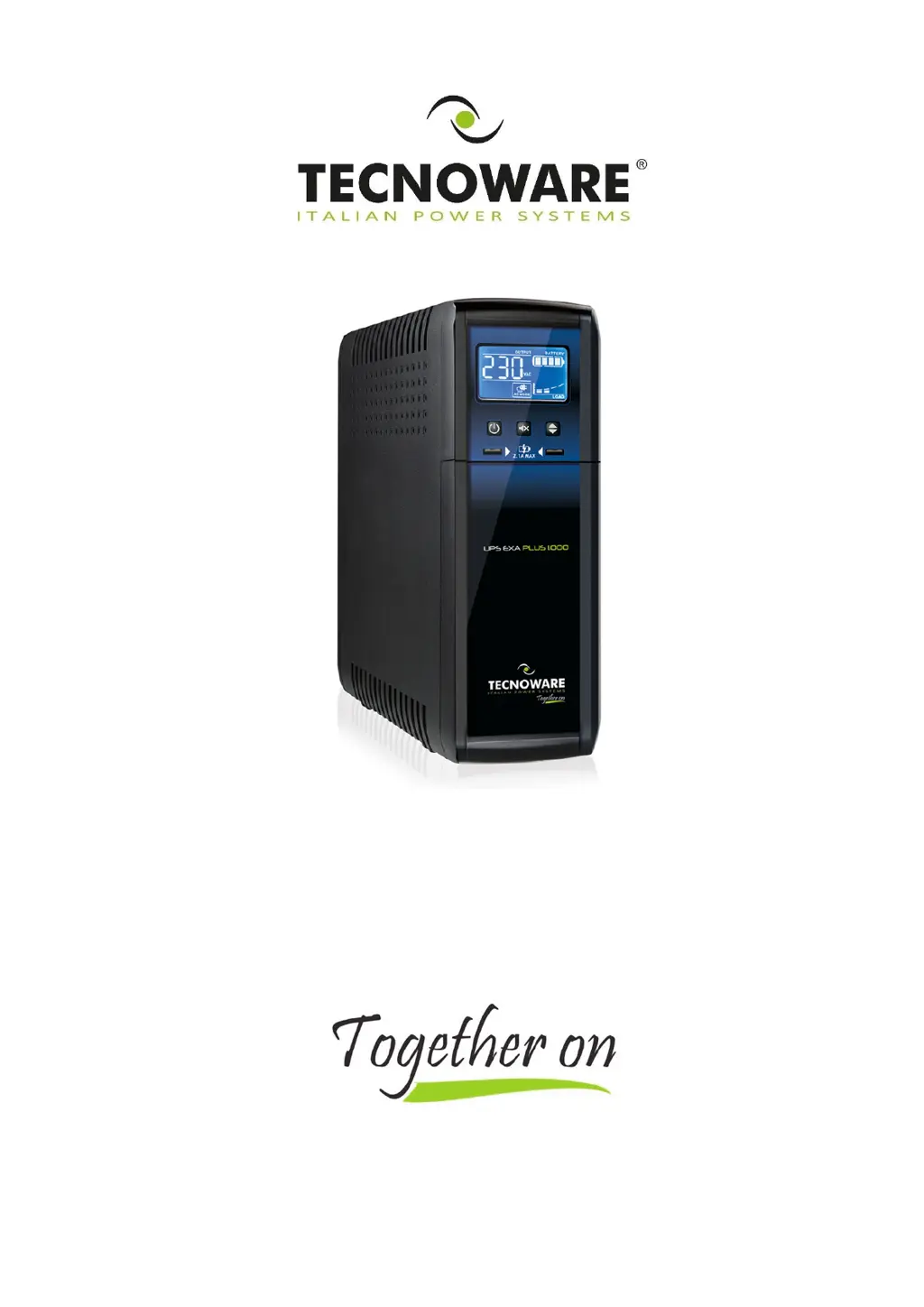
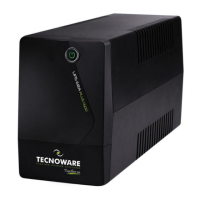
Tecnoware EXA PLUS 1000 - User Manual

Tecnoware EXA PLUS 1000
20 pages
Print Icon
To Next Page IconTo Next Page
Loading...
Uninterruptible Power Supply
EXA PLUS 1000
EXA PLUS 1500
EXA PLUS 2000
User’s manual

Questions and Answers

  • C
    Cory SingletonAug 10, 2025
    What to do if Tecnoware EXA PLUS 1000 always functions in battery mode?
    • K
      keykevinAug 10, 2025
      If your Tecnoware UPS is always in battery mode, there might be a few reasons. First, ensure the input mains power cable is correctly connected and that there is electrical power. Also, the input mains fuse might be burnt, in which case you should replace it with one of the same type. If there is a blackout, surge, over-voltage, or low-voltage condition, wait until the AC input line returns to normal. In case of electronic board failure, refer to Technical Service.
  • S
    stewarttheresaAug 15, 2025
    What to do if Tecnoware UPS shows an OVERLOAD alarm?
    • J
      Judith AndradeAug 15, 2025
      If your Tecnoware UPS is showing an “OVERLOAD” alarm, it means there is an overload condition. Disconnect some of the devices plugged into the UPS to reduce the load and clear the alarm.
  • R
    Ronnie WeaverAug 20, 2025
    How to fix Tecnoware UPS that does not turn on?
    • Y
      Yvette HerreraAug 20, 2025
      If your Tecnoware UPS isn't turning on, first, press the ON/OFF button to see if it starts. If it still doesn't turn on, the batteries might be flat. Recharge them for at least 4 hours. For electronic board failure, refer to Technical Service.
  • R
    rachelnewmanAug 26, 2025
    What to do if Tecnoware UPS shows a FAULT alarm?
    • M
      marynortonAug 26, 2025
      If your Tecnoware UPS is showing a “FAULT” alarm, check if the UPS is in an OVERLOAD condition. Also, refer to Technical Service.
  • S
    Sharon BurgessAug 29, 2025
    Why is the battery autonomy of my Tecnoware UPS too short?
    • S
      Steven GallagherAug 29, 2025
      If the battery autonomy of your Tecnoware UPS is too short, it could be that the battery is not fully charged. Try recharging the battery for at least 6 hours. In case of electronic board failure, refer to Technical Service.
  • T
    Tammy MitchellSep 4, 2025
    How to fix Tecnoware EXA PLUS 1000 that does not communicate with the computer?
    • M
      Michelle AguirreSep 4, 2025
      If your Tecnoware UPS isn't communicating with the computer, first check that the USB cable is correctly connected between the UPS and the computer. If the cable is correctly connected, the software might not be correctly installed. Reinstall the specific software for your computer’s operating system.

Tecnoware EXA PLUS 1000 Specifications

General IconGeneral
Power Capacity1000 VA
Output Power600 W
TopologyLine Interactive
Waveform TypeSimulated Sine Wave
Recharge Time6-8 hours
Number of Outlets4
Communication InterfaceUSB
Form FactorTower
Transfer Time2-6 ms
Operating Temperature0-40°C
Operating Humidity0-90% non-condensing
Input Voltage220-240 V
Output Frequency50/60 Hz
Battery TypeSealed Lead Acid
Output Voltage220-240 V

Related product manuals