UPS EXA PLUS 1000 – 1500 - 2000 3 User’s manual
1 Introduction
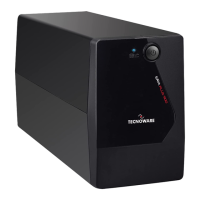
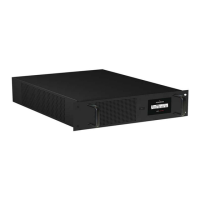
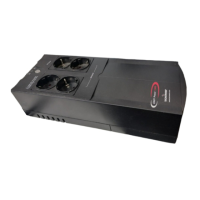
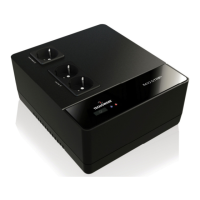
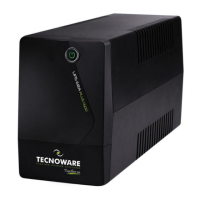
EXA PLUS is a Line Interactive UPS (Uninterruptible Power Supply) specifically designed to protect your computer
from any type of irregularities in the AC line (such as black-outs, under or over voltages, micro-interruptions),
which often cause damage to your Hardware and Software.
Under normal AC line condition, EXA PLUS performs output voltage regulation and filters frequently occurring
electrical disturbances (such as transients, spikes, interferences, etc.), thus protecting all devices connected to
the outlets, and recharging the batteries in an ideal way. In case of anomaly to the AC line, the UPS continues
feeding the protected equipment.
EXA PLUS is equipped with USB interface which can be used to notify a power failure or a low battery condition
directly to a computer: this makes it possible to automatically save your data during an extended black-out with
the most widespread operating systems (Windows, Mac OS X, Linux, etc.).
Read this manual carefully before using the EXA PLUS; it includ
warnings and useful advices for correct use and installation.
This manual is a guide that enables you to correctly install and use your EXA PLUS. This
manual includes important SAFETY instructions for the operator, for the UPS correct
installation, and gives useful advice on the product and battery maintenance. For any
type of problem, please refer to this manual before calling the customer service.
EXA PLUS is constantly being developed and improved: consequently, your unit may differ somewhat from the
description contained in this manual.
This manual includes the following models:
• EXA PLUS 1000 (1.0 KVA)
• EXA PLUS 1500 (1.5 KVA)
• EXA PLUS 2000 (2.0 KVA)
In this manual EXA PLUS will simply be referred to as UPS.









 To Next Page