EasyManua.ls Logo

Tecnoware ERA LCD 0.65 - User Manual

Tecnoware ERA LCD 0.65
36 pages
Print Icon
To Next Page IconTo Next Page
Loading...
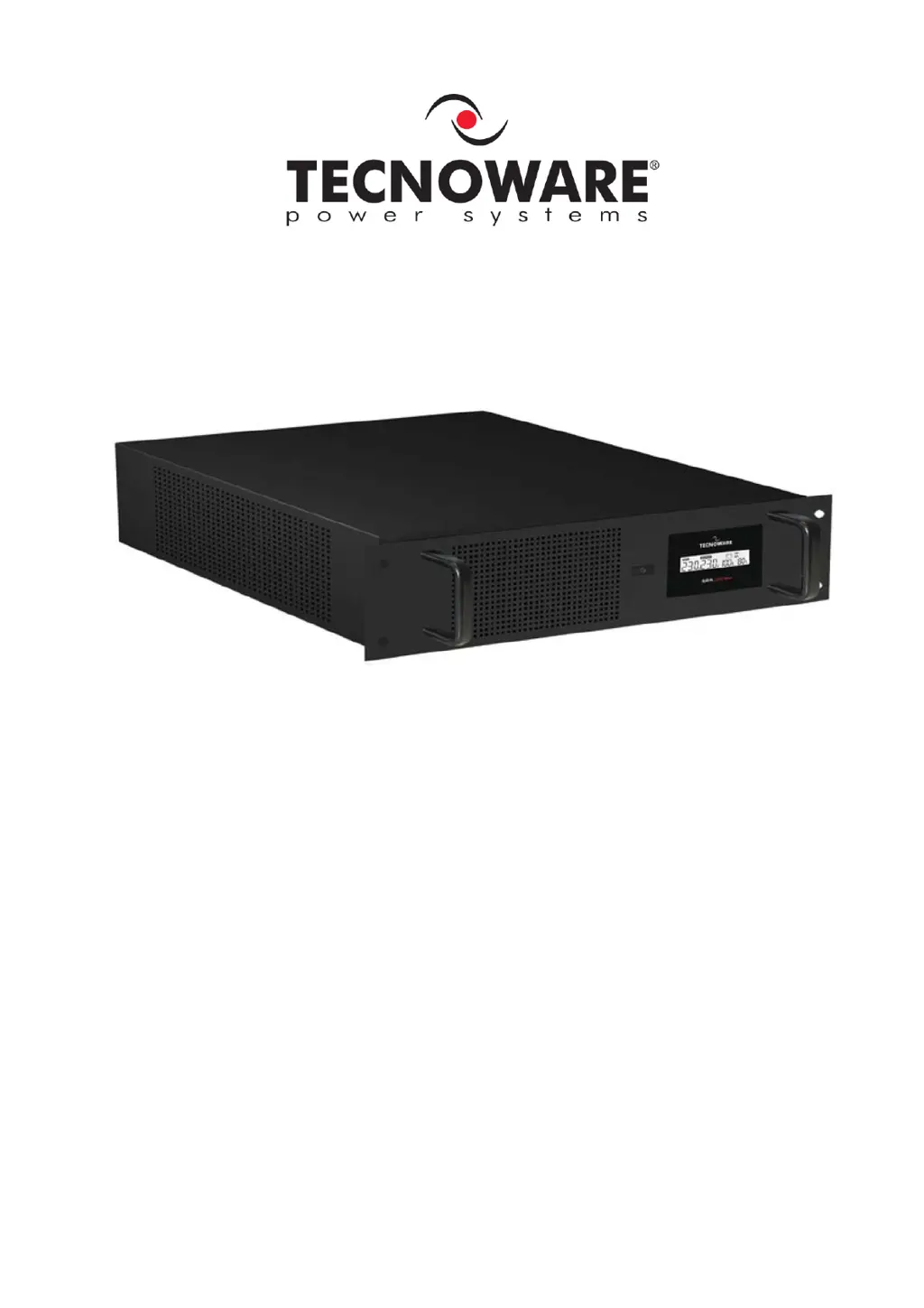
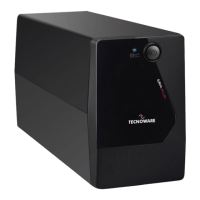
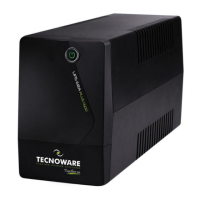
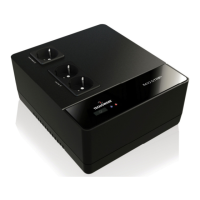
Uninterruptible Power Supply
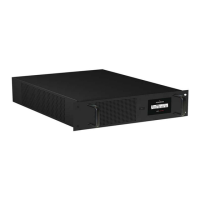
ERA LCD 0.65 Rack Mount
ERA LCD 0.85 Rack Mount
ERA LCD 1.1 Rack Mount
User’s manual
Manuale utente

Questions and Answers

  • D
    Donna WrightAug 15, 2025
    What to do if my Tecnoware ERA LCD 0.65 shows an OVERLOAD alarm?
    • G
      Gregory JonesAug 15, 2025
      If your Tecnoware UPS displays an “OVERLOAD” alarm, it means there's an overload condition. To resolve this, disconnect some of the devices that are causing the overload.
  • G
    Gabriela FreemanAug 18, 2025
    Why my Tecnoware ERA LCD 0.65 UPS does not turn on?
    • B
      Brendan MorganAug 18, 2025
      If your Tecnoware UPS is not turning on, there might be a few reasons: * The ON/OFF button may not be fully pushed. Ensure you press the ON/OFF button firmly. * The batteries might be completely flat. Recharge the batteries for at least 4 hours. * There could be an electronic board failure. In this case, you should refer to Technical Service.
  • T
    Timothy RamirezAug 22, 2025
    Why is my Tecnoware ERA LCD 0.65 UPS always in battery mode?
    • C
      Calvin Johnson DDSAug 22, 2025
      If your Tecnoware UPS is always functioning in battery mode, check these potential causes: * The input mains power cable might be disconnected. Ensure it's properly connected and that there is electrical power. * The input mains fuse could be burnt. Replace the fuse with another of the same type. * There might be black-out conditions, a surge, over-voltage, or low-voltage. Wait until the AC input line returns to normal conditions. * An electronic board failure could be the reason, in which case you should refer to Technical Service.
  • P
    Patrick WilliamsAug 25, 2025
    What does the FAULT alarm mean on my Tecnoware ERA LCD 0.65?
    • L
      laurabuchananAug 26, 2025
      If your Tecnoware UPS displays a “FAULT” alarm, it indicates a fault condition. Begin by checking if the UPS is in an OVERLOAD condition. If not, you should refer to Technical Service.
  • X
    xjonesAug 28, 2025
    Why is the battery life so short on my Tecnoware ERA LCD 0.65?
    • M
      megan48Aug 28, 2025
      If the battery autonomy of your Tecnoware UPS is too short, it could be due to the following reasons: * The battery may not be fully charged. Recharge it for at least 6 hours. * There might be an electronic board failure. In this situation, you should refer to Technical Service.
  • S
    Samantha LambertAug 31, 2025
    How to fix Tecnoware ERA LCD 0.65 when it does not communicate with the computer?
    • M
      Mark MolinaAug 31, 2025
      If your Tecnoware UPS is not communicating with the computer, here are a couple of things to check: * The UPS Management Software might be sending a communication error. Verify that the USB (or RS232) cable is correctly connected between the UPS and the computer. * The software might not be correctly installed. Ensure you install the specific software for your computer’s operating system.
  • B
    Brenda LeeSep 4, 2025
    Why is my Tecnoware Power Supply always in battery mode?
    • K
      Kelsey CainSep 4, 2025
      If your Tecnoware Power Supply is always in battery mode, check the following: * Ensure the input mains power cable is correctly connected and that there is electrical mains present. * Verify the rear ON/OFF switch is in the ON position. * Inspect the input mains fuse and replace it with one of the same type if it's burnt. * If there are black-out conditions, surge, over-voltage, or low-voltage, wait until the AC input line returns to normal.
  • L
    laurenmarshallSep 7, 2025
    What to do if Tecnoware Power Supply battery life is too short?
    • M
      Michael HendersonSep 7, 2025
      If the battery autonomy of your Tecnoware Power Supply is too short, it might not be fully charged. Recharge the battery for at least 6 hours.
  • B
    Belinda WilliamsSep 12, 2025
    What to do if Tecnoware Power Supply shows OVERLOAD alarm?
    • M
      Madison SantosSep 12, 2025
      If your Tecnoware Power Supply shows an “OVERLOAD” alarm, it indicates an overload condition. Disconnect all devices that may be causing the overload.

Tecnoware ERA LCD 0.65 Specifications

General IconGeneral
BrandTecnoware
ModelERA LCD 0.65
CategoryUPS
LanguageEnglish

Related product manuals