EasyManua.ls Logo

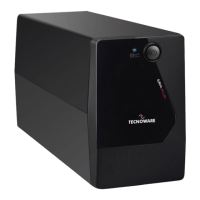
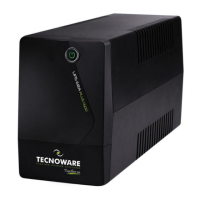
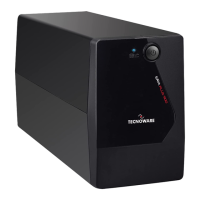
Tecnoware ERA PLUS 900 - User Manual

Tecnoware ERA PLUS 900
19 pages
Print Icon
To Next Page IconTo Next Page
Loading...
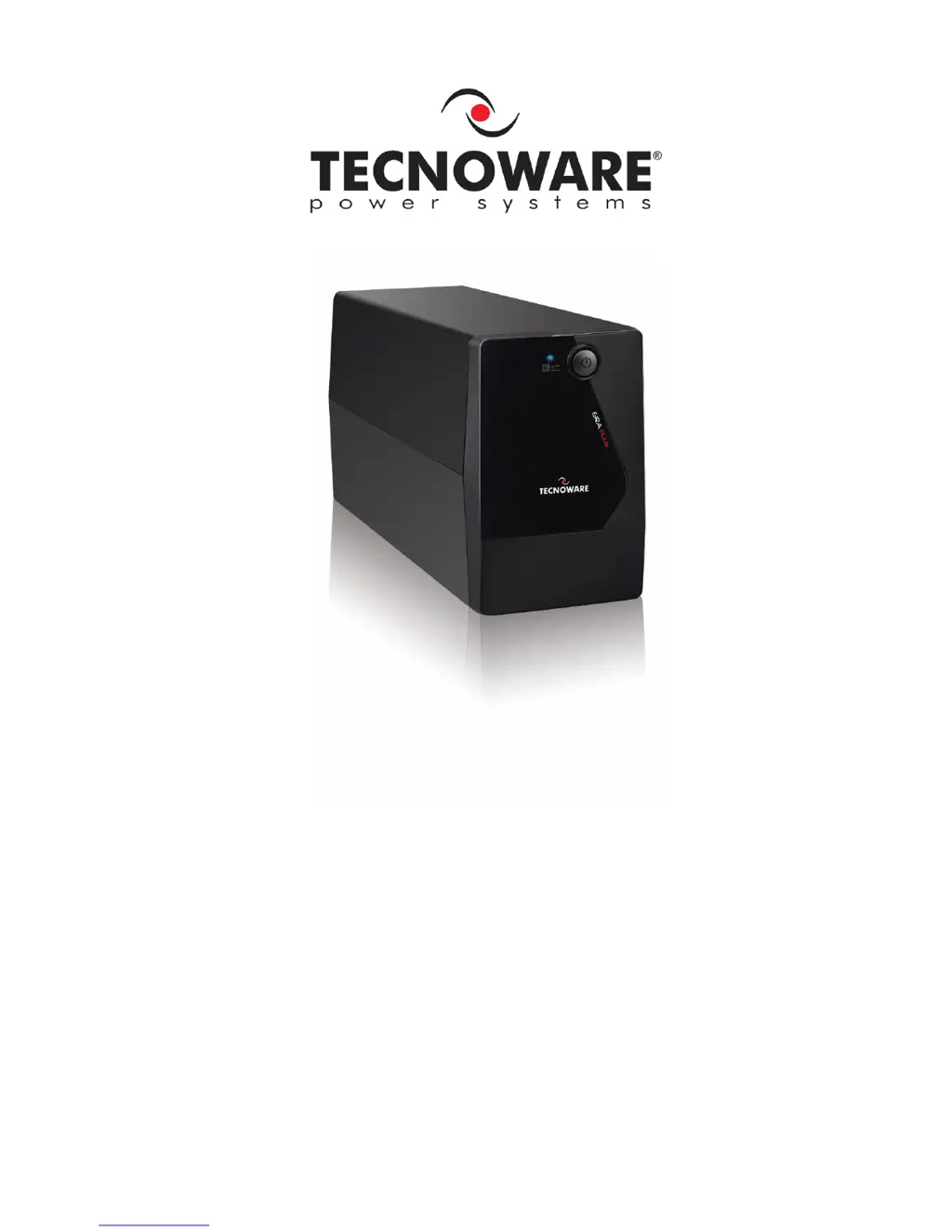
Uninterruptible Power Supply
ERA PLUS 900
ERA PLUS 1.100
User’s manual

Questions and Answers

  • S
    Stephen RamosAug 1, 2025
    How to fix a Tecnoware ERA PLUS 900 that does not turn on?
    • G
      george37Aug 2, 2025
      If your Tecnoware UPS doesn't turn on, first, ensure the ON/OFF button is fully pressed. If it still fails to power up, the batteries might be flat. Recharge them for at least 4 hours. If neither of these steps works, the electronic board may have failed.
  • C
    Cody BenitezAug 7, 2025
    Why is my Tecnoware UPS always on battery mode?
    • T
      Teresa DanielAug 7, 2025
      If your Tecnoware UPS is always functioning on battery mode, check that the input mains power cable is correctly connected and that there is electrical power. Also, inspect the input mains fuse; if it's burnt, replace it with one of the same type. The UPS may be running on battery due to black-out conditions, surge, over-voltage, or low-voltage; in this case, wait until the AC input line returns to normal. If none of these are the cause, the electronic board may have failed.
  • W
    William BallardAug 13, 2025
    What to do if Tecnoware UPS battery life is too short?
    • D
      drobbinsAug 13, 2025
      If the battery autonomy of your Tecnoware UPS is too short, the battery may not be fully charged. Recharge it for at least 6 hours. If the problem persists, the electronic board may have failed.
  • D
    Debra NelsonAug 20, 2025
    How to clear the OVERLOAD alarm on a Tecnoware ERA PLUS 900?
    • J
      jason68Aug 20, 2025
      If your Tecnoware UPS is showing an “OVERLOAD” alarm, it means the UPS is overloaded. Disconnect some of the connected devices to reduce the load and clear the alarm.
  • E
    Emily BrownAug 26, 2025
    Why my Tecnoware ERA PLUS 900 does not communicate with the computer?
    • D
      Derek PatrickAug 27, 2025
      If your Tecnoware UPS is not communicating with the computer, first, check that the USB (or RS232) cable is correctly connected between the UPS and the computer. If the connections are fine, ensure that the UPS management software is correctly installed for your computer’s operating system.

Summary

Safety Warnings

External Description

Electrical Installation and First Start Up

Functioning

Battery Mode

Details UPS operation during AC power failure, including alarms and LED indicators.

Technical Characteristics

Maintenance

Battery Replacement

Outlines the procedure and precautions for replacing the UPS battery.

Operator Safety

Details safety precautions for users when operating or maintaining the UPS.

Troubleshooting

Tecnoware ERA PLUS 900 Specifications

General IconGeneral
BrandTecnoware
ModelERA PLUS 900
CategoryUPS
LanguageEnglish

Related product manuals