UPS ERA PLUS 900-1.100 5 User’s manual
4 EXTERNAL DESCRIPTION
4.1 Front Panel
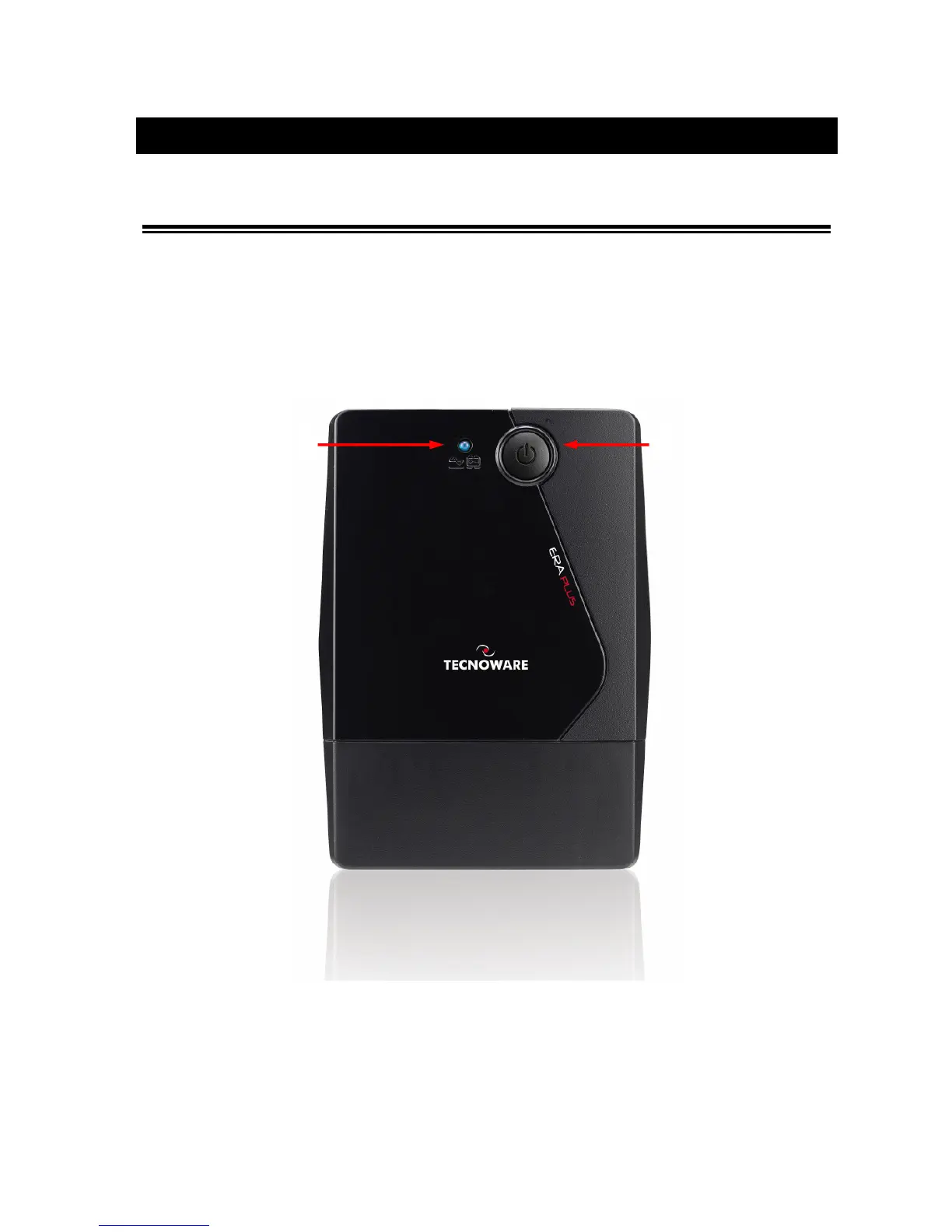
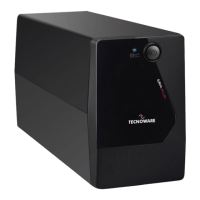
The front panel informs the user about operating status, alarm conditions and measurements. Front panel shown
below consists of two parts:
1. The ON/OFF button: enables the user to turn ON/OFF the UPS.
2. The LINE/BATTERY led: this led (blue color) is always on during the functioning in Normal Mode, it flashes
one time every 4 seconds in Battery mode and it flashes one time every second in Low Battery condition.
Figure 1 – Front panel
2







 To Next Page