UPS EXA PLUS 1000 – 1500 - 2000 5 User’s manual
4 EXTERNAL DESCRIPTION
4.1 Front Panel
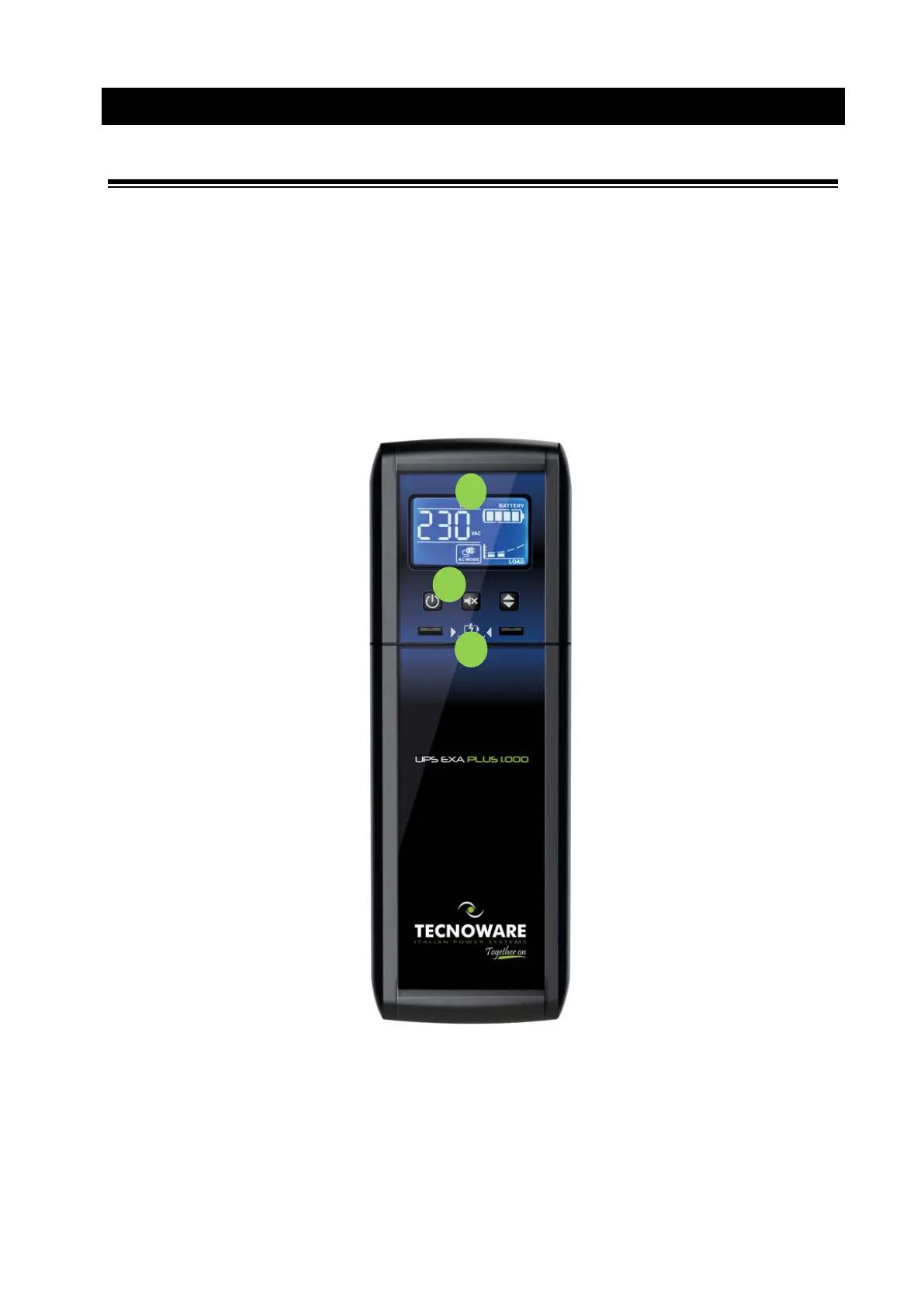
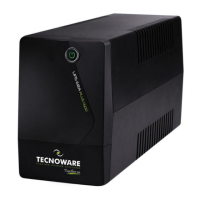
The front panel informs the user about operating status, alarm conditions and measurements. Front panel shown
below consists of two parts:
1. LCD display provides information about Input and Output Voltage, Battery Level percentage, Load Level
percentage, functioning modes, alarm and fault conditions.
2. The ON/OFF button that enables the user to turn ON/OFF the UPS, the MUTE button that enables the user to
to disable the UPS audible alarm and the SELECT button that enables the user to choose the measured value
to report on the UPS display.
3. 5V-2.1 USB Charger Port
Figure 1 – Front panel









 To Next Page