43
Speed-Control Parameter
Parameter Name & Function Default Unit
Setting
Range
Control
Mode
Chapter
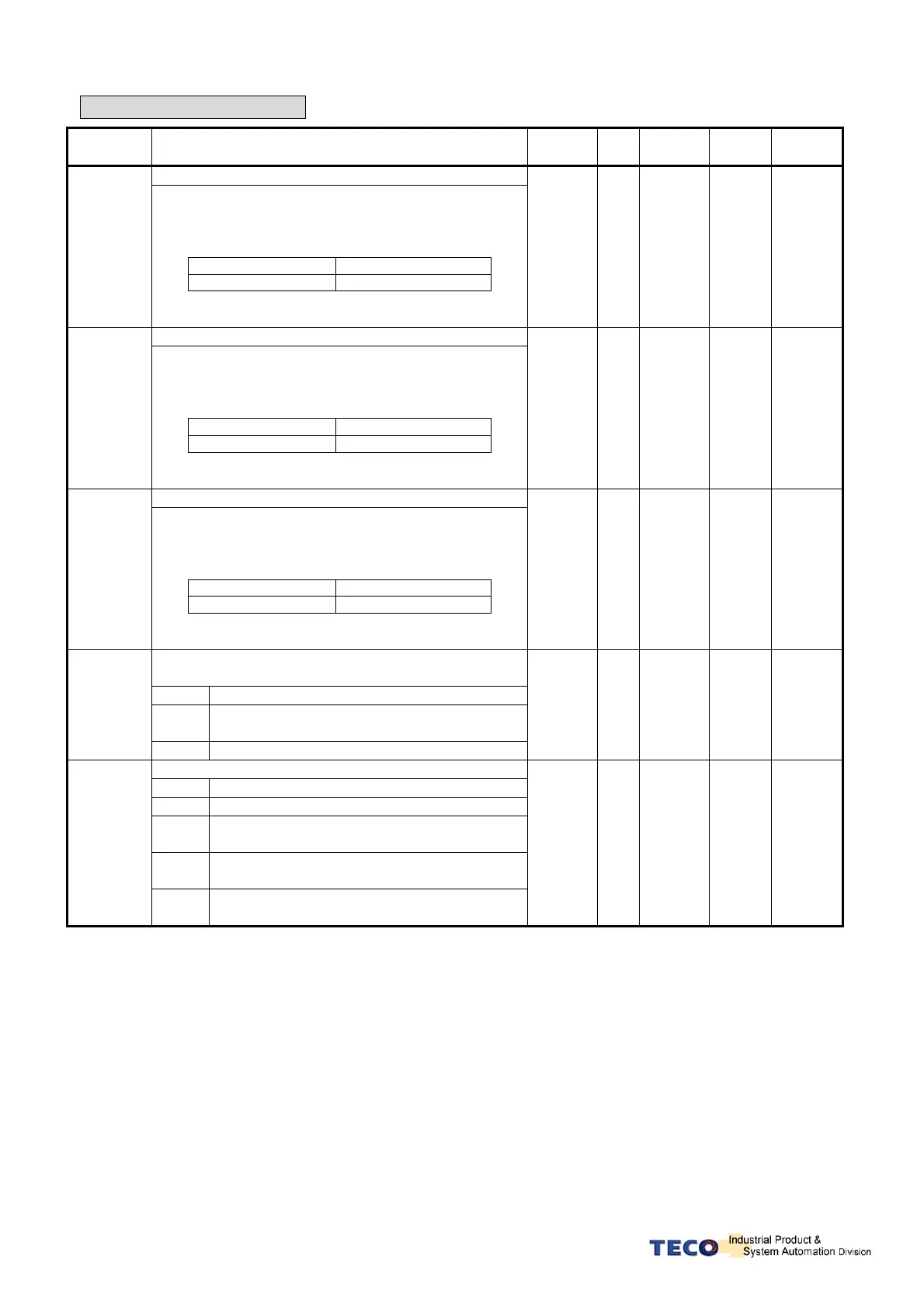
Internal Speed Command 1
Sn201
In Speed control, input contacts SPD1 and SPD2 can
be used to select 3 sets of internal speed command,
select for speed command 1 contact status shows
below:
Input Contact SPD2 Input Contact SPD1
0 1
Note: Input contacts status “1” (ON) and “0” (OFF)
Refer to 5-6-1 to set high or low input logic levels.
100 rpm
-3000
│
3000
S 5-3-1
Internal Speed Command 2
Sn202
In Speed control, input contacts SPD1 and SPD2 can
be used to select 3 sets of internal speed command,
select for speed command 2 contact status shows
below:
Input Contact SPD2 Input Contact SPD1
1 0
Note: Input contacts status “1” (ON) and “0” (OFF)
Refer to 5-6-1 to set high or low input logic levels.
200 rpm
-3000
│
3000
S 5-3-1
Internal Speed Command 3
Sn203
In Speed control, input contacts SPD1 and SPD2 can
be used to select 3 sets of internal speed command,
select for speed command 3 contact status shows
below:
Input Contact SPD2 Input Contact SPD1
1 1
Note: Input contacts status “1” (ON) and “0” (OFF).
Refer to 5-6-1 to set high or low input logic levels.
300 rpm
-3000
│
3000
S 5-3-1
Zero Speed selection Enable or Disable the zero
speed preset parameter Sn215.
Setting Explanation
0
No Action. (Sn215 zero preset is not
effective).
Sn204
1 Set the preset value in Sn215 as zero speed.
0 X
0
│
1
S 5-3-12
Speed command accel/decel smooth method.
Setting Explanation
0 Disable this function.
1
Smooth Acceleration/deceleration according
to the curve defined by Sn206.
2
Linear accel/decel time constant .Defined by
Sn207
Sn205
3
S curve for Acceleration/deceleration. Defined
by Sn208.
0 X
0
│
3
S 5-3-6



 To Next Page