Quick Start Setup 5
3. Connect Programming Cable
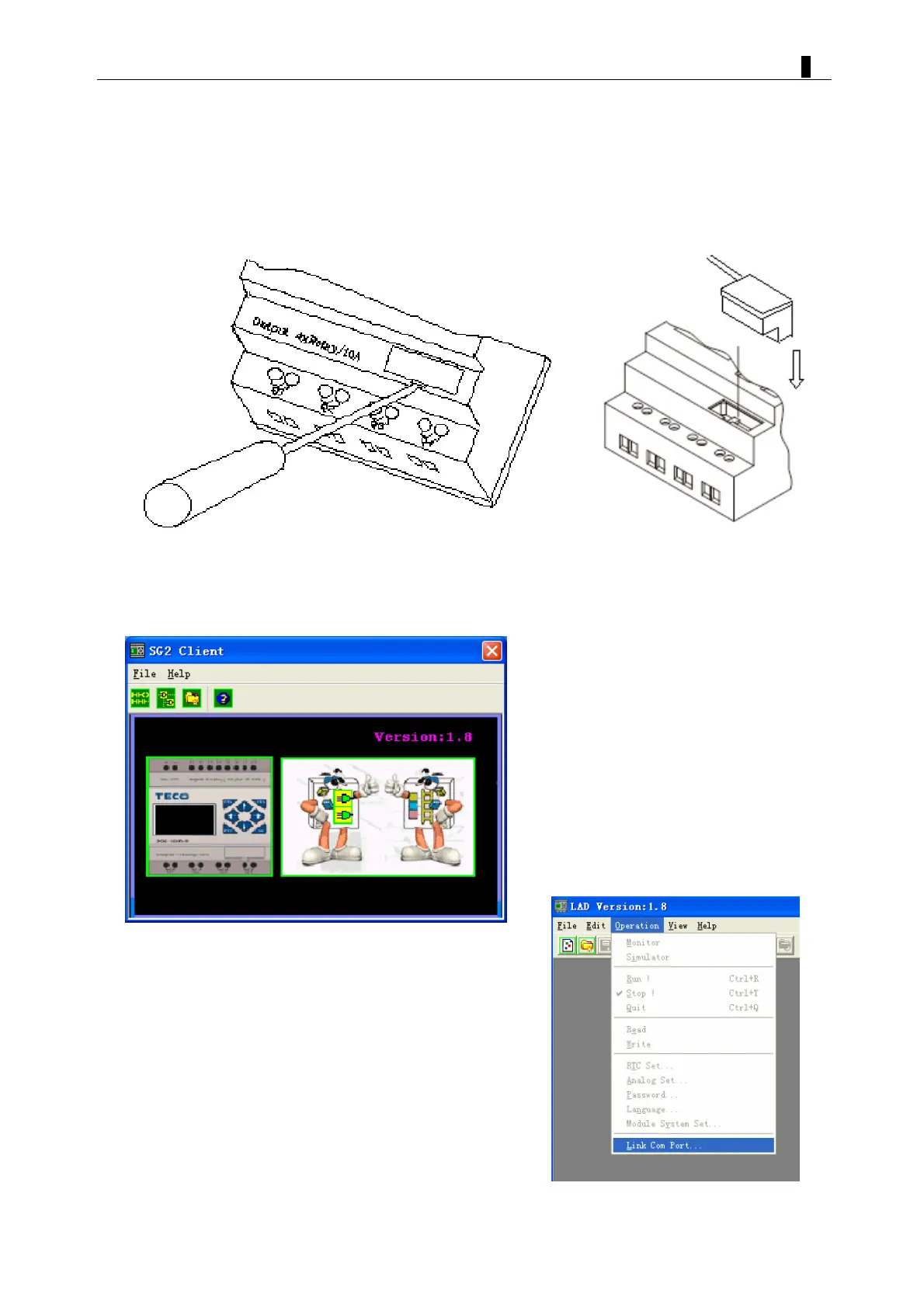
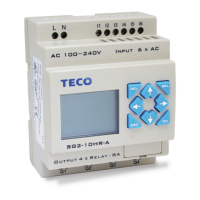
Remove the plastic connector cover from the SG2 using a flathead screwdriver as shown
in the figure below. Insert the plastic connector end of the programming cable into the
SG2 smart relay as shown in the figure below. Connect the opposite end of the cable to
an RS232C serial port on the computer.
4. Establish Communication
a. Open the SG2 Client software and select “New Ladder Document” as shown below.
b. Select “Operation/Link Com Port…” as shown


 To Next Page