844-AB Sprayer control 16
Software 4.03
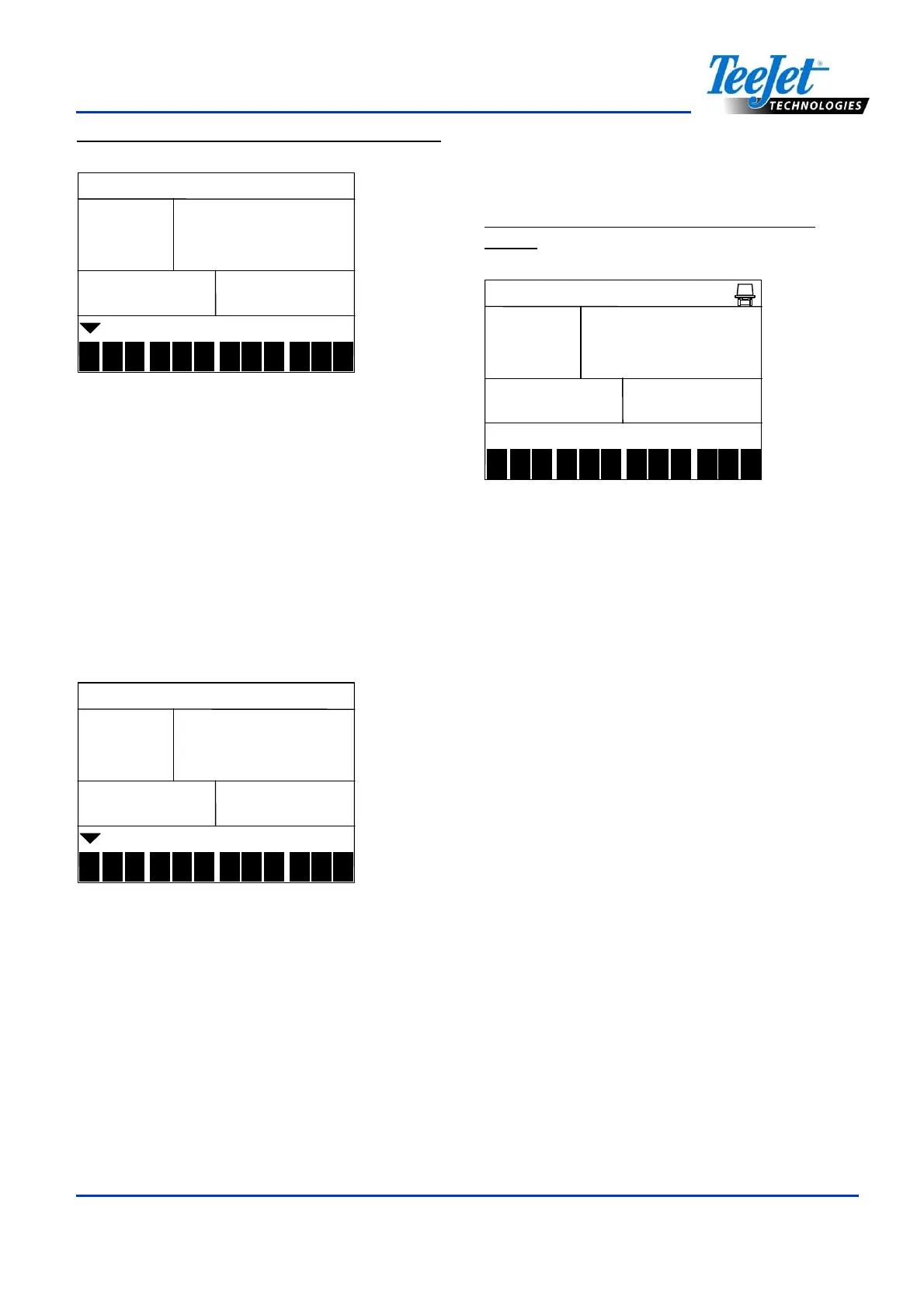
Figure 4-24: Reference Flow (Level 2 Entry)
10
1010
10.
..
.0
00
0
1
2
3
4
5 6 7 8 9
10
11
12
bar
barbar
bar
-
--
- 1
1 1
1-
--
-
lpm
lpmlpm
lpm
Press the Auto/Man key to advance to the
Select Configuration display. Use the Plus or
Minus keys to advance to another preset flow
configuration, if necessary. Follow the
previous steps for programming the reference
pressure and reference flow for presets 2-12.
Once programming is complete for all presets,
press the Program key to advance to the next
programming step.
Figure 4-25: Reference Flow (Select
Configuration Display)
conf
confconf
conf
1
2
3
4
5 6 7 8 9
10
11
12
Regulating Valve Response Time
Operating conditions may require a higher or
lower response speed for the regulating valve.
To change the response time number, use the
Plus or Minus keys to increase or decrease
the number. Any number between 0.0 and 9.9
may be selected (0=Slow; 9=Fast). The
default value is 9.5. The first digit establishes
the speed for coarse adjustments (when
relatively far from the target rate). The second
digit establishes the speed for the fine
adjustment (when relatively close to the target
rate). If the regulating valve is plumbed in a
bypass line, the valve speed number of 9.5
works well for most applications.
Figure 4-27: Regulating Valve Actuating
Factor
reg
regreg
reg
1
2
3
4
5 6 7 8 9
10
11
12
Act
ActAct
Act
If the regulating valve is plumbed in the
throttling position (supply line), start with a
valve speed of 3.0 and adjust the number
according to application requirements.
Adjusting agitation volumes can often assist
the regulating valve operation. Press the
Program key to accept the entry and advance
to the next step.
NOTE:
The speed value can be adjusted to
optimize system performance. If the valve
tends to “search” for the programmed
application rate by cycling the pressure up
and down continuously, reduce the
number until the “searching” is minimal or
eliminated. A higher number will increase
the valve response speed and increase the
rate of adjustment.



 To Next Page