844-AB Sprayer control 15
Software 4.03
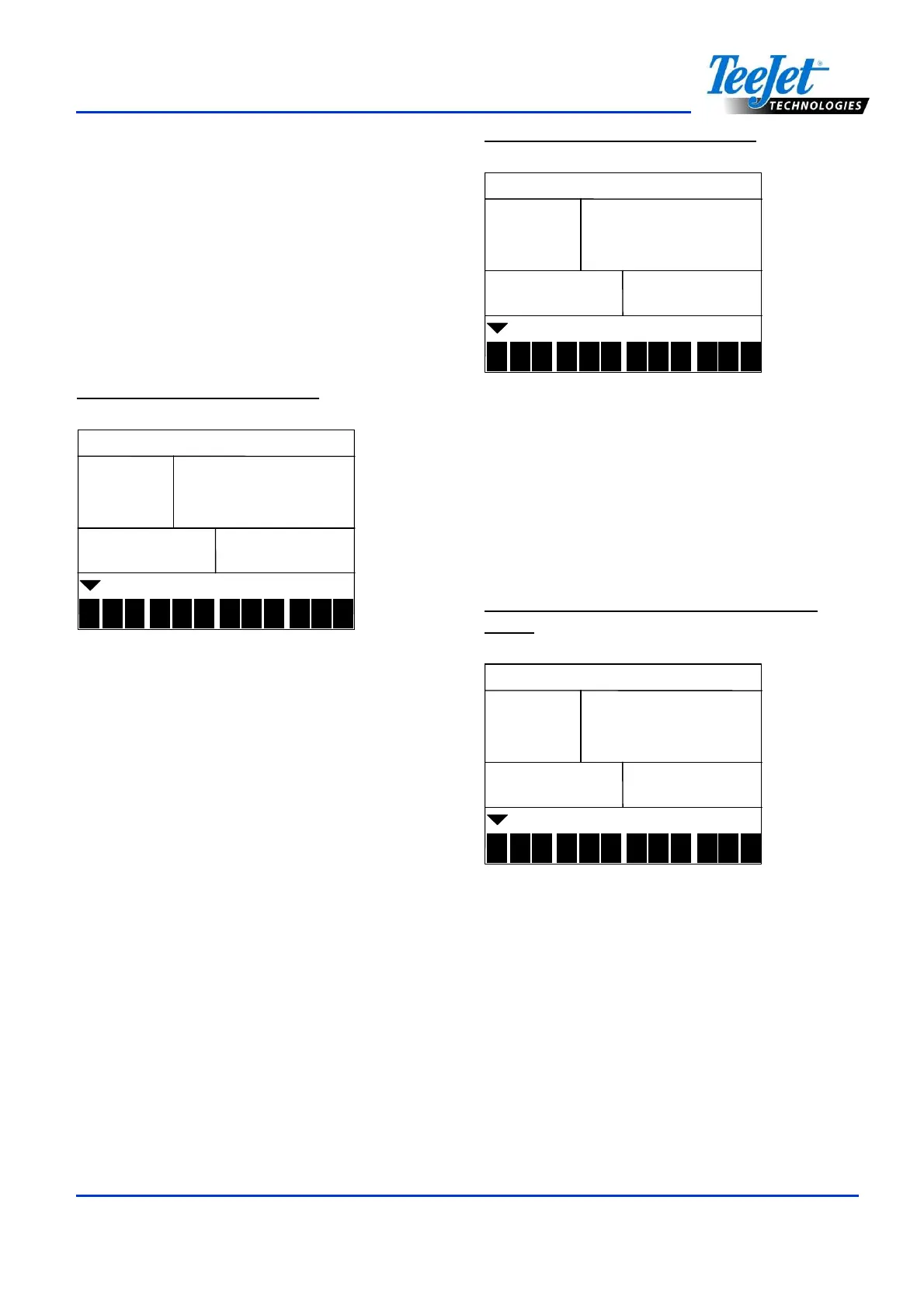
Up to twelve preset flow configurations can be
entered into the 844-AB. The presets are
represented by the numbers “1-12” at the
bottom of the display. The arrow symbol
indicates which preset is being programmed.
Select which preset flow configuration to
program. Use the Plus or Minus keys to toggle
through the twelve presets. Press the
Auto/Man key to enter into the selected
preset.
Figure 4-21: Preset Selection
conf
confconf
conf
1
2
3
4
5 6 7 8 9
10
11
12
Press the Program key to advance to the next
program step in System Setup mode. It is not
necessary to program all twelve presets
unless they are to be used. Program the
number of presets required. Press the
Program key again to continue in System
Setup mode.
Reference Pressure
Before entering the reference flow, determine
the pressure at which the flow will be
referenced. Use the Plus or Minus keys to
adjust the value of the pressure (PSI or Bar)
to be used as flow reference. The pressure
selected to reference flow is not critical (any
pressure can be used). Select a pressure that
is close to normal operating pressure or select
a pressure from the flow rate chart for the
nozzles being used. After the reference
pressure has been selected, press the
Auto/Man key to advance to the reference
flow for preset #1.
Figure 4-22: Reference Pressure
10
1010
10.
..
.0
00
0
1
2
3
4
5 6 7 8 9
10
11
12
bar
barbar
bar
Reference Flow
Calculate (add) the flow rates at the
referenced pressure from all nozzles on level
1 (left or right should be the same). Enter the
total flow rate in gallons/min (liters/min) for
level 1. Use the Plus or Minus keys to adjust
the value.
Figure 4-23: Reference Flow (Level One
Entry)
10
1010
10.
..
.0
00
0
1
2
3
4
5 6 7 8 9
10
11
12
bar
barbar
bar
-
--
- 1
1 1
1-
--
-
lpm
lpmlpm
lpm
Once flow entry is complete for level 1, press
the Auto/Man key to proceed with level 2.
Calculate (add) the flow rates at the
referenced pressure from all the nozzles on
level 2 (left or right should be the same). Enter
the total flow rate in gallons/min (liters/min) for
level 2. Use the Plus or Minus keys to adjust
the value.



 To Next Page