844-AB Sprayer control 19
Software 4.03
Communications
If the 844-AB has been upgraded and is
communications compatible, a variety of
communications options can be entered.
Choices available include the default of no
communications “no com”, contractor printing
”cnt prt ” , user printing “usr prt ”, global
positioning system communications capability
“gps”, downloading to a pc ‘on-the-go’
capability “log” , or PC link “pc” (not used).
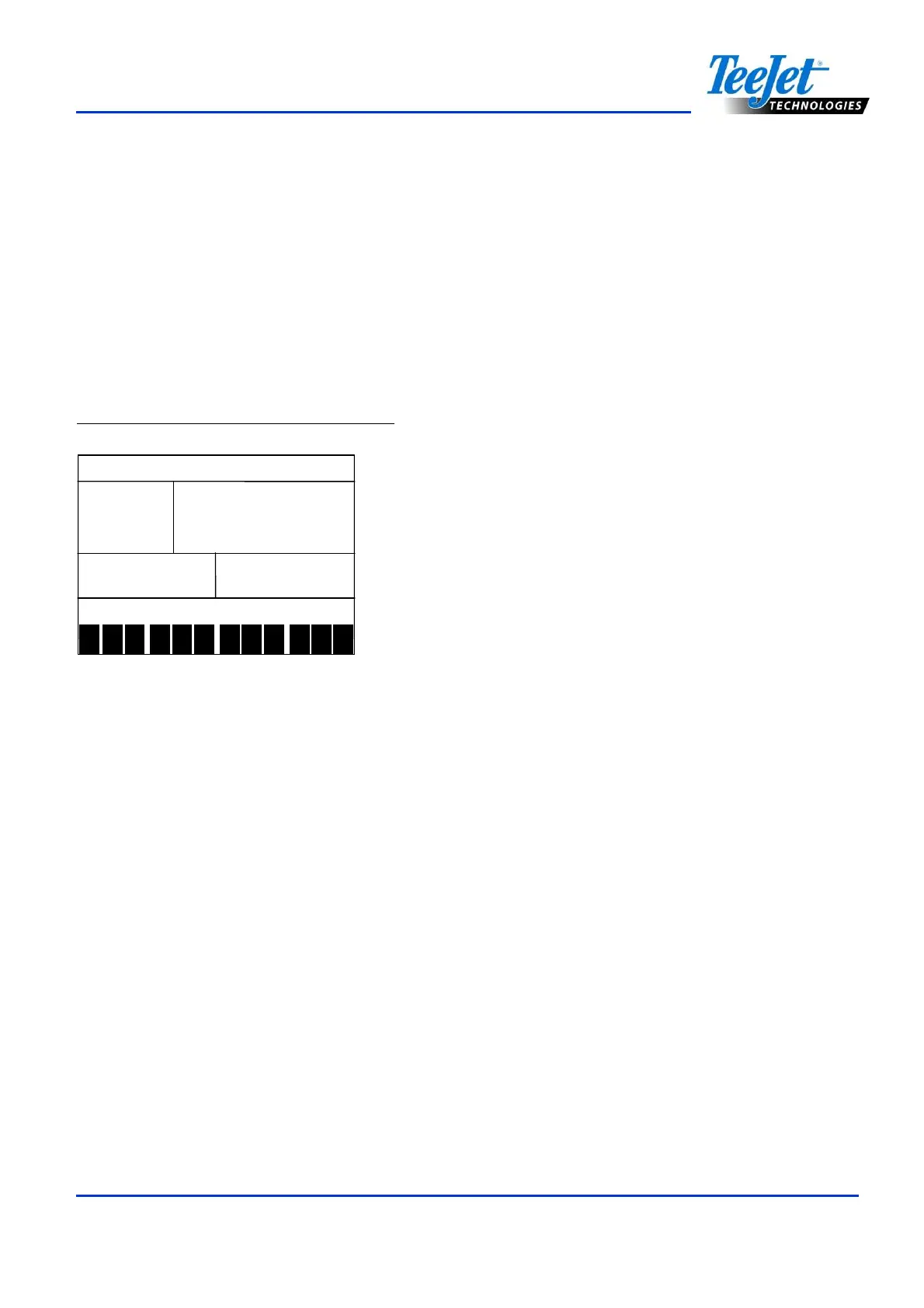
Figure 4-32: Communications Settings
1
2
3
4
5 6 7 8 9
10
11
12
no
no no
no
If the 844-AB has not been upgraded with the
communication package, no change is
required. If a change is necessary, press the
Plus or Minus keys to select the type of
communication used. Press the Program key
to accept the value and advance to the
beginning of System Setup mode.
Press and hold the Program key for three
seconds to exit System Setup mode. Changes
will be saved to the console’s memory.
NOTE:
The 844-AB console will not automatically
power down during System Setup mode.
The system must be exited by holding the
Program key for three seconds. A loss of
power to the controller during System
Setup mode will erase all changes not
previously saved to system memory.



 To Next Page