EasyManua.ls Logo

Teka LP8 810 - LP8 700; LP8 400 Models; Service Test for LP8 700; LP8 400

Teka LP8 810
22 pages
Print Icon
To Next Page IconTo Next Page
To Previous Page IconTo Previous Page
Loading...
Service Manual
Service Manual: MSDW16012 - 9 -
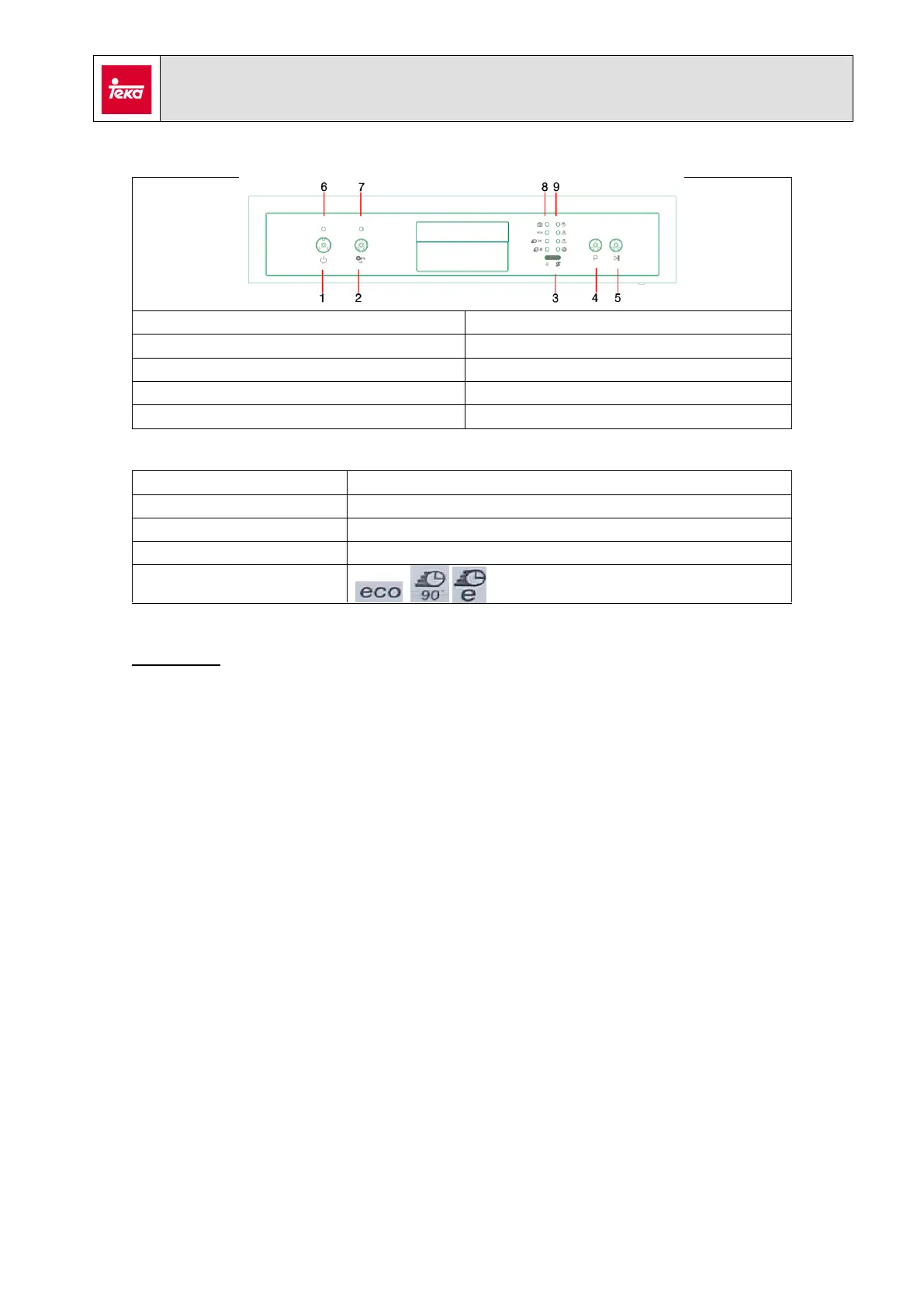
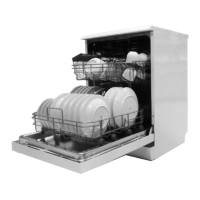
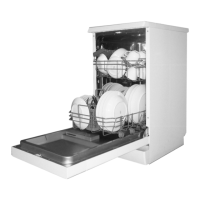
7. LP8 700 / LP8 400
1. ON/OFF button
6. ON / OFF indicator
2. Half load button
7. Half load indicator
3. Salt / rinse indicators
8. Program indicators
4. Program button
9. Program phase indicators
5. Start / Pause button
Wiring diagram:
See section 3
Optional Components:
None
Hydraulic diagram:
See section 2
Error indication:
Service Test
Follow the next steps to launch the test service:
- Connect the appliance to the power supply.
- Keep pressed the Start / Pause button [5]. The door must be open
- Press and release ON/OFF button [1]. All leds from control panel start to blink.
- Once the door is closed, service test will start.
You can advance to the next step of the test by pressing the Start / Pause button [5],
except during water loading.


Related product manuals