© 2007 U 541 - 08/07 10 of 12
Units of Temperature
or
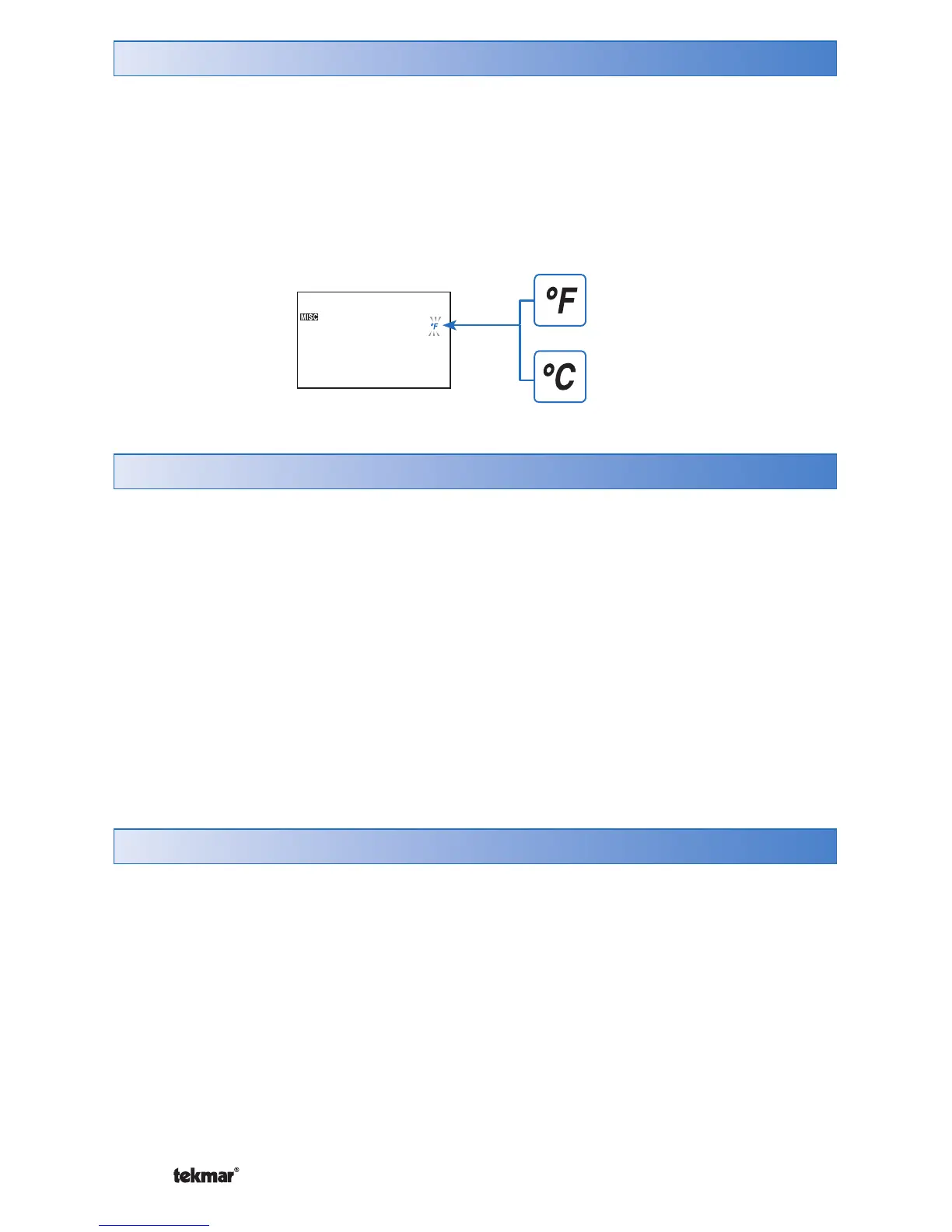
You can display temperatures in either Fahrenheit (°F) or in Celsius (°C).
To change the units of temperature:
1.
Use the Menu button to select the Misc menu.
2.
Use the Item button until the units flash.
3.
Use the Up or Down button to select Fahrenheit (°F) or Celsius (°C):
Backlight
The thermostat’s display has a backlight. By default the backlight is temporarily On.
You can also set the backlight to be either permanently On or permanently Off.
To change the backlight setting:
1. Use the Menu button to select the Misc menu.
2. Use the Item button to select Backlite.
3. Use the Up or Down button to select a setting:
• OFF: Backlight is off.
Cleaning the Thermostat
Clean the thermostat’s exterior using a damp cloth. Moisten the cloth with water
and wring out prior to wiping the thermostat. Do not use solvents or cleaning
solutions.



 To Next Page