9 of 12 © 2007 U 541 - 08/07
Schedule Description
None No schedule is used.
MBR1, MBR2,
MBR3,MBR4
This thermostat is a system schedule member. The number indicates
which of the four system schedules the thermostat is following.
During installation, your installer will have selected a schedule for your thermostat.
To view the schedule your installer has selected:
1.
Use the Menu button to select the Schedule Menu
2.
Use the Item button to select the Heat Schd. You will see one of the following:
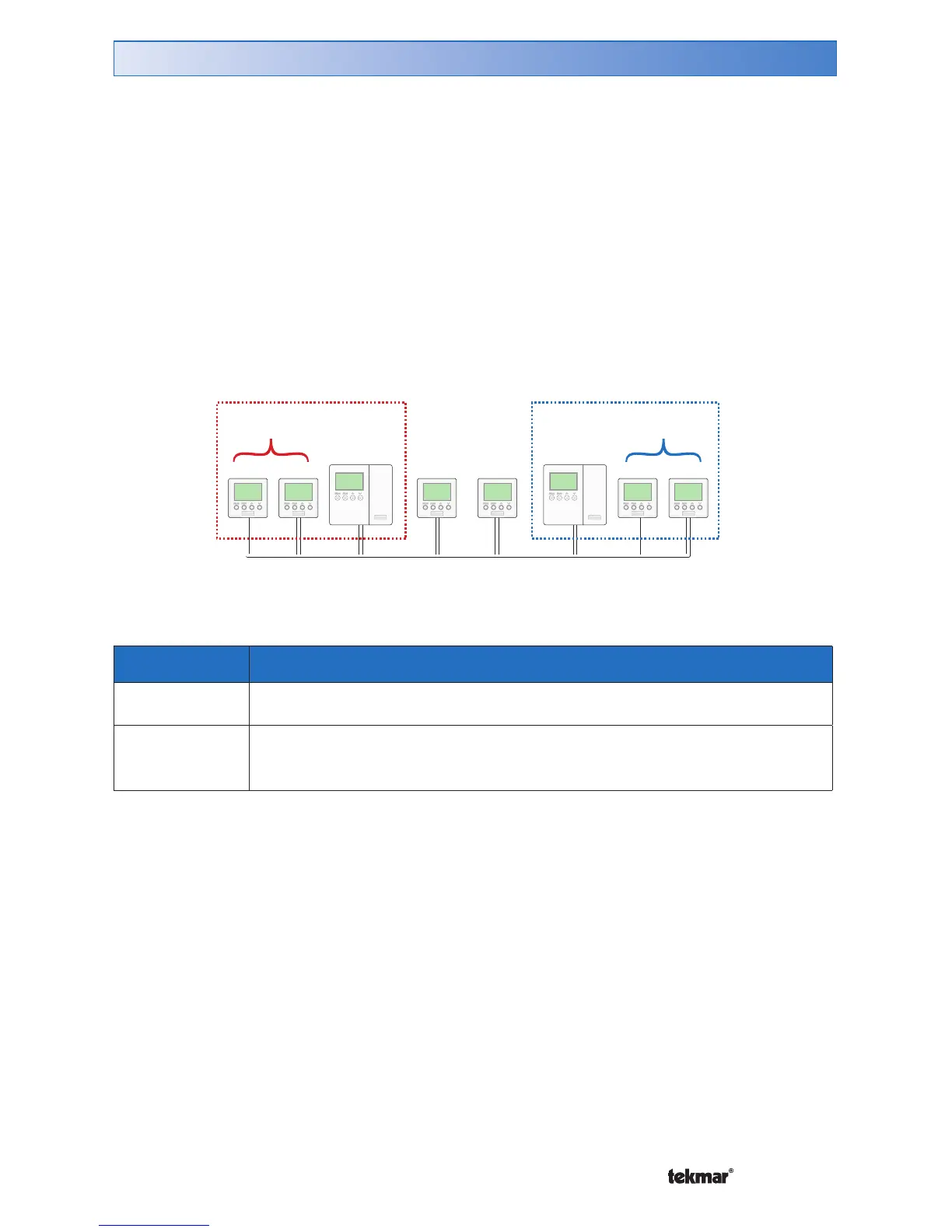
• MBR1 to MBR4: This thermostat is a member of a master schedule that has
been set on a separate thermostat. If the master schedule is changed, it affects
this thermostat.
Master
Schedule 1
Members of
Schedule 1
Members of
Schedule 2
Master
Schedule 2
None
Zone
Schedule
Zone 1 2 3 4 5 6 7 8
Selecting a Schedule



 To Next Page