3 of 12 © 2007 U 541 - 08/07
The control uses a Liquid Crystal Display (LCD) as the method of supplying
information on the operation of the thermostat.
Access Levels
This thermostat has five access levels:
• ADV (Advanced).
This brochure only covers the features available in the SEC, LTD and USER levels.
Only qualified service people should adjust the INST and ADV access levels.
Menu
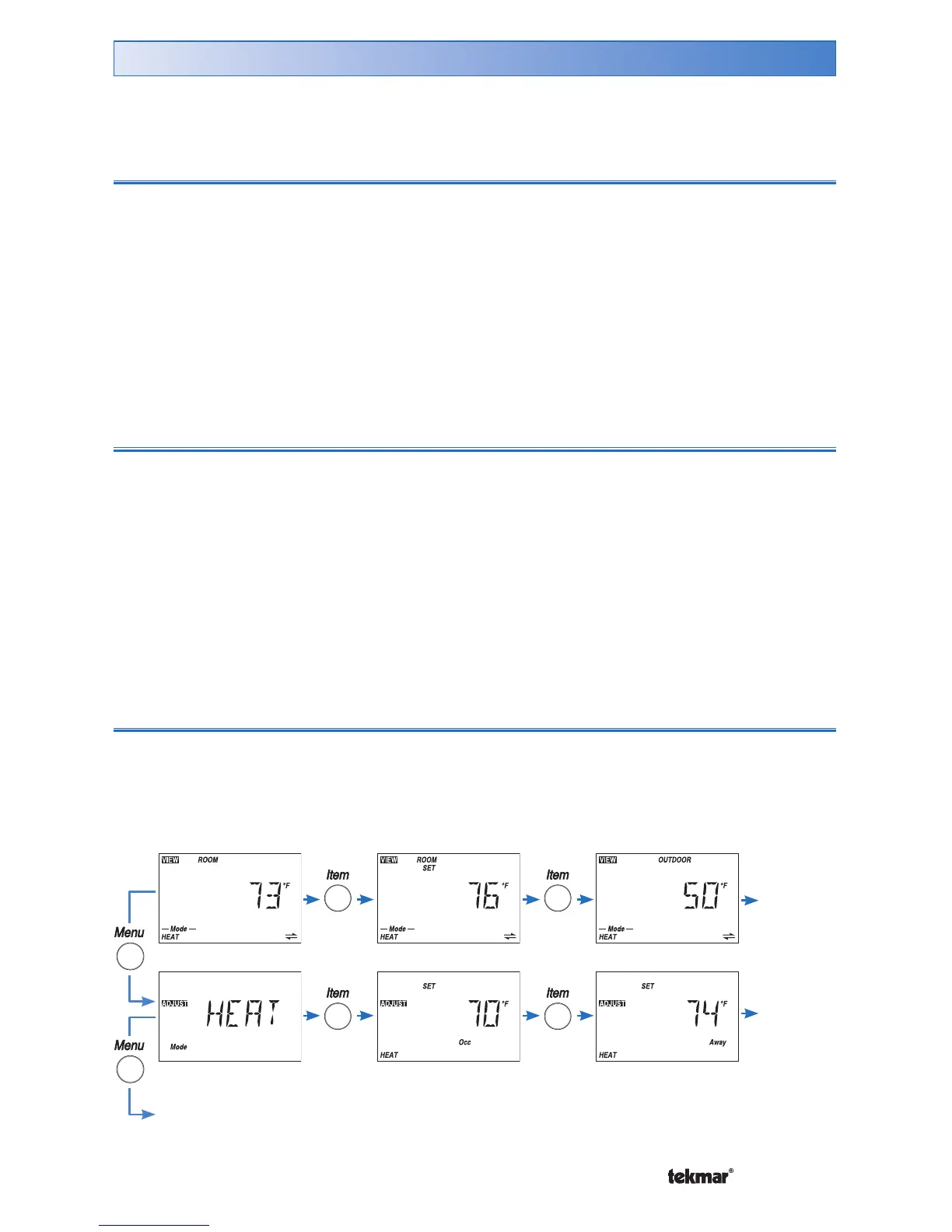
All of the items displayed by the thermostat are organized into five menus:
• Miscellaneous
User Interface
These menus are listed in the Menu Field on the top left hand side of the display.
Use the Menu button to advance to the next menu.
Item
Each menu has several items. The abbreviated name of the selected item will be
displayed in the item field of the display. To view the next available item, press and
release the Item button.
Continue
to next
Item
Continue to next Menu
Continue
to next
Item



 To Next Page