Adjustment Procedures
5-4 AFG3000 Series Arbitrary/Function Generators Service Manual
Reference Clock
This procedure adjusts the frequency accuracy of the arbitrary/function generator.
For any model, only one frequency point of channel 1 is adjusted.
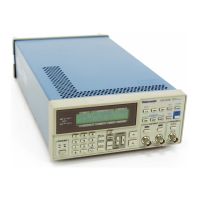
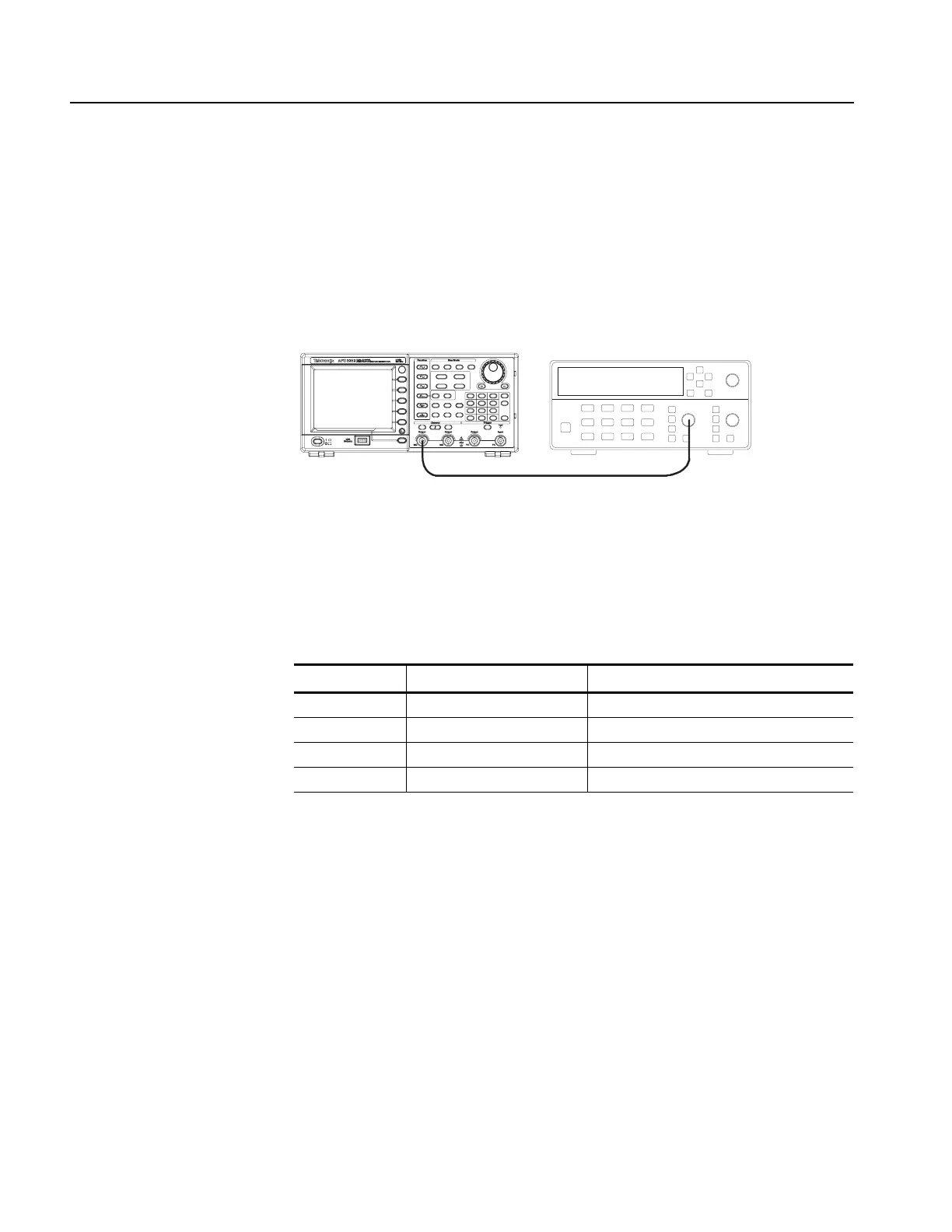
1. Connect the arbitrary/function generator to the frequency counter as shown in
Figure 5-1.
Figure 5-1: Reference Clock adjustment
2. Push the Default front-panel button and OK menu button to recall the
arbitrary/function generator default setup.
3. Set up the arbitrary/function generator using the following steps:
4. Push the Utility > -more- > -more- > Service Menu >
Manual Calibration > -more- > Reference Clock buttons. Ref Clock value
is selected.
5. Adjust the Ref Clock value with the rotary knob so that the frequency counter
reading is between 0.999999 MHz and 1.000001 MHz.
6. Push the Save menu button to save the adjusted value.
Select menu Setting Operation
Function Sine Sine (front)
Frequency 1.000000 MHz Frequency/Period (front)
Amplitude 1.00 Vpp Amplitude/High (front)
Channel 1 Output On On (front)
Frequency counter
50 Ω BNC coaxial cable
CH1 Output
AFG3000 series
Inputs


 To Next Page
 Loading...