EasyManua.ls Logo

Teledyne 10 - User Manual

Teledyne 10
88 pages
Print Icon
To Next Page IconTo Next Page
Loading...
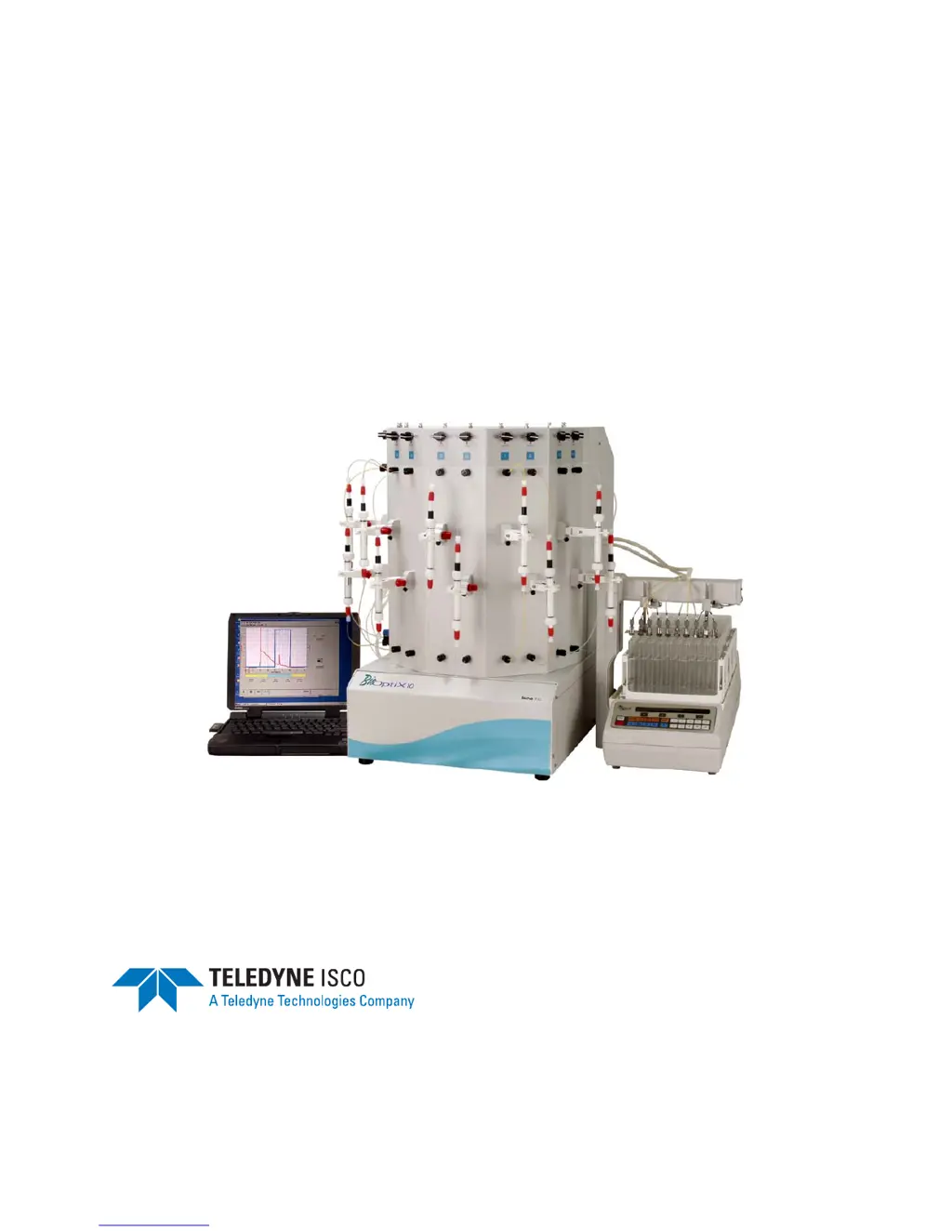
BioOptix™ 10
Installation and Operation Guide
#69-5203-150
Copyright © 2004 Teledyne Isco, Inc.
All rights reserved.
Revision B, September 20, 2005

Table of Contents

Questions and Answers

  • S
    Stephanie StephensJul 26, 2025
    What to do if the Teledyne 10 Laboratory Equipment system will not prime?
    • J
      Jennifer WilsonJul 26, 2025
      If the Teledyne Laboratory Equipment system won't prime, prime all channels to overcome the added minute leakage in each channel and ensure the bypass tubes are in place on all channels. Also, check for clogged inlet lines due to insufficient filtering, insecurely connected inlet lines, or air leakage at an internal fitting.
  • E
    Evan ThomasAug 4, 2025
    Why is there overpressure on one or more channels in my Teledyne 10 Laboratory Equipment?
    • J
      jennifer38Aug 4, 2025
      If you are experiencing overpressure on one or more channels in your Teledyne Laboratory Equipment, it could be due to a few reasons. The sample may have precipitated (crashed) in the column or solid phase cartridge. Another possibility is that the tubing is kinked, or the injection valve is set at an incorrect position.
  • D
    Diana NicholsAug 15, 2025
    What to do if there is dripping in unused column positions in Teledyne 10 Laboratory Equipment?
    • H
      Howard SheppardAug 15, 2025
      Dripping in unused column positions in Teledyne Laboratory Equipment can occur if lines were not purged after the last use. Slight leakage from contaminants in check valves can also cause this, though it's usually not detrimental to performance. Using column bypass tubes on unused channels is suggested.

Summary

Safety Information

General Warnings

Covers warnings related to hazardous liquids, practices, and flammable solvents.

Introduction to BioOptix 10

Installation Guide

BioOptix 10 Installation Procedures

Covers unit placement, space requirements, electrical needs, assembly, and fluid connections.

BioOptix 10 Software Installation

Steps for installing and configuring the BioOptix 10 control software on a PC.

BioOptix 10 System Preparation

Procedures to prepare the system, including priming tubing with buffer solution.

Operating the BioOptix 10 System

Method Configuration

Details on setting up Equilibrate, Load, Wash, Elute, and Flush blocks within method files.

Experiment Setup and Management

Procedures for creating, editing, and saving experiment files for purification runs.

Running and Monitoring Experiments

Instructions on starting, pausing, resuming, and observing experiment progress.

System Maintenance and Troubleshooting

Piston Seal Replacement

Detailed steps for replacing worn piston seals in the pump module.

Troubleshooting Common Problems

Addresses common operating issues, leaks, electrical problems, and fuse/breaker checks.

Teledyne 10 Specifications

General IconGeneral
BrandTeledyne
Model10
CategoryLaboratory Equipment
LanguageEnglish

Related product manuals