RiverRay Deployment Guide P/N 95B-6131-00 (April 2022)
EAR-Controlled Technology Subject to Restrictions Contained on the Cover Page.
Page 3
Connecting to the ADCP
C ONNECTING TO THE ADCP INCLUDES THE FOLLOWING STEPS:
Connecting the cables and battery on the Boat
Connecting to the system using WinRiver II
What type power does my system need?
The RiverRay ADCP requires a DC supply between 10.5 volts to 18 volts. Either an external DC power sup-
ply or battery can provide this power. The standard 12v 7 ah battery supplied with the Boat should power
the ADCP for ~40 hours by itself, or ADCP + GPS for ~8 to 12 hours.
Check that the battery voltage is above 10.5 Volts DC. RiverRay ADCPs will work at 10.5 VDC
with at least 400 milli amps; however, batteries with voltages below 11 VDC are at or near
their end of life, and are approaching uselessness.
The power supply must be able to handle the inrush current as well. Inrush current is the current required
to fully charge up the capacitors when power is applied to the RiverRay. The capacitors provide a store of
energy for use during transmit. The inrush current is as high as three Amps rms. The RiverPro /RioPro
will draw this amperage until its capacitors are fully charged.
If the power supply limits the current or the power drop on the cable is significant, then the power on cy-
cle will take longer. It can take up to one minute. If the power shuts down during the inrush current draw,
this may not allow the RiverRay’s electronics to start.
Using the Bluetooth Connection
TRDI strongly recommends that users install the drivers and test communications in a loca-
tion with internet access, before proceeding to their measurement location.
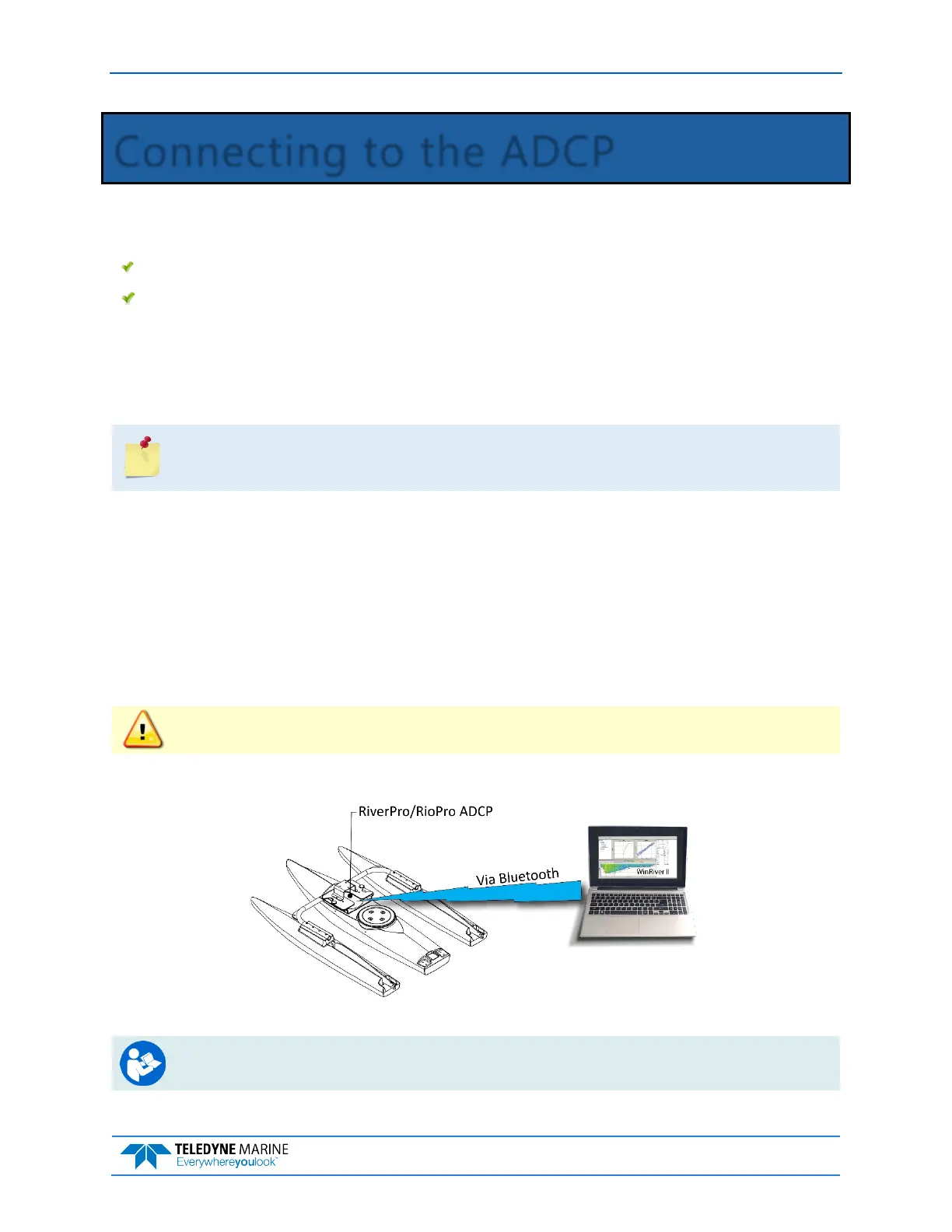
Use a Bluetooth connection for a tethered boat deployment.
RiverRay Connections – Bluetooth Connection
For instruction on using the SD1000U USB Bluetooth device, see the WinRiver II Software
User’s Guide and the instructions and Bluetooth CD included with the device.



 To Next Page