P/N 95B-6131-00 (April 2022) RiverRay Deployment Guide
Page 8
EAR-Controlled Technology Subject to Restrictions Contained on the Cover Page.
Using GPS
Integrated GPS
The RiverRay ADCPs support integration of GPS data into the ADCP data stream. This approach mini-
mizes the potential for latency in the GPS data and does not require a dedicated communications channel
between the GPS receiver and the user’s computer.
To integrate GPS data into the RiverRay ADCP:
Configure the GPS receiver for operation as desired.
Note the baud rate used for NMEA 0183 output.
The baud rate must be greater than 9600. The
recommended baud rate is 57600 or 115,200.
Connect the GPS receiver to the RiverRay using the
appropriate wiring harness and interconnect cable(s).
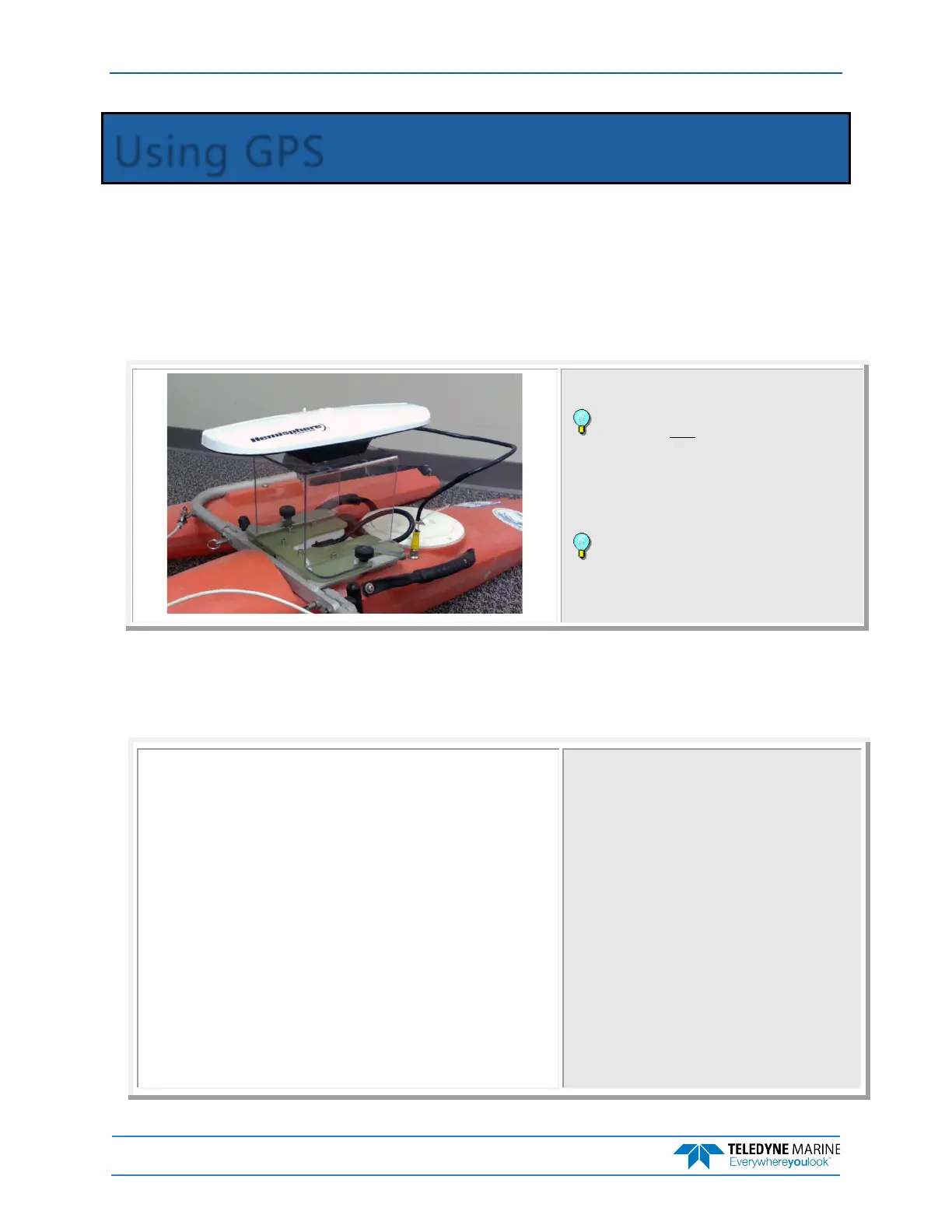
Mount the GPS antenna above the ADCP.
Apply power to the ADCP/GPS.
Hemisphere V102 and the multipurpose GPS
mount shown. Contact your local sales representative if
you are interested in purchasing a GPS wiring/mounting
kit or a complete GPS system.
Verifying the ADCP is Receiving GPS Data
Do not proceed to using WinRiver II if you want to use GPS data until you can see good GPS messages in
TRDI Toolz. WinRiver II will only display properly formatted and fully populated messages.
RiverRay
Teledyne RD Instruments (c) 2015
All rights reserved.
Firmware Version: 44.xx
>
>SF0
External NMEA status: NO DATA, baud option 3
Baud rate 4800(3)
Usage: SF <option>
Options:
0 help
1 status
2 toggle diagnostics
3-8 baud code; 3=4800, 4=9600, 5=19200, 6=38400,
7=57600, 8=115200
9 enable baud detection
10 detect baud now
-1 disable
11 enable
20 message list sub-menu
To verify that the ADCP is receiving GPS data:
Open TRDI Toolz and connect to the ADCP. After
sending a break type SF0 to show all the SF command
settings.
If you know the baud rate use the appropriate SF
command SF3-8 and skip the next step.



 To Next Page