RiverRay Deployment Guide P/N 95B-6131-00 (April 2022)
EAR-Controlled Technology Subject to Restrictions Contained on the Cover Page.
Page 11
Prepare for Discharge Measurement
P REPARING FOR D ISCHARGE M EASUREMENT INCLUDES THE FOLLOWING
STEPS
:
R UNNING THE W INR IVER II M EASUREMENT W IZARD
R UN THE B UILT- IN T ESTS ON THE ADCP
R UN THE C OMPASS C ALIBRATION ON THE ADCP
R UN THE M OVING BED T EST/SET THE C LOCK
Prepare for Discharge Measurement
The Hydrologist arrives at the site with a RiverRay and all of the ancillary equipment necessary to per-
form a discharge measurement.
• Tethered boat w/ tagline – The Hydrologist sets up a tagline/pulley system for the tethered boat and
then proceeds to install the RiverRay in a standard RiverRay boat. Tethered boat measurements can
also be performed from a bridge or other structure across the river. This tends to provide reduced
control over the tethered boat motion in the water, as the bridle/line length is longer giving the Boat
more freedom to move with the water currents. Measurements taken from bridges or other structures
often encounter greater turbulence in the form of jets and eddies created by the structure or bridge
piers.
• Manned boat – The RiverRay is attached to a Kentucky mount or equivalent mounting method.
If the measurement site is expected to have significant moving bed conditions, the
Hydrologist may decide to connect a portable GPS module to the RiverRay.
The RiverRay is connected to a 12V 7AHr gel-cell battery, and it automatically establishes a connection to
external devices and begins to acquire a position via its internal GPS. Next, the Hydrologist powers on the
laptop, opens the discharge measurement application WinRiver II and connects to the RiverRay with a
wireless connection for a tethered boat or a wired connection using RS-232 for a manned boat.
Measurement Wizard
The Hydrologist selects to start a new measurement within the WinRiver II application. Once the Hydrol-
ogist enters all of the background information on the site where the measurement will be performed, the
software will then automatically detect whether an ADCP is connected and which ADCP product it is.
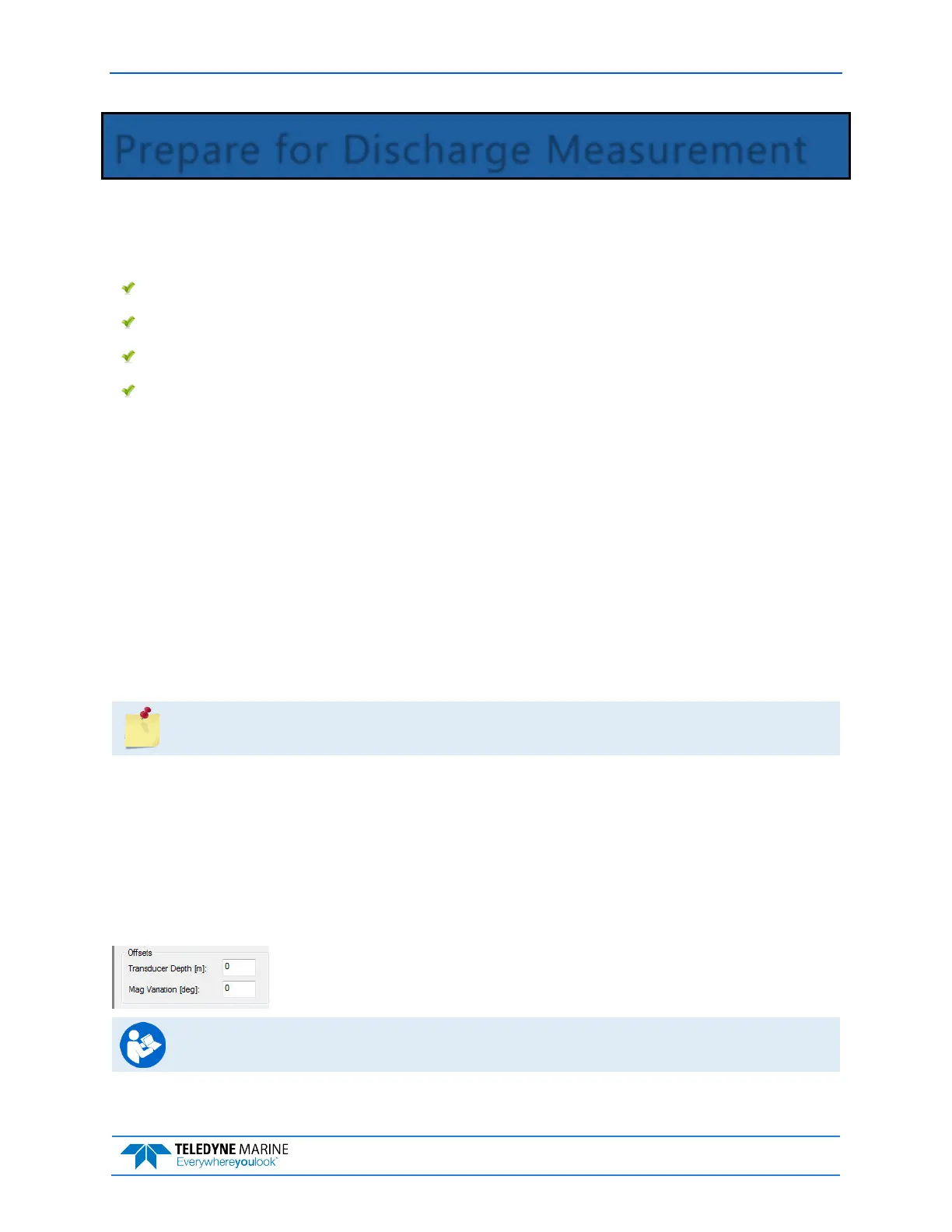
Use the Transducer Depth field to set the depth from the water level to the
center of the slant beam transducer faces.
Enter the Magnetic Variation for the site.
See Chapter 3 Tutorials and Chapter 7 Using the Measurement Wizard in the WinRiver II
User’s Guide.



 To Next Page