Eclipse 8/ 16/ 32 Series - Engineer Programming Manual
48
This option concerns the set value at ADDRESS 3019 – time delay for
activation of PGM 01:
DELAY seconds () – the set time delay at address 3019 is measured
in seconds.
DELAY minutes (3) – the set time delay at address 3019 is measured
in minutes.
This option is available when the PGM 01 is set as a siren output.
When the option is enabled, the output operates in a specific working
mode:
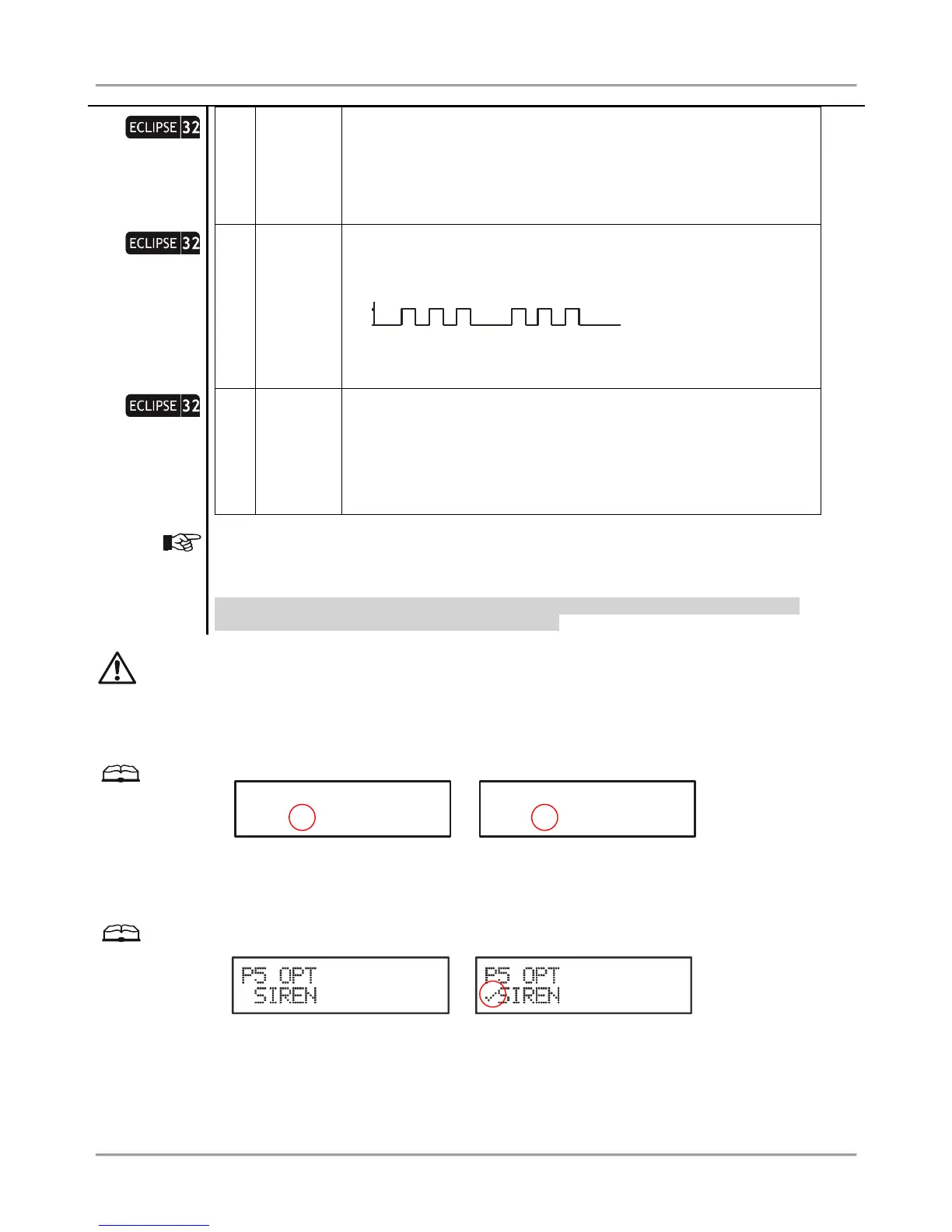
PULSED FIRE DISABLE () – The option is not active
PULSED FIRE ENABLE (4) – The option is active
This option concerns the set value at ADDRESS 3017 – deactivation
timer for PGM 01:
Deact. Timer seconds () – the set time at address 3017 is measured
in seconds.
Deact. Timer minutes (5) – the set time at address 3017 is measured
in minutes.
For LED keyboards: The option status “” is performed with non-lighting zone number.
* NOTE: The option is not applicable when the PGM is programmed as Siren output.
Default settings: 1. GENERAL OUTPUT, 2. POLARITY NORMAL (+12V), 3. DELAY sec,
4.PULSED FIRE DISABLED, 5. DEACT. TIMER sec.
By default PGM 05 is programmed as a siren output – at address 3051 is set “1”. If after the initial power-up of
the control panel, no siren is connected to PGM 05 output, the system will display a trouble message “8.
SIREN FAULT”. In case the PGM 05 will be used as a general output, the setting at address 3051 must be
programmed as “”. You can leave the set by default option, but to void the displayed trouble message in that case
terminate the PGM 05 output with 1kOm resistance – you can find one in the supplied spare parts kit.
Example with using 4-digit address menus
Output with general purpose Siren output
Example with using text menus
Select in sequence: 5. OUTPUTS – 2. PGMs – 05. PGM – 2. P5 OPTIONS. The screen displays:
Output with general purpose Siren output
















 To Next Page