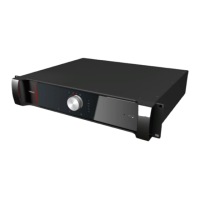
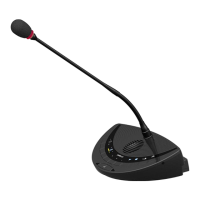
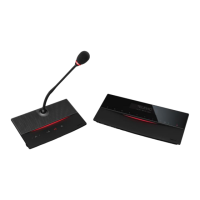
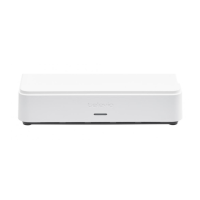
Figure 1-4 Side view of the Confidea tabletop unit
You can find the following functions on the Confidea tabletop unit:
1. Volume control: changes the volume of the headphones
2. Information display: displays volume and channel information
3. Language selection button: press the buttons to select the language you want to hear. You
can see the selected language on the information display.
4. Microphone status LED
Red: microphone is active
Green: microphone in request
5. Microphone button: press to activate or deactivate the microphone
6. Voting buttons: a unit can have three or five voting buttons, the LEDs lights above the voting
buttons light up during a voting session, indicating the available voting buttons.
7. Abstain voting button
8. Voting buttons: a unit can have three or five voting buttons
9. NEXT button (chairperson only): grants the floor to the next delegate in the request list
10. PRIOR button (chairperson only):
Press and hold: temporarily mutes the microphones of all active units
Press and release: deactivates the microphone of all active units
11. RFID card reader: insert your badge to identify yourself
12. Headphone connector: available on both sides of the unit
HO W TO USE THE CONF IDEA TABL ETO P UNITS 15



 To Next Page