9. Speech timer as progress bar: when the speech time is running out the color of the bar
changes to orange and then red
10. Deactivate microphone: has the same functionality as the physical microphone button on the
unit:
Licensing Interface
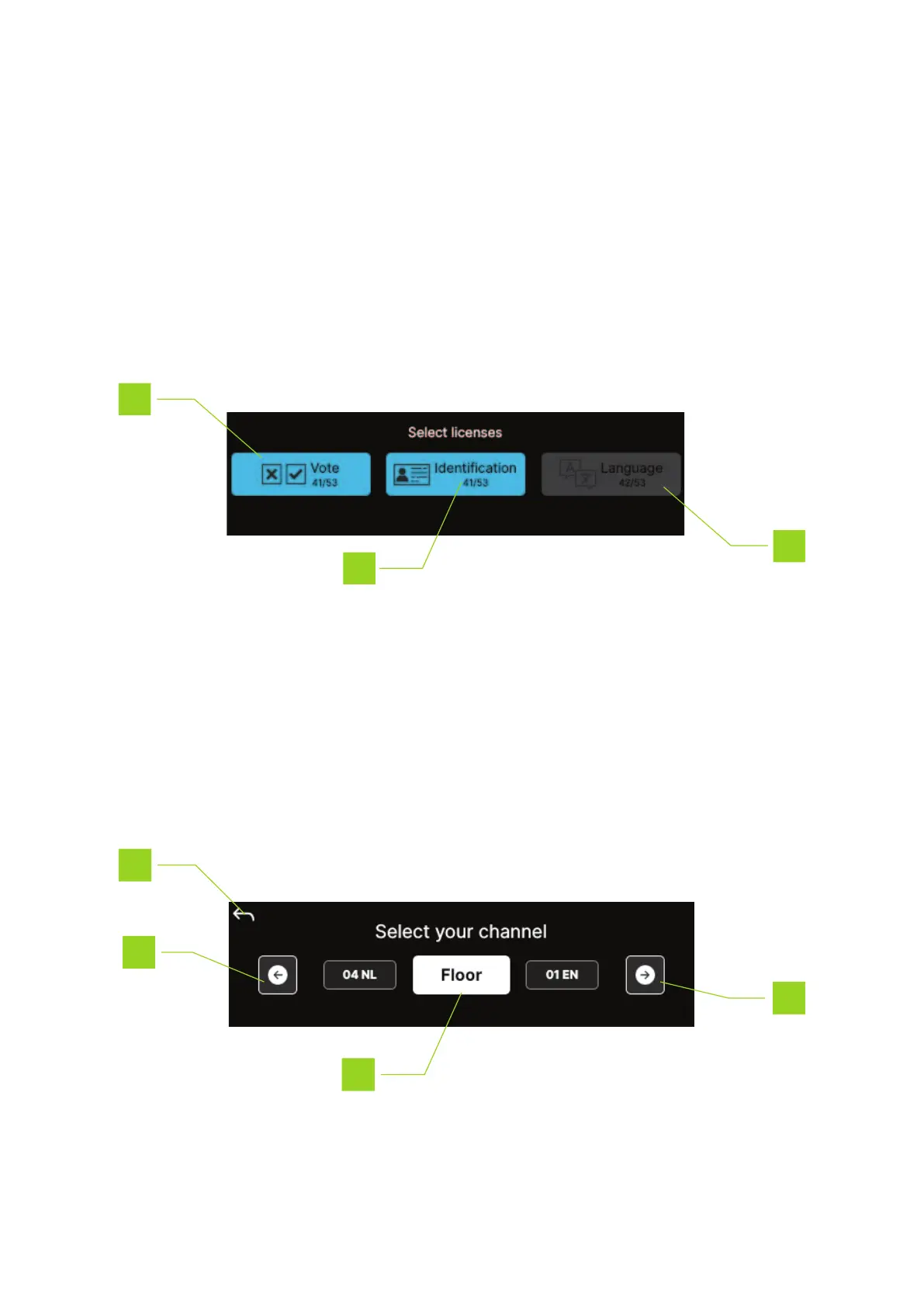
When setting up a Confidea FLEX unit, you need to select which licenses are active in the unit ( for a
detailed description of this process, see the Plixus installation guide). The license screen shows the following
information:
1. Active license
2. Inactive license
3. Remaining licenses
Channel Selection Interface
To channel the channel you are listening to, press the Channel selection button as shown in "Main
interface" on page23.
HO W TO USE THE CONF IDEA FL EX INTER F ACE 28



 To Next Page