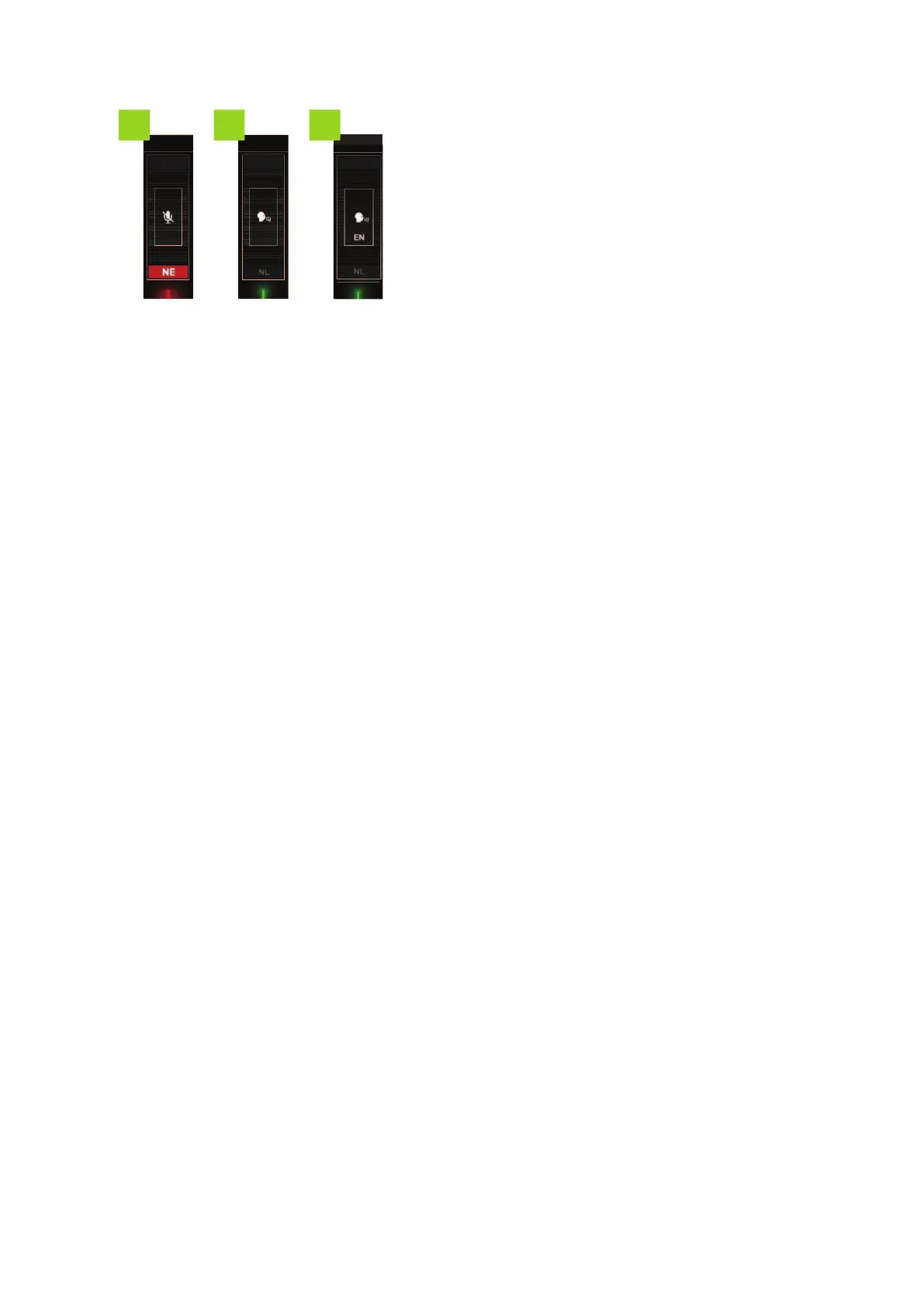
10. Outgoing channel muted
11. Interpreter within same booth on outgoing channel (active)
12. Interpreter from other booth (language indicated) on outgoing channel
How To Change Relays And Outgoing Channels
To change the relays and outgoing channels you need to execute a combination of actions:
1. Press the button underneath the channel and simultaneously rotate the Jog Wheel of the menu
button
2. The menu with available languages opens.
3. Use the Jog Wheel to scroll through the list.
4. Press the Jog Wheel to confirm the language.
How To Configure The Microphone Input
By default the Lingua ID automatically detects the microphone, or a headset on the left and right input. To
manually change the microphone input, follow the instructions below.
ENABLING A HEADSET OR A MICROPHONE
Open the main menu using the Jog Wheel and rotate the wheel clockwise to Microphone Input (headset
icon):
HO W TO USE THE L ING UA IDINTER F ACE 47



 To Next Page