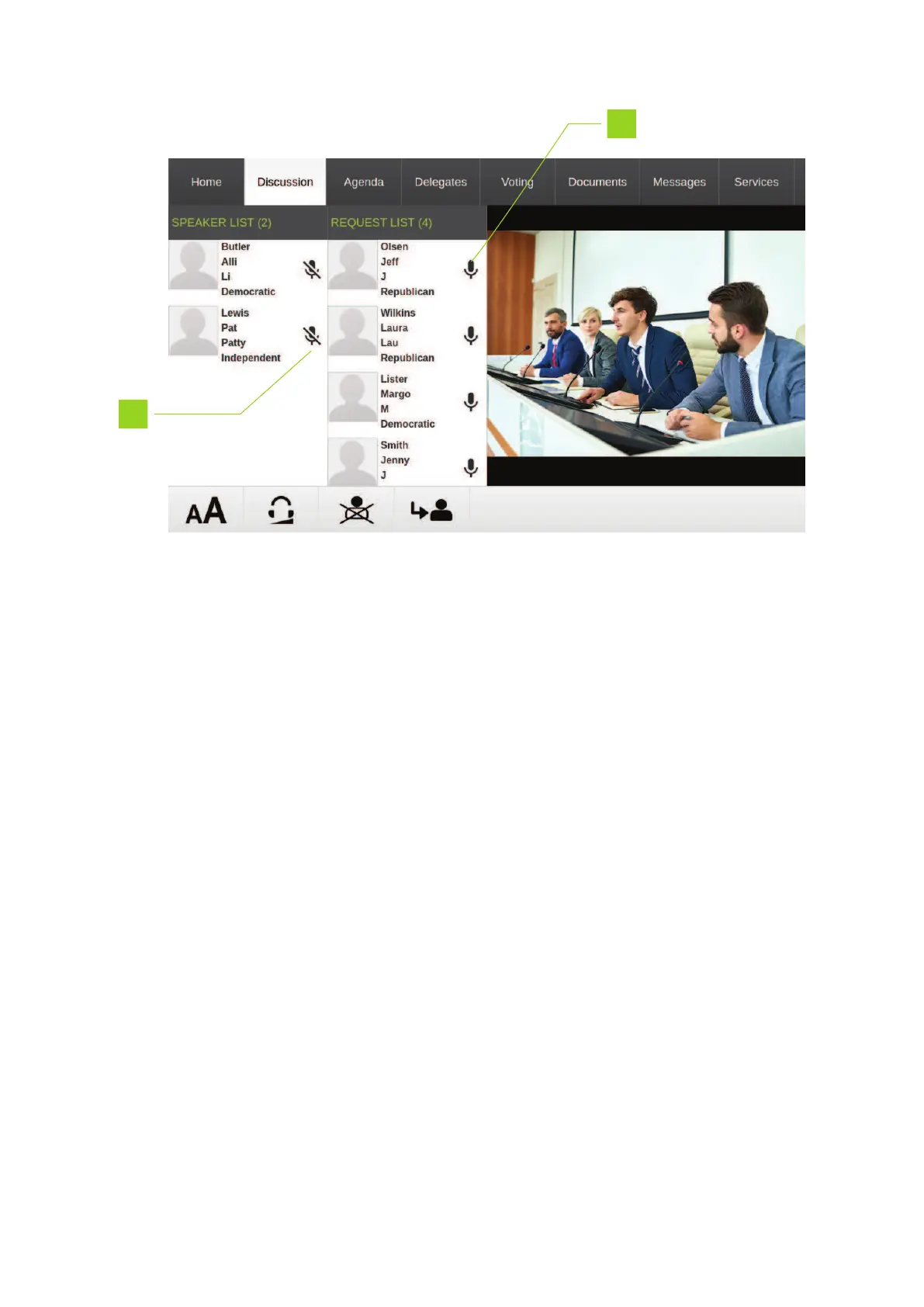
Figure 1-10 uniCOS chairperson interface Discussion tab
6. Press to activate microphone
7. Press to deactivate microphone
Voting Interface
When a meeting contains a voting agenda topic, the uniCOS interface contains the voting tab. In some
cases delegates need to enter a personal PIN code before they can vote. Below you can see an example
of voting proceeded by login with a PIN code.
REG UO HO W TO USE THE UNICO S INTERF ACE 38



 To Next Page