28
Sidetone Adjustment
The US-2002 uses full-duplex audio, the same as a conventional telephone line, in which the talk and listen audio are sent and
received on the same line. Thus, when you talk on a channel, you also hear your own voice back in the speaker or headphones.
This is called sidetone.
If you are using the US-2002 with a microphone and speaker, sidetone could cause unwanted feedback, since the microphone
may pick up your returned voice audio and re-amplify it. This could also happen if you are using a headset where the ear
cushions do not completely cover the ears. In either case, you should minimize the amount of sidetone.
NOTE: If you are using headphone that completely enclose the ears, you may want a certain amount of your own voice
level heard to overcome the muffled sensation when talking.
To adjust sidetone using a speaker and microphone, or open-ear style headphones, do the following:
1. Simultaneously press the ALL Talk and PA keys to activate the test tone.
2. Tap the channel 1 call key to send the test tone on channel 1.
3. If you are using a headset, adjust the volume control at the US-2002 until you hear the test tone.
OR
If you are using a speaker, adjust the volume control at the speaker.
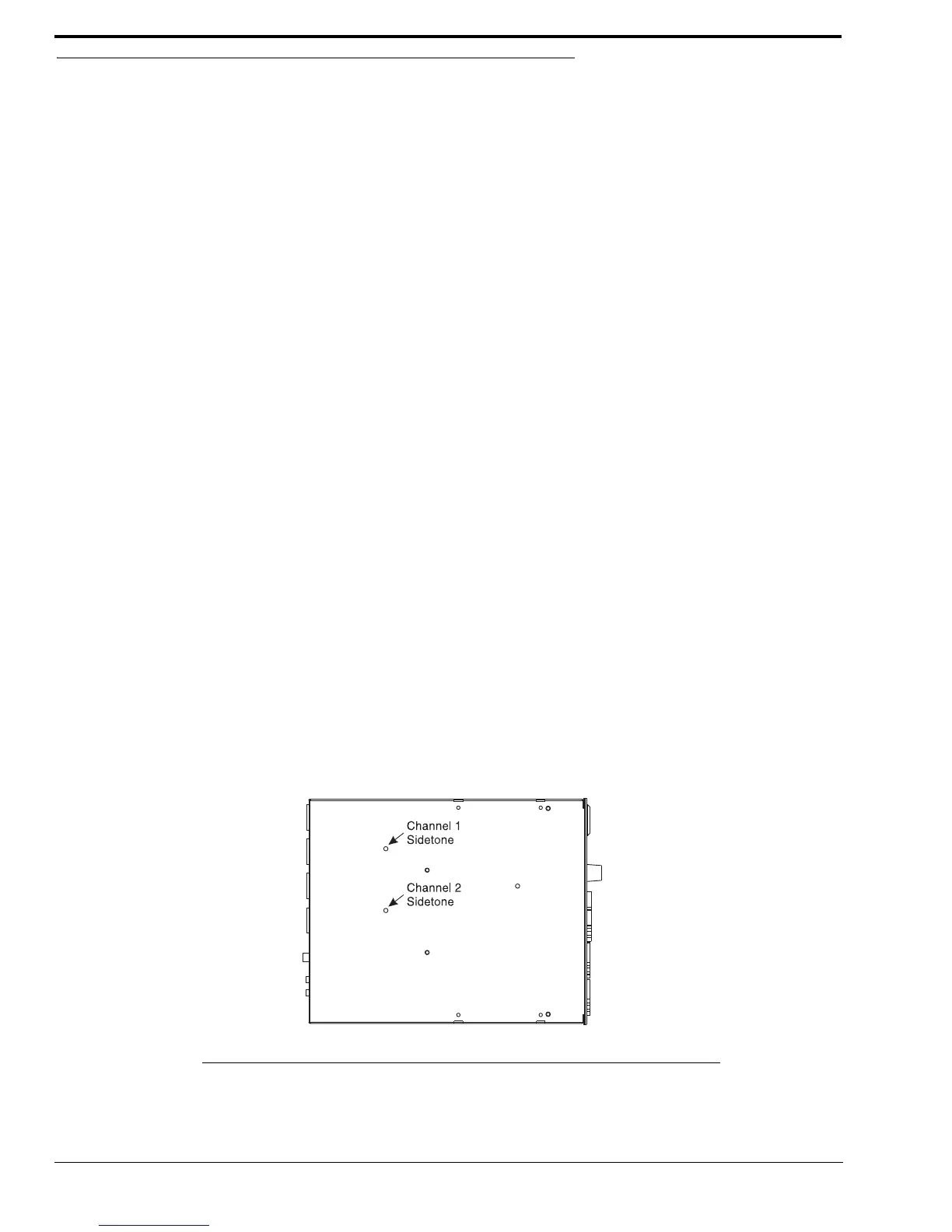
4. Using a small flathead screwdriver, adjust the channel 1 sidetone through the access hole in the bottom of the
US-2002 (Figure 16 on page 28) to minimize the tone volume.
5. Tap the channel 1 call key to turn off the test tone on channel 1 when finished.
6. Tap the channel 2 call key, and repeat the steps 3 - 5 for the channel 2 sidetone.
7. Tap any other key, except a call key, to turn off the test tone when finished.
To adjust sidetone using headphones that completely enclose the ears, do the following:
1. Tap the Headset key to turn the headset microphone on.
2. Tap the channel 1 Talk key to turn it on.
3. While speaking into the microphone, use a small flat-bladed screwdriver to adjust the channel 1 sidetone so you
hear your voice at an acceptable level in the headphones.
4. Tap the channel 1 Talk key to turn it off when finished.
5. Tap the channel 2 Talk key to turn it on, and adjust the channel 2 sidetone as for channel 1.
6. Tap the channel 2 Talk key to turn it off when finished.
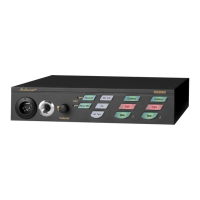
FIGURE 16. US-2002 Bottom View


 To Next Page