7
CHAPTER 2
Installation
Unpacking
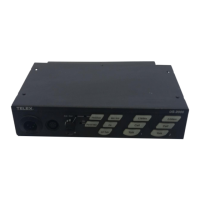
The package contains the following items.
NOTE: Contact the shipper or your Audiocom dealer immediately if anything is damaged or missing.
Configuration Pre-check
Before connecting the US-2002 ensure it is properly configured for your intended usage. Figure 2 on page 8 shows the
configuration jumpers and switches locations.
To access internal switches and jumpers, do the following:
1. Remove one (1) screw from the top cover.
2. Remove three (3) screws from each side.
NOTE: Switch SW2 can be accessed through the back panel. If you change any switch settings while the US-2002 is
operating, you must perform a reset: either cycle power off then on, or simultaneously press the All Talk and
Listen 1 keys, then release them. The sidetone controls are adjusted after power-up and are normally
accessed through the bottom cover.
Quantity Description
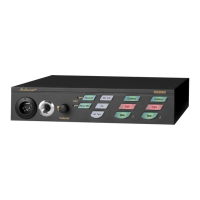
1 US-2002 Intercom Station
1 Warranty and Registration Card
1 User Manual
4 Rubber feet for desktop use of the US-2002
1 Termination plug for special applications (Figure 13 on page 24)


 To Next Page