13
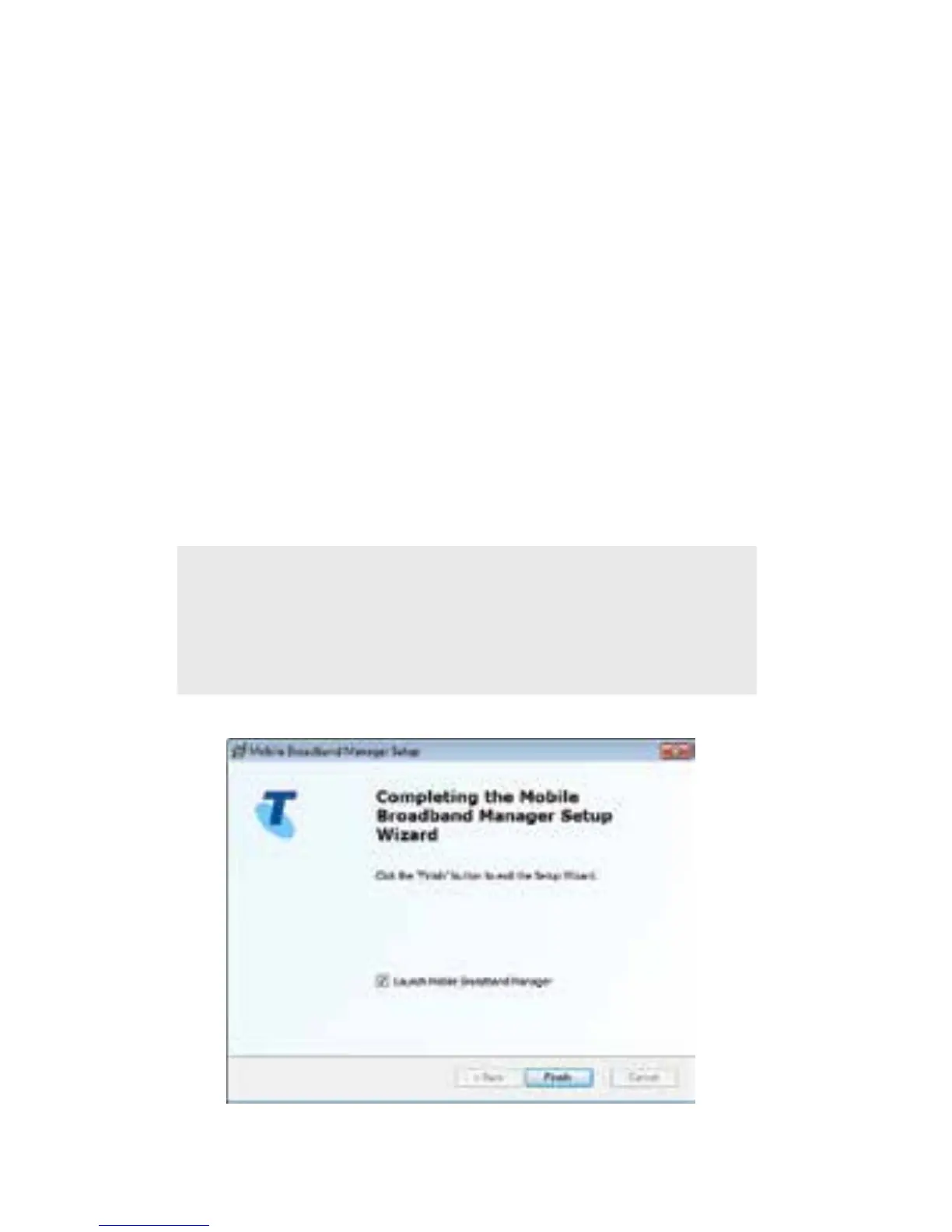
Onceinstallationiscomplete,clickFinishto
exitthesetup.
3. LaunCH ConneCtion manager
(bigpond mobiLe broadband
manager Software)
Onceinstallationiscompleteashortcutwillbe
createdonyourdesktop.Doubleclickonthe
shortcuttoopentheMobileBroadbandManager.
Click Connect Now to start using your device.
Handy Hint
Windows8userscanalsoconnectand
disconnectfromTileviewbyselectingSettings>
Networks.














 To Next Page