14
For more information on using the Connection
Manager and monitoring your usage see pages
11-12.
4. regiSter your aCCount
• You will need your BigPond
®
username and
password or your billing details if you haven’t
signed up yet
.
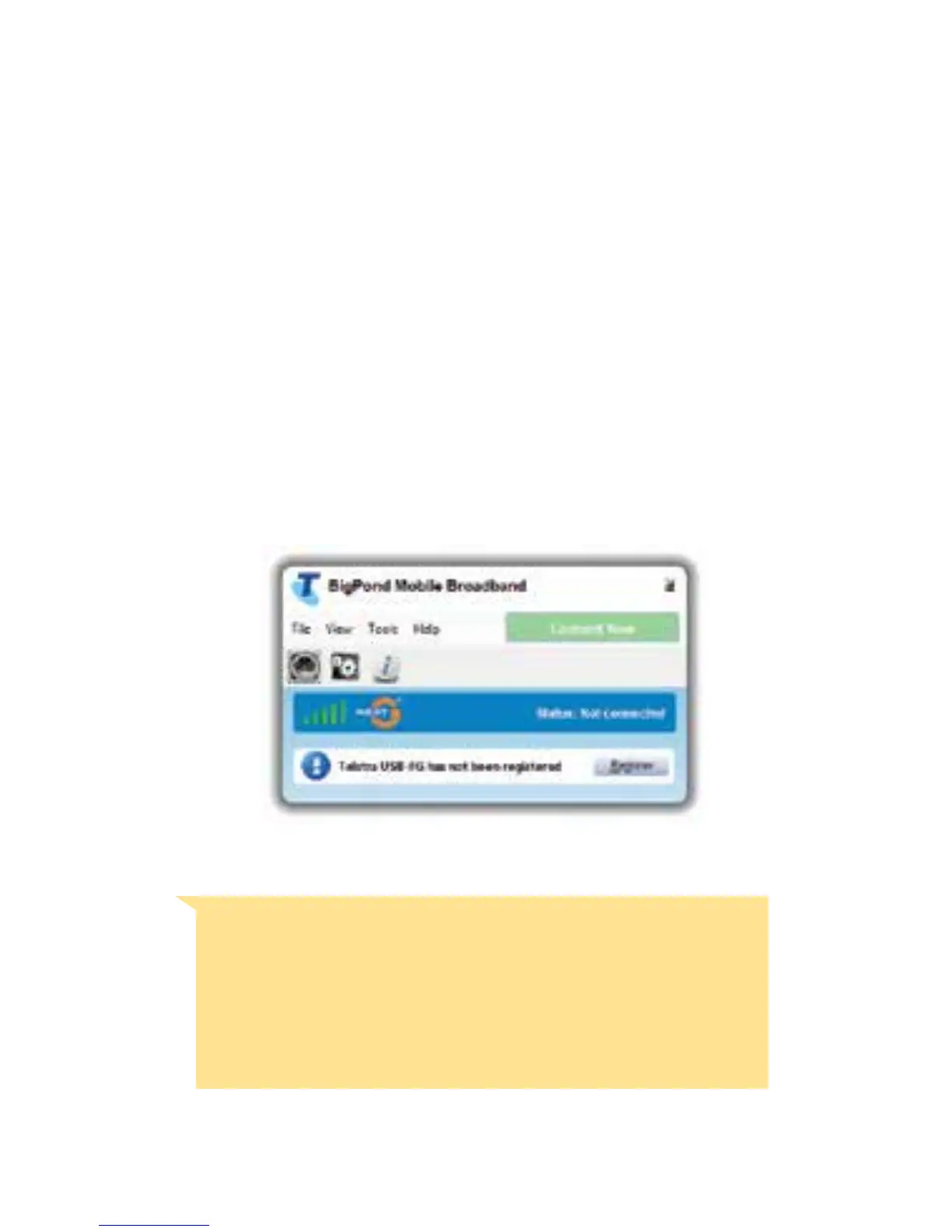
• From the Connection Manager click on
Register to begin.
Important: There are instances where the
connection manager may ask to register even
ifyouhaveregisteredbefore.Ifitdoes,go
throughtheregistrationprocessagaintosetup
your device.














 To Next Page