23
wHen do i uSe tHe extenSion
CabLe and CLip?
Iftheorientationofyourcomputer’sUSBslot
orthethicknessofyourcomputeraresuch
thatpressureisappliedtotheendorsideof
themodem,youmaydamagethemodemor
yourcomputer.Insuchcases,donotinsertthe
modemdirectlyintoyourcomputer’sUSBslot.
UsetheUSBextensioncableandlaptopscreen
clipinstead.
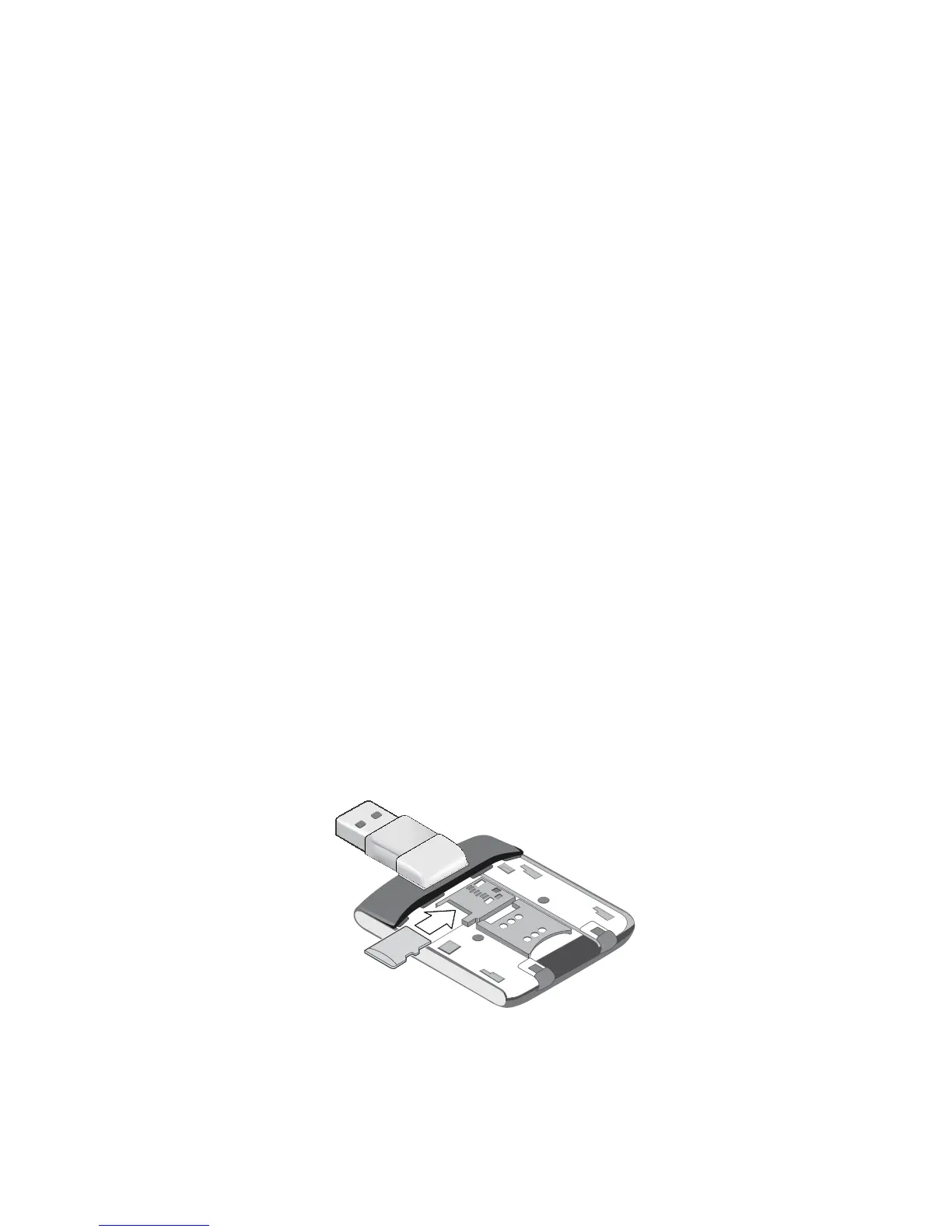
How do i inSert a miCroSd Card?
ThemicroSDslotislocatedbeneaththeback
cover. See the illustration below.
anSwering tHoSe
niggLing queStionS














 To Next Page