Page 14 of 31
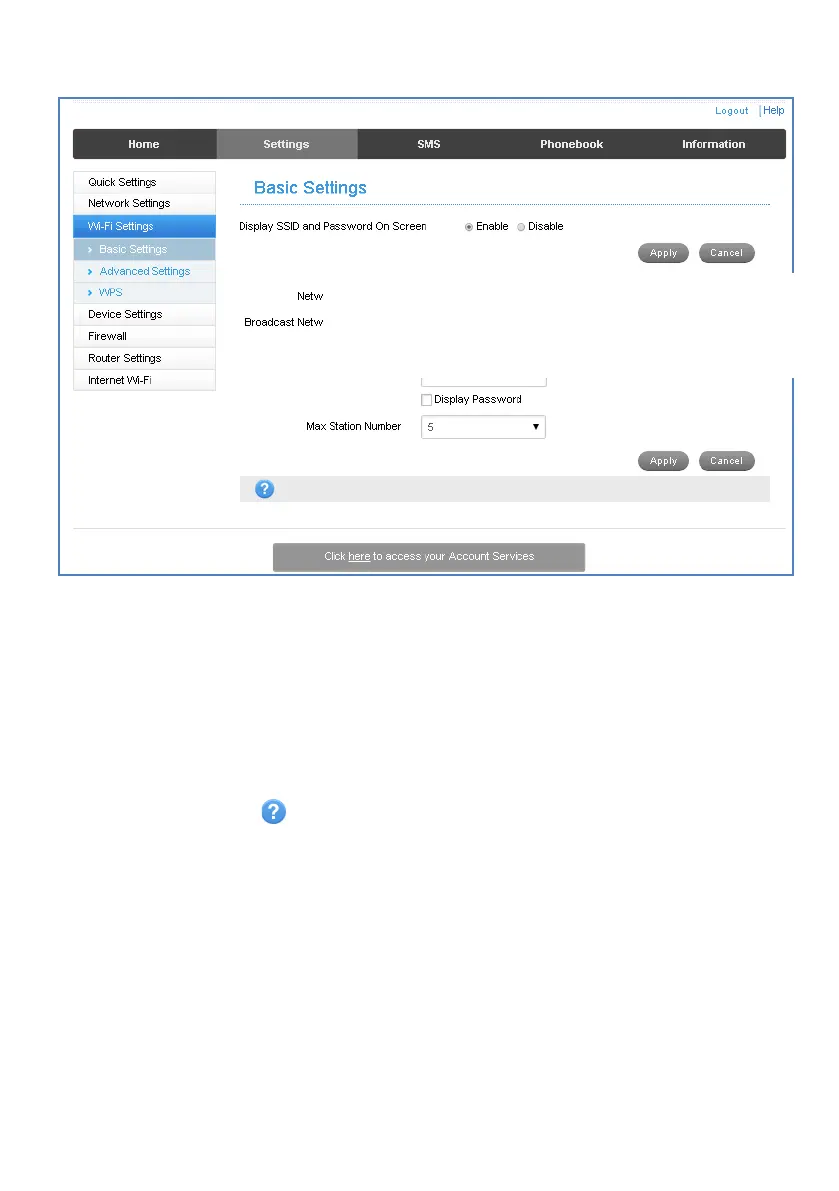
SETTINGS > WI-FI SETTINGS > BASIC SETTINGS:
The SSID is the Wi-Fi Network Name for your device
• You can change the SSID to something more memorable or personal
• You can hide the SSID broadcast so unknown users will not even see your
network
• You can change the security settings and password to suit your own preferences
• You can set the number of available connections between 1 and 10. The default
setting for 5 users is to improve battery life and Wi-Fi data throughput.
• Press Apply to save your changes
• Press the Help icon to get in context tips
• The Wireless Network Name ( SSID) and Wireless Security key (WPA)
information can also be accessed by accessing the device home page while the
device is connected to a computer via USB













 To Next Page