Page 18 of 31
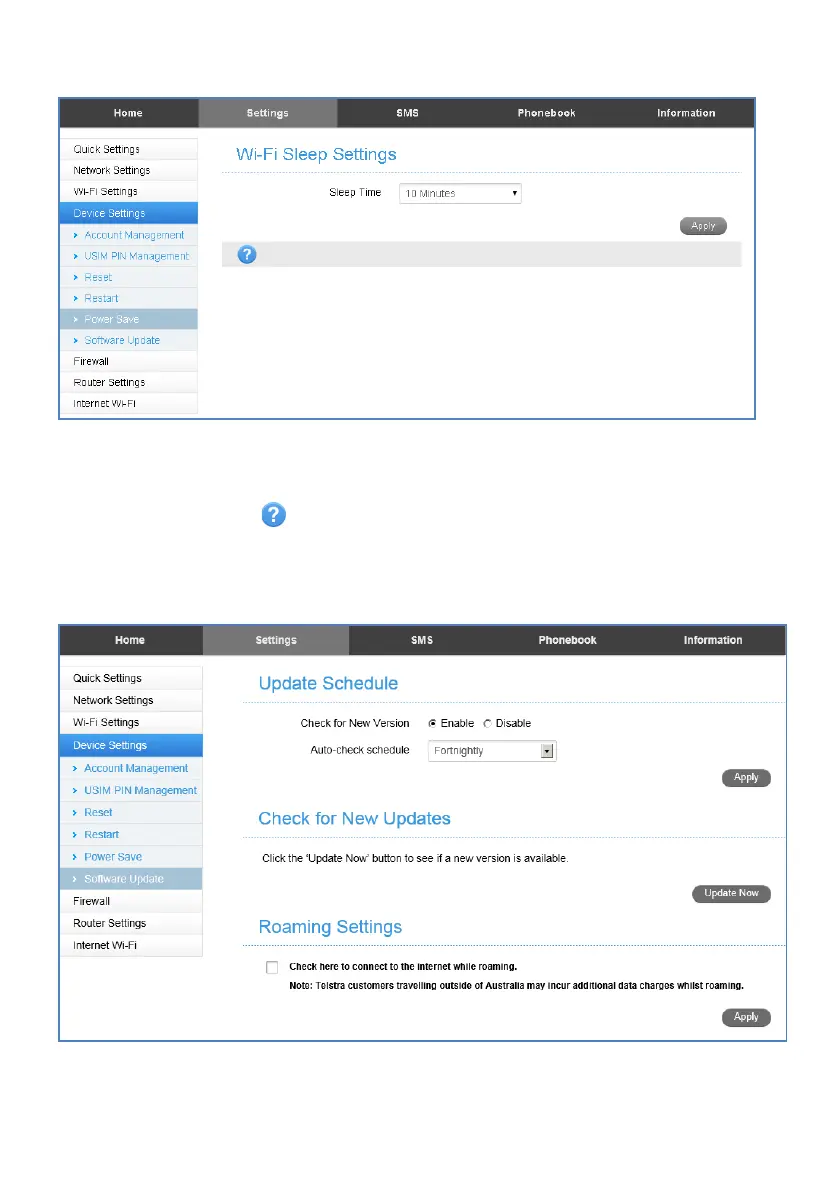
SETTINGS > DEVICE SETTINGS > POWER SAVE
• If there is no Wi-Fi traffic detected then the device will switch off Wi-Fi as
determined by the Wi-Fi sleep setting.
• Set Wi-Fi sleep time to Never Sleep to keep the Wi-Fi always on.
• Press the Help icon to get in context tips
SETTINGS > DEVICE SETTINGS > SOFTWARE UPDATE
• With Check for New Version enabled you are notified in the web user interface if
there is an update available.
• You need to be in the Connected state to download new versions.














 To Next Page