10
• Once the Connection Manager has loaded up
and your service has been activated you will
be able to click Connect Now.
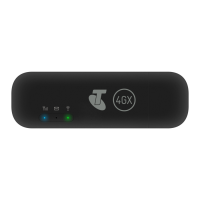
• Whenever your Pre-Paid Telstra USB 4G is
plugged into your computer the Connection
Manager will automatically launch.
Alternatively double click the shortcut on
your desktop.













 To Next Page