7
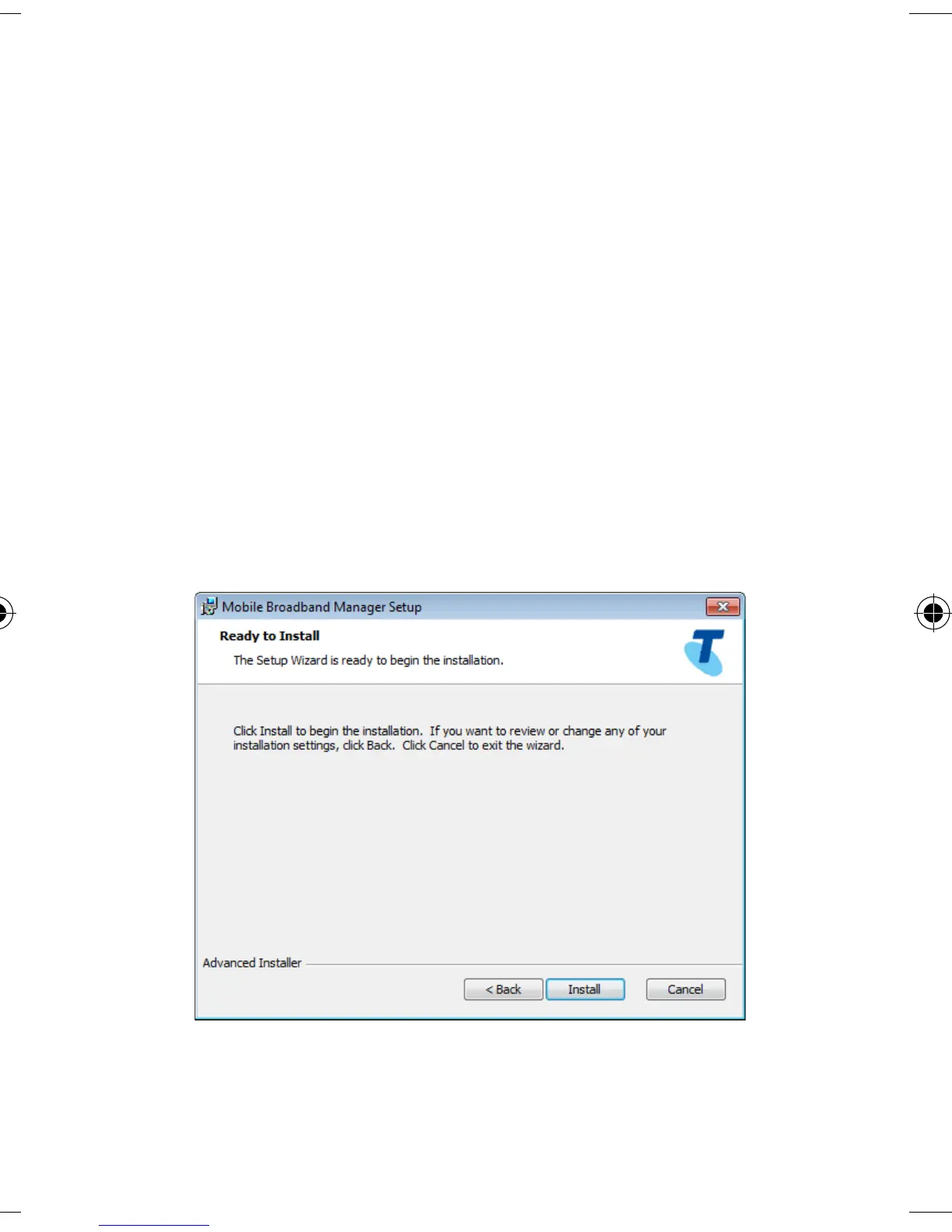
FOLLOW THE PROMPTS TO COMPLETE THE
INSTALLATION
• The Connection Manager software will start
automatically and takes a few minutes to
complete.
• Click next to accept the default location or
click Browse to specify your own path.
• Click Install to start installation.













 To Next Page