EasyManua.ls Logo

Telstra USB 4G - Page 33

Telstra USB 4G
38 pages
Print Icon
To Next Page IconTo Next Page
To Previous Page IconTo Previous Page
Loading...
32
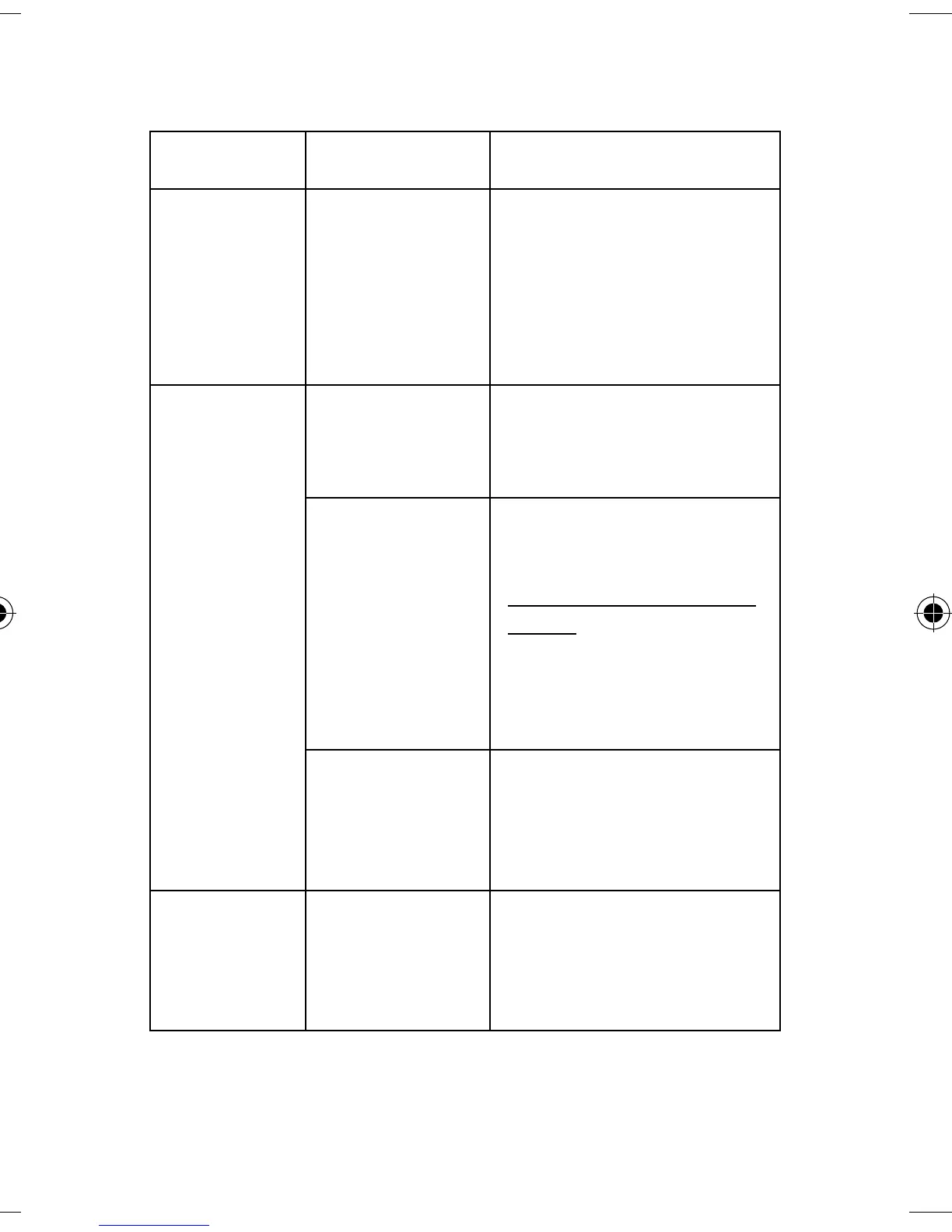
Problem
Possible
Causes
Suggested Solution
The user
interface
doesn’t
start after
the USB
device is
plugged in
PC
configuration
is not correct.
(No Autorun)
Start the program
manually by going Start
> Program Files or use
the shortcut on the
desktop.
The USB
device has
no signal
The antenna
is at the
wrong angle
or position.
Adjust the angle and
position of the USB
device.
You have no
network
coverage.
Try moving location until
you get good reception.
Visit
telstra.com/mobilebbco
verage to check if you
are covered or consider
purchasing an external
antenna from your
service provider.
You have not
entered your
PIN number at
start up.
Restart the application
and enter your PIN
number. If the PIN is
invalid you cannot
connect to the network.
Data
connection
failed
You have no
network
coverage
Try moving location until
you get good reception.

Related product manuals