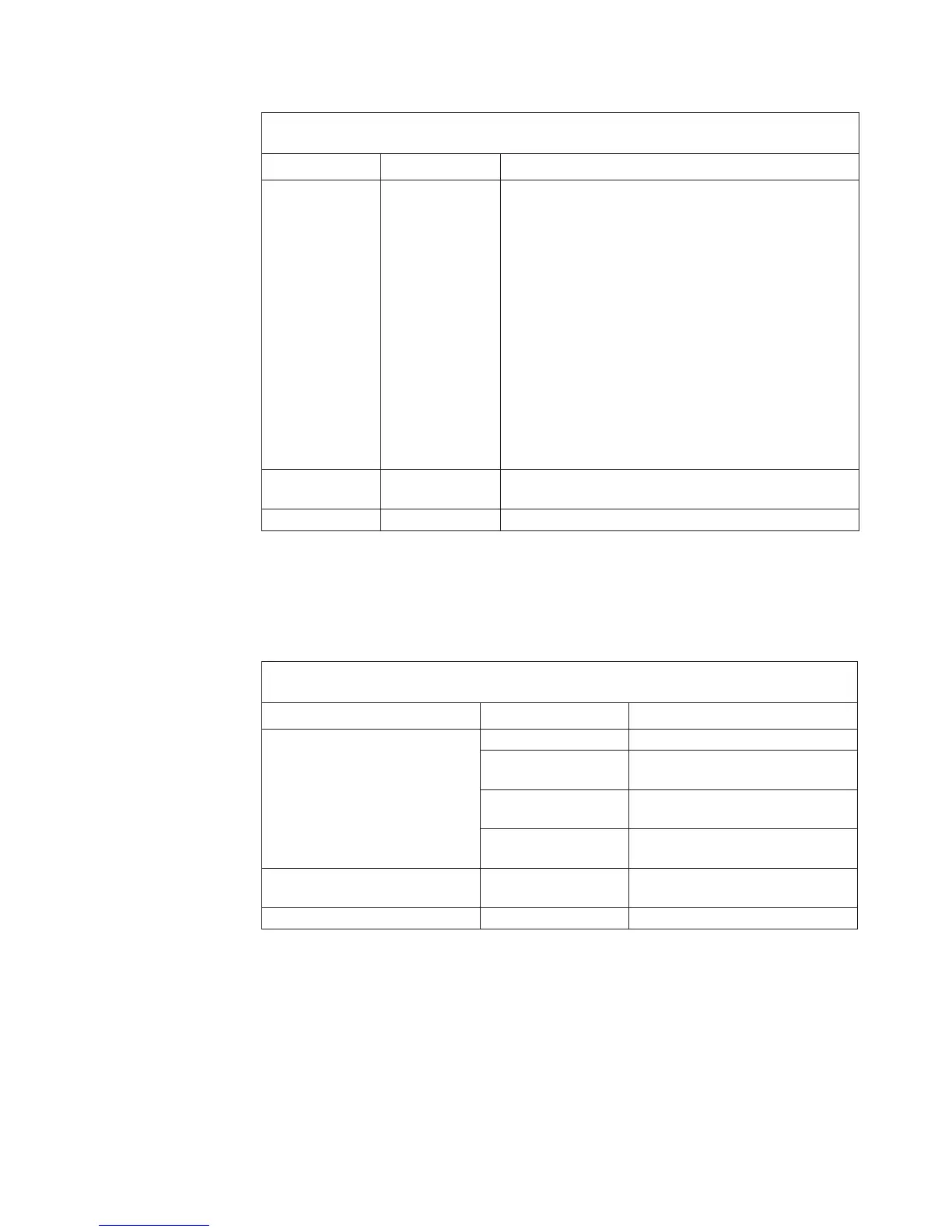
Table 1 Front Panel Switch Functions
Position Label Functions
Top MAN/RING Momentary contact position with multiple uses:
(1) Restore defaults: Within 1 second of turning power
ON, press and hold for 5 seconds to clear all
programming and restore default options. Release after
the POWER light turns ON.
Caution: Do not use the MA N/RING feature at power
up.
(2) Manual ring: With Line 1 on-hook, press and hold to
ring Line 1. Ringing continues until the switch is
released.
(3) Programming mode: With Line 1 off-hook, and all
other lines on-hook, press and hold for 1 second to
place the TLS-4A in programming mode.
Center ON POWER ON (Press and release the top portion of the
switch.)
Bottom OFF POWER OFF
LED Operation
The table below explains how the LEDs on the TLS-4A front panel operate and
what the different blinking patterns indicate.
Table 2 LED Indicators
Indicator State Description
Line 1—Line 4 ON Line is off-hook
Flashing (fast
on/off)
Line is ringing
Blinking (slow
on/off)
Programming mode: Line is
selected for programming
Half brightness During dialing, indicates that a
valid DTMF digit is present
PWR Slow blinking Power is present and processor
is running normally
AUDIO ON Audio control lead is on
Reference Manual Chapter 1: Overview
40-400-00033, Rev. C
Page 3



 To Next Page