Page 10 of 16 Edition 1.2 (0608)
Commercial Programmable Mode
Your commercial programmable thermostat is able to be programmed by you, to automatically
control the desired office heating and cooling temperatures.
2 times per day, 7 days per week a separate heating and/or cooling temperature can be
programmed by you into the thermostat. When the programmed time arrives your thermostat
will automatically use the programmed desired heating and cooling temperature to automatically
control your office air conditioning system. These programmed temperatures will remain active
until the next pre-programmed time arrives or until you override these temperatures manually or
until you activate the 2 hour after hour run timer.
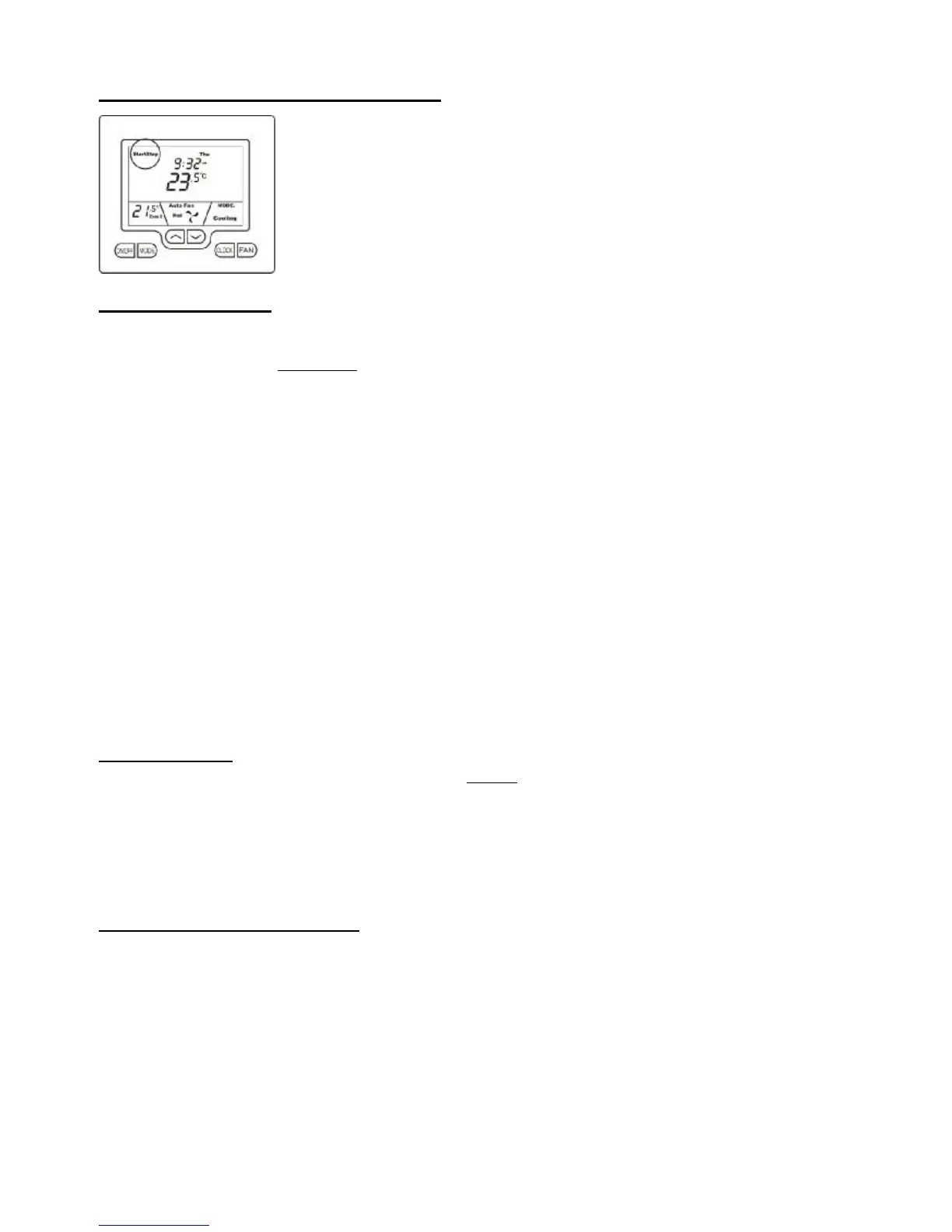
The Buttons Explained
On/Off – After hours Override (or Zone Select if function is installed)
Quickly press the On/Off button to turn the TZT-701 thermostat On where it will run your temperature control program. To turn
the TZT-701 thermostat OFF, press & hold this button for 2 seconds until the word “OFF” is displayed in the LCD.
If zoning is enabled - Tap the On/Off button to cycle between Zone 1 only, Zone 2 only then both zones.
If zoning is disabled - Tap this button to toggle the “2-hour”, after hours run timer on or off.
Mode
Tap this button to cycle the TZT-701 thermostat through the available modes, Heat only, Cool only, Fan Only, or Auto change
over mode. See 4 of this manual for more information on Modes.
Up (p)
Use this button to increase the desired room temperature for the heating or cooling modes, or increase a “value” in programming
modes. Also used to force override the pre-programmed temperatures and temporarily replace them with a new set temperature.
Down (q)
Use this button to decrease the desired room temperature for heating or cooling modes, or decrease a “value” in programming
modes. Also used to force override the pre-programmed temperatures and temporarily replace them with a new set temperature.
Clock
Tap the clock button to begin setting the clock. Press and hold the button for 2 seconds to begin programming your daily events.
Fan
Single Speed Fan -. Tap this button to cycle between Continuous Fan (Fan ON) and Auto Fan.
Three Speed Fan – Tap this button to cycle between Low, Medium, High & Auto Fan speeds.
Press and hold this button for 5 seconds to toggle between Continuous Fan (Fan ON) and Auto Fan.
Setting The Clock
Your TZT-701 thermostat is fitted with a real time clock. It is essential that the clock time and day are set accurately if you want
your programmed events to start on time.
To set the clock, tap the clock button. The LCD will show the Hours Digit flashing. Use the up (p) or down (q) button to adjust
the hours to the correct time (note the AM / PM symbol) Tap the clock button again and now the minute’s digits will flash.
Adjust this value using the up (p) or down (q) button to show the correct minute. Tap the Clock button again and now the week
day flashes, again use up (p) or down (q) button to set this value to the correct day of the week. Tap the clock button again to
exit the clock set function.
Programming Your 2 Daily Events
The TZT-701 thermostat is an individual 7-day programmable thermostat. For each day of the week you are able to have 2 time
schedules or programmed events occur. These events are named “Start” and “Stop”. The “Start” event sets the time you wish
your Air Conditioning to start at the beginning of the day. You can program heating and cooling temperature set points
corresponding to the start event.
The “Stop” event is used to set the heating and cooling temperatures at the end of the working day. The programmable options
include “OFF”, or simply set a more economical temperature than your “Start” temperature to prevent your office over-heating
or becoming to cool at during the night.
You can have the Start and Stop events occur at a different time each day along with different heating and cooling set
temperatures for each event. The standard heating set point temperature range is between “OFF” and 30°C in 0.5°C steps. You
are able to set a cooling set point temperature between 15°C and 36.5°C, and then “OFF”.



 To Next Page