Edition 1.2 (0608) Page 9 of 16
Option 2 - Copy Program – To copy the values you have just set to other days of the week.
Rather than taping the Clock button now, tap the up (p) or down (q) buttons to “TAG” each additional day you wish to copy
the currently set days program to. When you have finished “Tagging” the days you desire press the Clock button to initiate the
copy process. The word “Copy” will flash briefly to confirm the copy process and your current days values will be copied to the
days selected. Normal programming will resume at the next day to be programmed.
Programming the Zones (If Enabled)
Your TZT-701 thermostat can automatically change the Active Zones at pre set times (if enabled by the installer). For example,
this feature permits the TZT-701 thermostat to automatically switch the bedroom zone ON when the “Sleep” event starts, or to
automatically switch the unoccupied upstairs zone OFF during the day. This has the benefit of reducing energy costs while still
maintaining a comfortable living environment in the occupied areas of your home. Naturally, these settings can be overridden at
any time by tapping the on/off button to manually select active zones as described on page 14 of this manual.
Temporary Temperature Override
This permits a temporary change to your event temperatures, just for today and only until the next programmed event starts. For
example, you may have guests visiting that would like it a little warmer or cooler than you would normally have the thermostat
set, or you may find yourself at home when normally you would be away from your home, possibly a sick day for example.
Simply press and hold the up (p) or down (q) buttons for 3 seconds. The TZT-701 thermostat display will change to show the
word “SET”, and the active set point for the current mode. (Heating, Cooling or Auto modes) as you hold the up (p) or down
(q) buttons the current set point will change.
If Auto mode is selected, after adjusting the Heat set point wait without touching a button for 3 seconds for the TZT-701
thermostat display to change to show “Cool” and “SET” and your current set cooling temperature. If desired change this value
with the up (p) or down (q) buttons. Again wait for 3 seconds to exit the temporary overridden programmed mode. The LCD
will now show “Override” and your new temporary setting will be in use until the next programmed event change occurs.
Should you need to cancel a temporary override, simply press and hold the up (p) AND (q) buttons for a few seconds. The
word “Override” will disappear from the LCD and your pre-programmed settings will be restored.
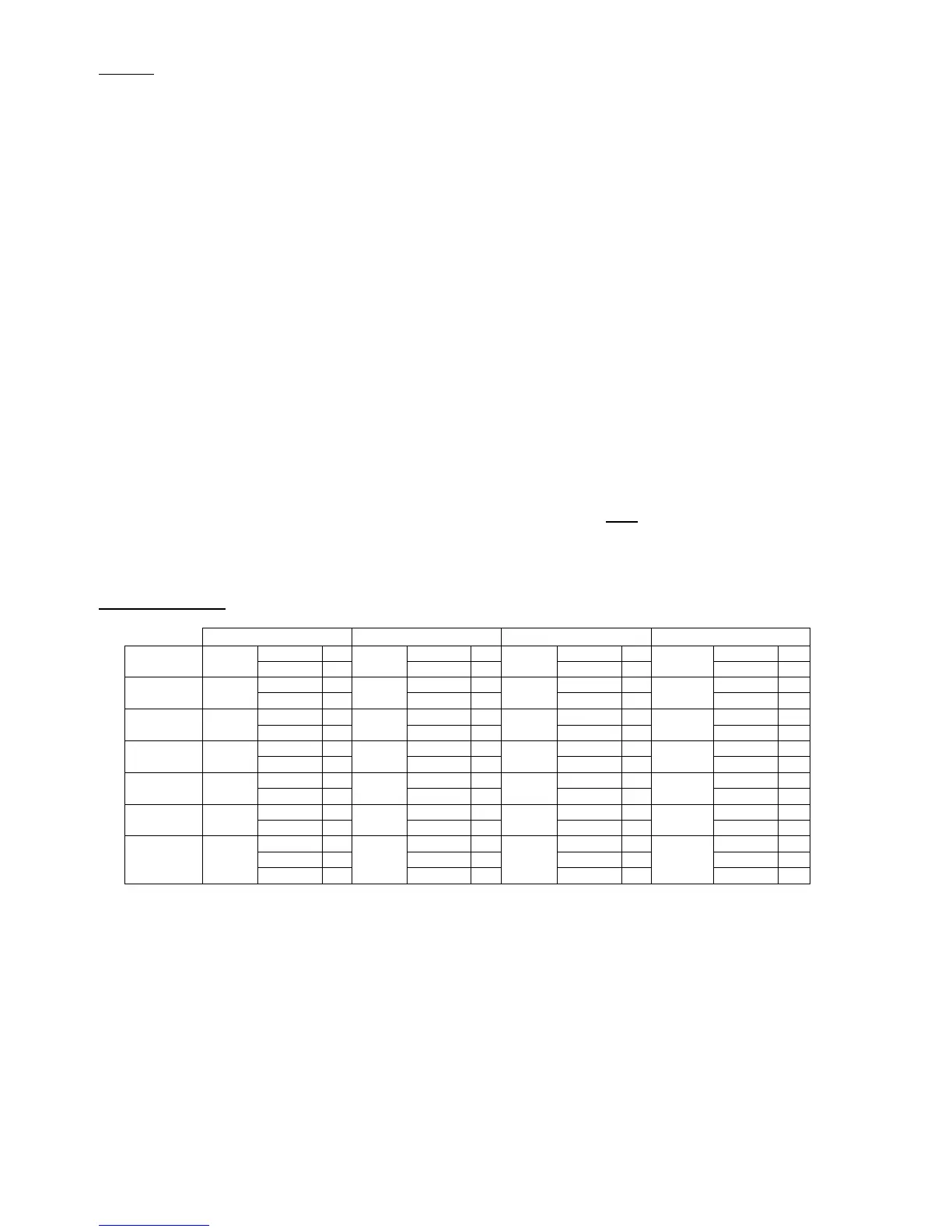
Default Program
Wake Leave Return Sleep
Heating 18 Heating 10 Heating 20 Heating 12
Monday 7:00am
Cooling 25
8:30am
Cooling 30
5:00pm
Cooling 25
10:00pm
Cooling 30
Heating 18 Heating 10 Heating 20 Heating 12
Tuesday 7:00am
Cooling 25
8:30am
Cooling 30
5:00pm
Cooling 25
10:00pm
Cooling 30
Heating 18 Heating 10 Heating 20 Heating 12
Wednesday 7:00am
Cooling 25
8:30am
Cooling 30
5:00pm
Cooling 25
10:00pm
Cooling 30
Heating 18 Heating 10 Heating 20 Heating 12
Thursday 7:00am
Cooling 25
8:30am
Cooling 30
5:00pm
Cooling 25
10:00pm
Cooling 30
Heating 18 Heating 10 Heating 20 Heating 12
Friday 7:00am
Cooling 25
8:30am
Cooling 30
5:00pm
Cooling 25
10:00pm
Cooling 30
Heating 18 Heating 18 Heating 20 Heating 12
Saturday 8:00am
Cooling 25
8:30am
Cooling 30
5:00pm
Cooling 25
10:00pm
Cooling 30
Heating 18 Heating 18 Heating 20 Heating 12
Cooling 25 Cooling 30 Cooling 25 Cooling 30
Sunday 8:00am
8:30am
5:00pm
10:00pm



 To Next Page