Rev. 00 / 10.02.14
2.3.2 Instrument Panel
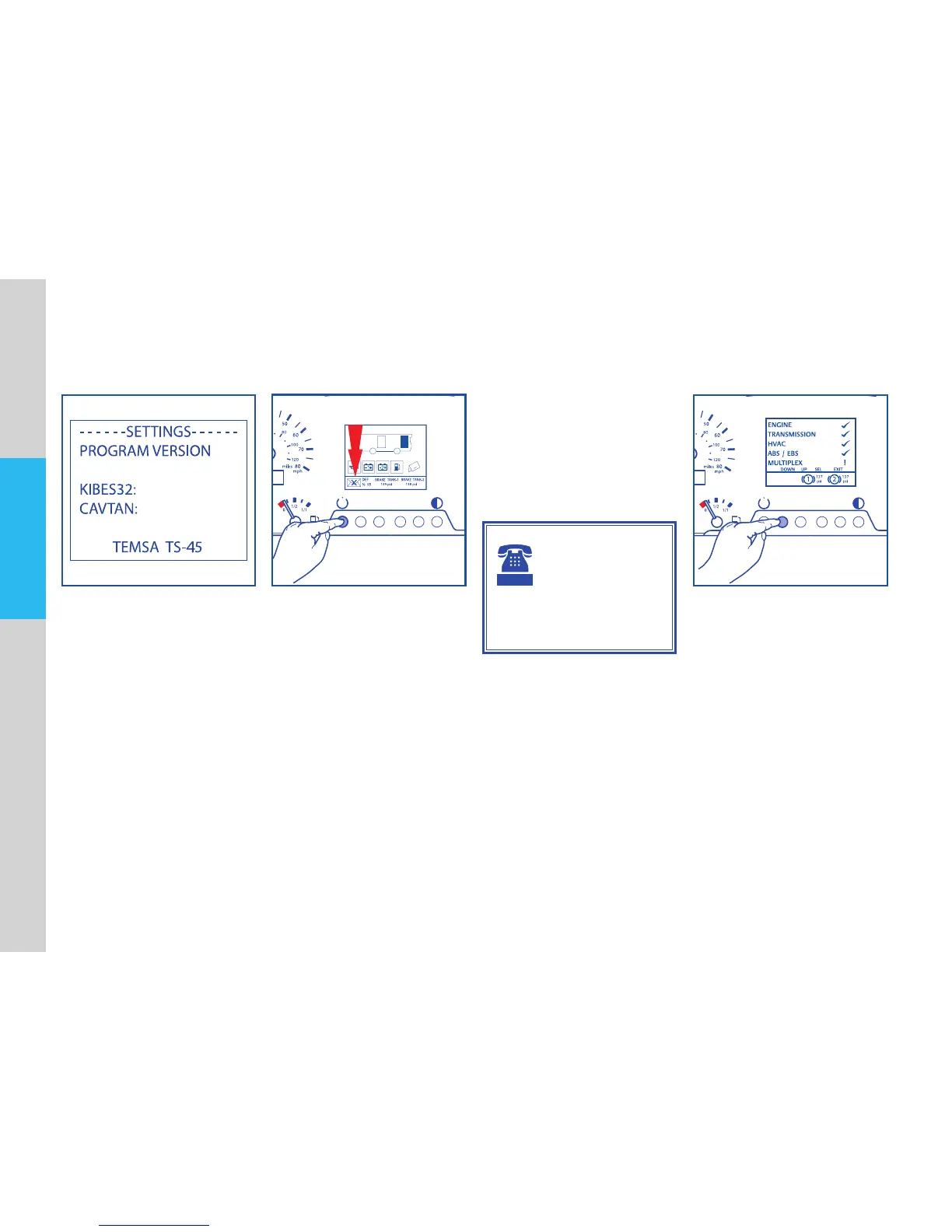
Information Menu Fault Message Menu
Holdbutton“5”todisplayinforma-
tionaboutthevehicle.
In case of malfunction, envelope
icondisplayedwithanumberthat
signierhowmanyfaultmessage
exist.Holdbutton “1”afewsec-
ondstodisplayfaultmessagemenu.
Ifanenvelopewith“x”markdis-
played,thismeansnomalfunctions.
CONSULT
AUTHORIZED
SERVICE
If warning panel is
nonoperational,donotdrive
andconsultauthorizedTEMSA
Service.
InaccordancetomalfunctionWarn-
ingLampIorWarningLampIIlocat-
edonmainwarningpanelalsolight
upincaseofamalfunction.
Andanaudiblewarningisgivento
driverwithsomemalfunctions.
Diagnose Menu
Holdbutton“2”afewsecondsto
reachdiagnosescreen.
Usewarningpanelbuttonstoshift
betweenthediagnosescreencon-
tent. Button functions are stated
below:
Button2:Down
Button3:Up
Button4:Select
Button5:Exit



 To Next Page