5
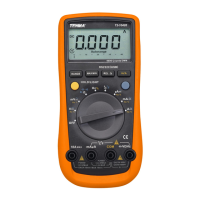
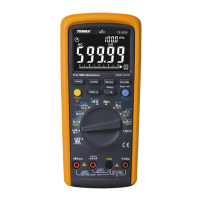
FUNCTION SELECTION & BUTTONS
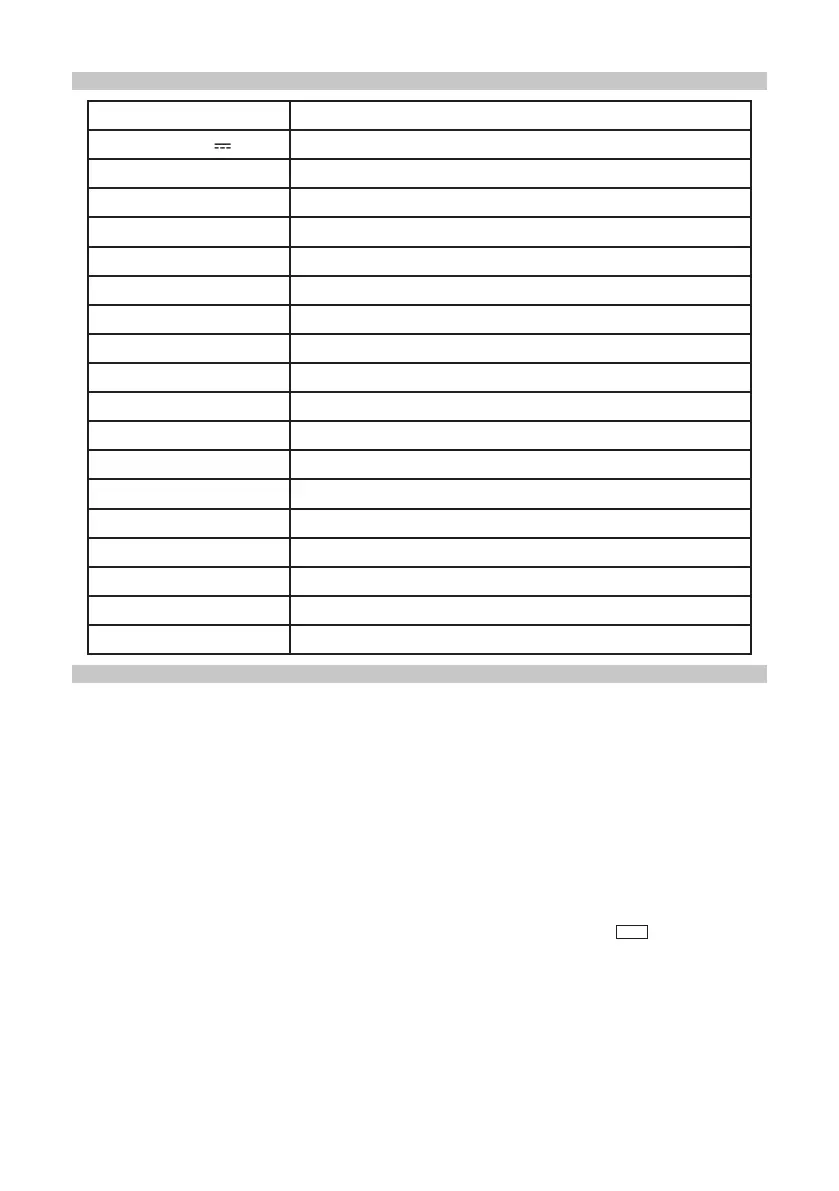
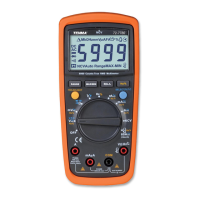
Function Knob Description
V~ V AC/DC Voltage measurement
LoZ AC low impedance voltage measurement
Ω Resistance measurement
nS Conductivity measurement
Diode PN junction voltage measurement
Circuit on-off measurement
Capacitance measurement
Hz Frequency measurement
% Duty ratio measurement
% (4-20mA) For measurement on (4-20mA) current transducer only
°C °F Temperature measurement
µA~ mA~ 10A~ AC/DC measurement
AC+DC (AC + DC) measurement
600A ACA/DCA current calipers measurement
Output Square-wave output measurement
NCV Non-contact AC voltage sensing
Built-in lithium battery charging gear
OFF Power supply is off
BUTTONS
RANGE button
• Press to switch from automatic to manual range (the “Auto” prompt will disappear
from the LCD).
• A single press results in one gear of range upwards.
• After reaching the highest gear of the range, press to jump to the lowest gear of
the range and circulate in sequence.
• Press and hold the button for more than 2 seconds or rotate for switchover and it
will exit the mode of manual range.
STORE button
• Press the button to save a piece of data and the LCD will ash “ ”.
• Press and hold the button to enter the automatic storage setting menu.
• In the automatic storage setting menu, when the auxiliary display shows “SET.1”, it
is advised to set the interval for automatic storage (1~240) in the unit of seconds.
• Press HOLD to exit the setting.
• Press SELECT to enter the next interface and the auxiliary display shows “SET.2”.
It is advised to set the duration for automatic storage in the unit of minutes.
• Short press HOLD to return to SET.1 and press the SELECT button to start the
function of automatic recording based on the parameters set.
STO
*


 To Next Page