10
Functions Menu Setup Notes
Trigger Video Set video trigger as trigger type.
Trigger source
A
B
Alternate
Set A as the signal source trigger signal.
Set B as the signal source trigger signal.
A and B trigger their individual signals respectively.
Standard trigger
PAL
NTSC
Suitable for PAL video signals.
Suitable for NTSC video signals
Synchronisation
All lines
Specied lines
Odd eld
Even eld
Set the TV line to synchronize with trigger.
Set synchronized trigger on the specied line and
adjust with the jog dial.
Set the video odd eld to synchronized trigger.
Set the video even eld to synchronized trigger.
Pulse Trigger
• When the pulse width of the trigger signal reaches a preset trigger condition, trigger
occurs.
• Pulse trigger means determining the triggering time based on the pulse width. You
can acquire abnormal pulse by setting the pulse width condition.
Video trigger : Carry out eld or line trigger with NTSC or PAL standard video signals.
Function
Setup Explanation
Trigger Pulse Set edge as the trigger type.
Trigger
source
A
B
Alternate
Set Channel A as the signal source trigger signal.
Set Channel B as the signal source trigger signal.
A and B trigger their individual signals alternately.
Trigger
setup
Trigger
mode
Auto
Normal
Single
Set to acquire waveform only if no trigger is detected.
Set to acquire waveform only if trigger condition is satised.
Set to acquire one waveform when one trigger is detected,
then stop.
Trigger
coupling
AC
DC
H/F Reject
L/F Reject
Intercept AC and DC quantities of the input signal.
Intercept DC quantities of the input signal.
Suppress low frequency quantities below 80kHz of the signal.
Suppress high frequency quantities above 80kHz of the signal.
Pulse
width
40ns – 6.40s Set pulse width with the jog dial.
Pulse
width
setup
Pulse width
condition
=
<
>
Trigger occurs when pulse width equals to the set value.
Trigger occurs when pulse width is smaller than the set value.
Trigger occurs when pulse width is larger than the set value.
Pulse width
polarity
Positive
Negative
Set the positive pulse width as the trigger signal.
Set the negative pulse width as the trigger signal.
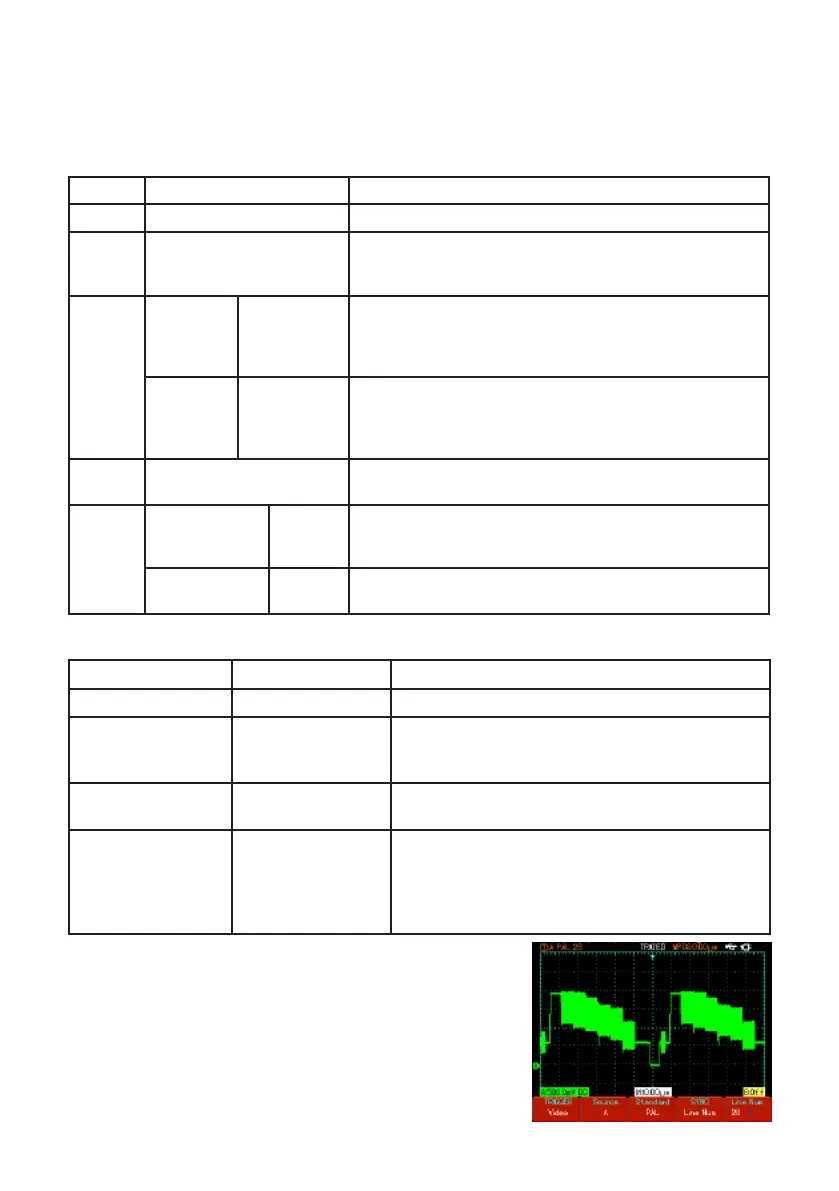
• When PAL is selected for standard format and
synchronization mode is “specied line”, you will see
a screen display as shown.



 To Next Page