EasyManua.ls Logo

Tennant T20 - User Manual

Tennant T20
120 pages
Print Icon
To Next Page IconTo Next Page
Loading...
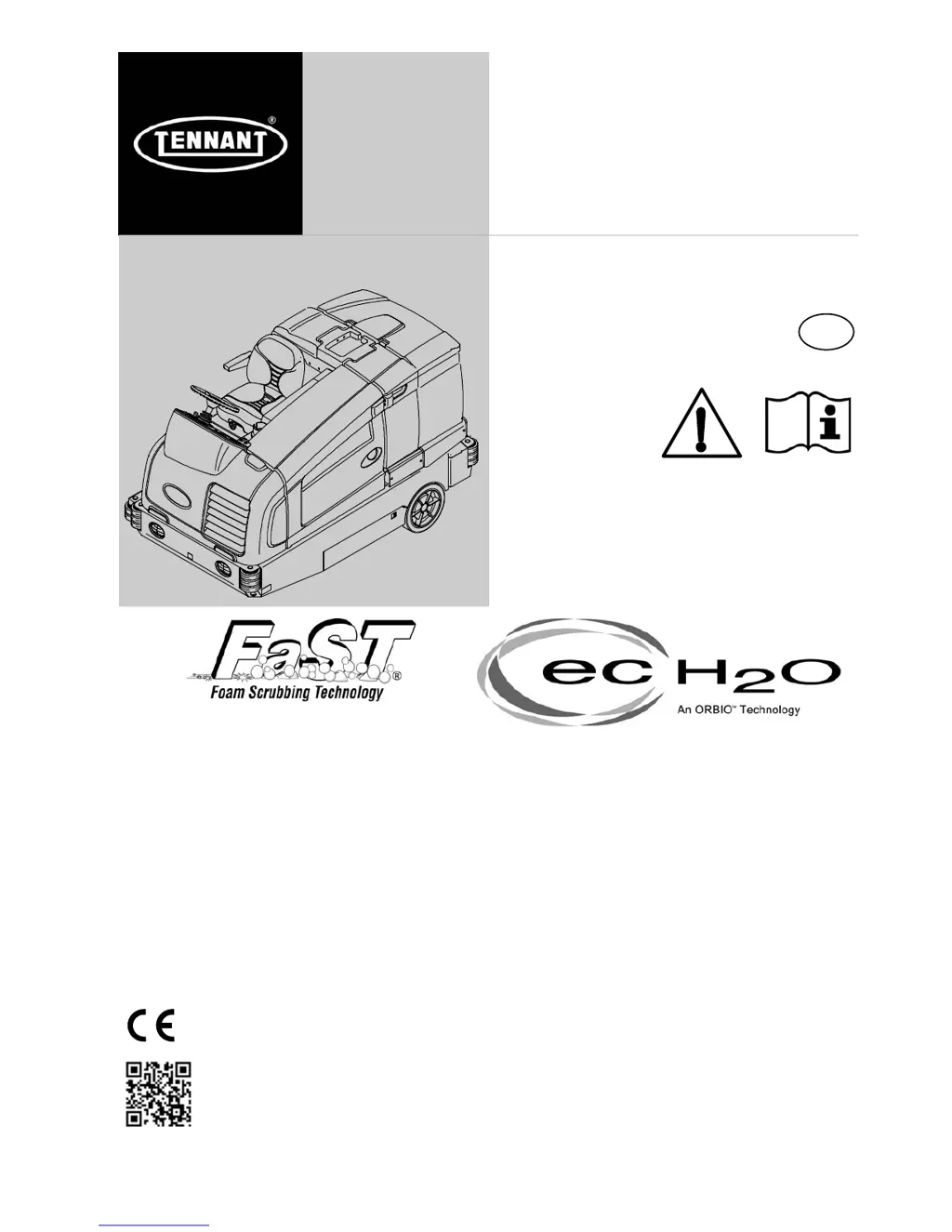
T20
*9016211*
(S/N 1000 )
Rider Scrubber
English EN
Operator Manual
9016211
Rev. 01 (2-2017)
(Gas / LPG)
The Safe Scrubbing Alternative
R
ES
R
Extended Scrub System
TennantTrue
R
Parts
Hygenic
R
Fully Cleanable Tanks
FloorSmart
R
Integrated Cleaning System
IRIS
R
a Tennant Technology
ProPanel Controls
InstaFit Adapter
For the latest Parts manuals and other
language Operator manuals, visit:
www.tennantco.com/manuals
t

Table of Contents

Other manuals for Tennant T20

Questions and Answers

  • L
    lauracarrilloSep 12, 2025
    What to do if the scrub vacuum fan won't turn on in my Tennant Floor Machine?
    • D
      dodsonjesseSep 12, 2025
      If the scrub vacuum fan on your Tennant Floor Machine won't turn on, start by checking if the vacuum fan/squeegee button is activated. If the recovery tank is full, drain it. Foam buildup in the recovery tank can also cause this issue, so empty the tank. You might need to use less detergent or a defoamer to prevent foam. Lastly, inspect the recovery tank sensor for dirt or being stuck; clean or replace it as needed.
  • M
    Michael LewisAug 25, 2025
    How to fix trailing water or poor water pickup with my Tennant Scrubber?
    • A
      Ashley RoblesAug 25, 2025
      If your Tennant Scrubber leaves water behind or isn't picking it up well, several factors could be the cause. First, ensure the vacuum fan is turned on. Check the squeegee blades for wear and rotate or replace them if needed. Adjust the squeegee if it's out of alignment. Make sure there's detergent in the solution tank to prevent squeegee chatter. Also, inspect for clogs in the vacuum hose or a dirty vacuum screen and clear them. Other potential issues include worn recovery tank cover seals (replace them), debris caught in the squeegee (remove it), a disconnected or damaged vacuum hose (reconnect or replace), or a recovery tank cover that isn't completely closed (check for obstructions and close properly).
  • S
    Sarah RiddleAug 25, 2025
    What to do if my Tennant T20 Scrubber has poor scrubbing performance?
    • D
      Debra SmithAug 26, 2025
      If your Tennant Scrubber's scrubbing performance is lacking, there are several possible reasons. First, make sure the 1-STEP button is on. Check if the solution tank is empty and fill it if necessary. Also, inspect the main brushes for any caught debris and remove it. If the brushes are worn, replace them. Finally, the brush pressure might be set too low; increase it to improve scrubbing.
  • M
    Misty CrawfordSep 23, 2025
    What to do if ES System does not operate in Tennant Floor Machine?
    • J
      Jessica SantiagoSep 23, 2025
      If the ES system on your Tennant Floor Machine isn't operating, ensure the ES button is turned on. Check the ES sensor in the tank for dirt and clean it if necessary. Also, inspect the ES pump filter for clogs and clean the filter. Make sure the water level in the recovery tank and solution tank is adequate; fill the recovery tank about half full and the solution tank completely.
  • L
    lindseychristopherSep 12, 2025
    Why does the ec?H2O system indicator light blink red and the alarm sound on my Tennant T20?
    • T
      Tracy McclainSep 12, 2025
      If the ec?H2O system indicator light blinks red and the alarm sounds on your Tennant Scrubber, it could be due to mineral deposit build-up in the module. Flush the module. If the indicator light starts flashing within 1–10 seconds, repeat the flush procedure. If the indicator light starts flashing after a minute of scrubbing, the water may have low conductivity. In this case, add 8ml of salt to every 40 L of water.
  • D
    daniel21Sep 18, 2025
    Why is the ES System not working on my Tennant Floor Machine?
    • R
      Rachel MoralesSep 18, 2025
      If the ES system on your Tennant Floor Machine isn't operating, first check that the ES button is turned on. Ensure the ES sensor in the tank is clean. Clean the ES pump filter. Verify that the water level in the recovery tank is at least half full and that the solution tank is adequately filled.
  • R
    Roger GrantSep 5, 2025
    Why is the ES System not operating on my Tennant T20 Scrubber?
    • T
      Todd WalkerSep 6, 2025
      If the ES system on your Tennant Scrubber isn't operating, first check that the ES button is turned on. A dirty ES sensor in the tank could be the problem, so clean the sensor. Also, a clogged ES pump filter can cause issues, so clean the ES filter. Ensure the water level in the recovery tank isn't too low; fill it about half full. Finally, check that the water level in the solution tank isn't too low; fill the solution tank.
  • D
    Daniel WilliamsSep 6, 2025
    What to do if FaST System does not operate in Tennant T20?
    • A
      amy05Sep 6, 2025
      If the FaST system on your Tennant Scrubber isn't working, first ensure the FaST button is turned on. Check for clogs in the FaST--PAK supply hose and connector, cleaning them in warm water if necessary. Verify that the FaST--PAK carton isn't empty or disconnected, replacing or connecting it as needed. The system may also need priming; operate it for a few minutes to prime it. Lastly, check the filter screen for clogs and clean it after draining the solution tank.
  • K
    Kara RiceSep 18, 2025
    Why is there no water flow in my ec-H2O Tennant Floor Machine?
    • E
      Eric BradleySep 19, 2025
      If there's no water flow in your ec-H2O Tennant Floor Machine, contact Service Center if the module is clogged. Otherwise, replace the solution pump if it is defective or clean the filter screen if it's clogged.
  • M
    Michael HarperAug 30, 2025
    Why is there little or no solution flow to the floor in my Tennant T20 Scrubber?
    • S
      Sarah SimpsonAug 30, 2025
      If there's little to no solution flow to the floor in your Tennant Scrubber (in Conventional Scrubbing Mode), the solution tank might be empty; fill it. The solution flow could be turned off; turn it on. Alternatively, the solution supply lines might be plugged; flush them.

Summary

SAFETY PRECAUTIONS

Important Safety Instructions

General critical safety warnings and guidelines for machine operation.

Safety Labels and Warnings

Details specific warning labels and their meanings found on the machine.

OPERATION

Controls and Instruments

Describes the machine's main controls and dashboard layout.

Standard Touch Panel Controls

Details the functions and buttons of the standard touch panel interface.

Pro-Panel Controls

Details the functions and buttons of the advanced Pro-Panel interface.

Completing the Pro-Check Pre-Operation Checklist

Procedure for the mandatory pre-operation check.

Pre-Operation Checklist

Detailed checklist before starting machine operation.

Scrubbing Procedures

Detailed steps for performing scrubbing operations.

Faults and Alerts

Understanding and addressing machine faults and alerts.

Machine Troubleshooting

Guidance for resolving common operational problems.

MAINTENANCE

Maintenance Chart

Schedule and responsibilities for maintenance tasks.

ec-H2 O Module Flush Procedure

Steps to flush the ec-H2O system.

SUPERVISOR CONTROLS

Pro-Panel Supervisor Controls Overview

Features and benefits of supervisor mode.

Entering Supervisor Mode

Steps to access and navigate supervisor functions.

Supervisor Setting Screen and Icons

Navigating supervisor menus and understanding interface elements.

Adding and Editing User Profiles

Managing operator and supervisor profiles and permissions.

Login Management and Touch Calibration

Configuring user login and calibrating the touch screen.

Exporting Checklists

Saving operational checklists to a flash drive.

Checklist Setup

Customizing pre-operation checklist items and intervals.

Disabling; Enabling the Pre-Operation Checklist

Controlling the visibility of the pre-operation checklist.

Changing Rear View Camera Settings

Adjusting camera display duration.

Programming Zone Control Buttons

Customizing preset scrubbing/sweeping settings.

Setting; Changing the Date and Time

Adjusting system date and time.

Tennant T20 Specifications

General IconGeneral
BrandTennant
ModelT20
CategoryScrubber
LanguageEnglish

Related product manuals